What it looks like
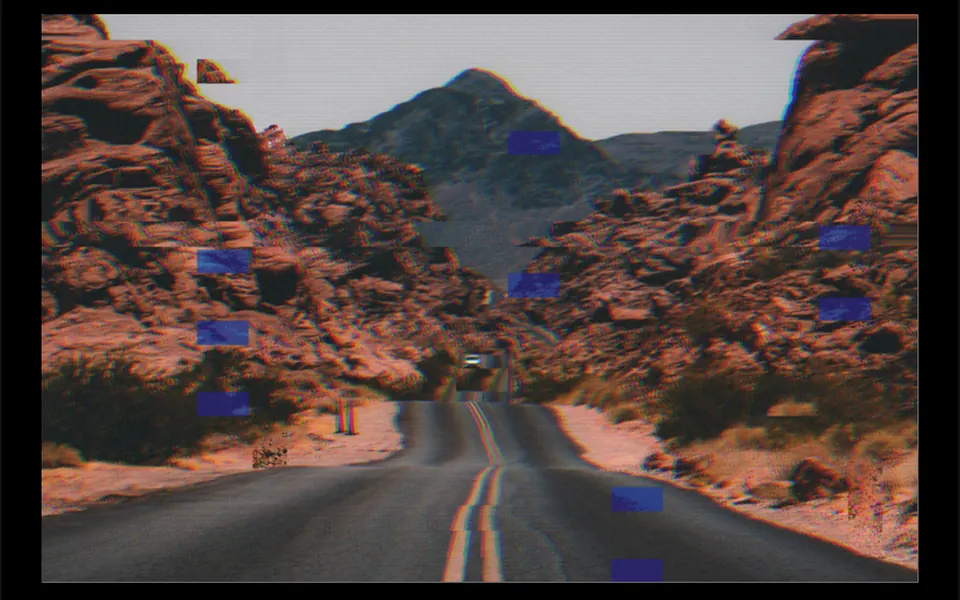
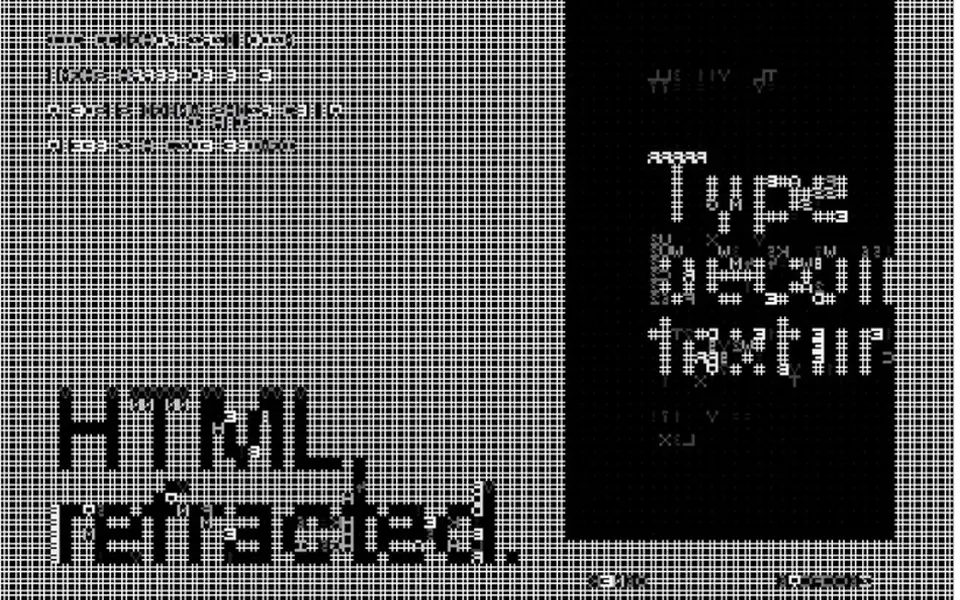
It recalls an old 3D photo seen without the colored-lens glasses. With the cursor resting in the middle of the surface, the content looks normal. Move the mouse toward an edge and the red channel slides toward the pointer while the blue one slides the opposite way, opening colored fringes along the outlines of text and shapes, and the split grows the farther the pointer is from the center. The motion follows the mouse with a slight, smooth lag. When the cursor leaves, the colors gradually settle back together. The maximum split strength is adjustable.
You may be looking for this if you asked for something like
- colors that split apart when I hover over the headline
- text with red and blue edges, like a TV glitch
- that 3D image without the glasses effect on my website
- make the hero look like a digital glitch that reacts to the cursor
- a chromatic aberration effect on HTML
- a VHS or broken screen look controlled by the mouse
Also known as
- chromatic aberration
- RGB split
- RGB shift
- glitch effect
- color channel split
- anaglyph effect
When to use
- Experimental heroes for studios, agencies and fashion brands
- Prototypes for music, gaming or digital culture sites
- Concept demos in design or technology talks
When to avoid
- Client production work: it relies on an experimental browser API, as the prompt itself warns
- Text people need to read with the mouse nearby, since the fringes tire the eyes
How to ask your AI
Build a hero prototype with WebGL2 chromatic aberration over live HTML: red and blue split apart as the cursor moves away from the center, paused off screen, with a static version for reduced motion and plain HTML without support.
With THM Componentes, you paste the full prompt from the catalog together with this component's code, and the AI reproduces this exact effect instead of improvising.
Questions about Anáglifo
Does Anáglifo work on phones?
In a limited way. Anáglifo uses pointer events, so touching and holding the surface splits the colors toward your finger, and lifting it lets everything settle back. Without a roaming cursor, though, the effect shows less. It needs WebGL2, and the THM Componentes prompt asks for a mobile test.
Can I use Anáglifo in production?
It is not recommended. Anáglifo relies on an experimental browser API to draw HTML into a canvas, with a capture of the content as an automatic fallback. The THM Componentes prompt says to use it only in prototypes, never in client production, and the effect also needs the base Crisol component in your project.
Does Anáglifo respect reduced motion settings?
Partly, in its own code. The shared renderer behind Anáglifo pauses the animation loop when the system asks for reduced motion and when it is off screen, but a new frame is still drawn when the pointer moves. The THM Componentes prompt asks your AI for a fully static version in that case.