What it looks like
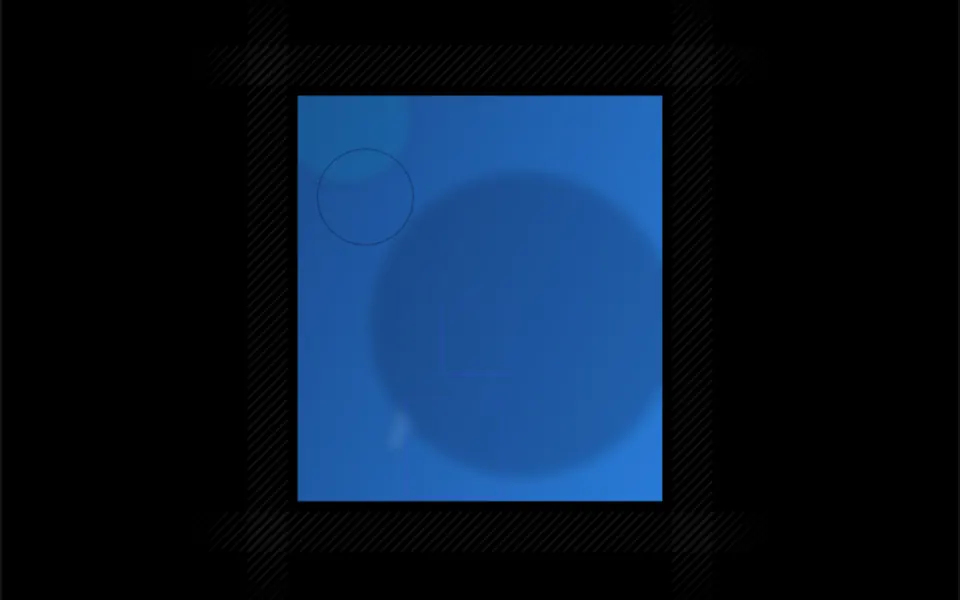
It looks like the hatching in a technical drawing, those parallel lines that fill a cut-away area. One-pixel diagonal lines repeat in a pattern built from 10-pixel tiles, in a very faint color: near-black at 10% opacity in light mode and white at 10% in dark mode. Nothing moves. In the demo, narrow strips of this hatching run along the four sides of a portrait and fade out at the ends, like construction lines around a frame. Whatever you place inside the component sits on top of the texture.
You may be looking for this if you asked for something like
- a background with very subtle diagonal stripes
- a thin line texture behind a section so it does not look flat
- technical drawing style hatching around a card
- a subtle striped pattern that works in dark mode
- a line background that gives an engineering blueprint vibe
- those striped bands you see on developer tool websites
Also known as
- diagonal stripes
- hatch pattern
- fine line texture
- striped background
- pinstripe texture
- stripe pattern
When to use
- Section backgrounds on SaaS and developer tool sites
- A hatched frame around cards, images or code blocks
- Empty areas and placeholders in layouts and prototypes
- A subtle texture to break up flat backgrounds without distraction
When to avoid
- Behind small text, with a line color that is too strong
- When the page calls for motion, since Canelado is completely static
How to ask your AI
I want a CSS-only texture of thin diagonal stripes behind my feature sections and around the cards, with a subtle color taken from my brand tokens, automatic dark mode adjustment and one-pixel lines.
With THM Componentes, you paste the full prompt from the catalog together with this component's code, and the AI reproduces this exact effect instead of improvising.
Questions about Canelado
Does Canelado animate or weigh the page down?
It does not animate. Canelado is a single repeating CSS gradient with no animation JavaScript, and THM Componentes rates it Light. Because it is static, it needs no reduced motion handling and can cover large areas, such as the background of a whole section.
How do I change the stripe color and spacing in Canelado?
Canelado's color prop accepts any CSS color and replaces the default tone, which is near-black at 10% opacity in light mode and white at 10% in dark mode. The size prop sets each repeat in pixels, 10 by default, and orientation picks diagonal, horizontal or vertical.
Where should I place Canelado on the page?
Canelado fills the full width and height of its parent element and puts the slot content on top of the texture. It works as the background of a whole section or, as in the demo, in narrow strips placed around a card, with a mask that fades out the ends.