What it looks like
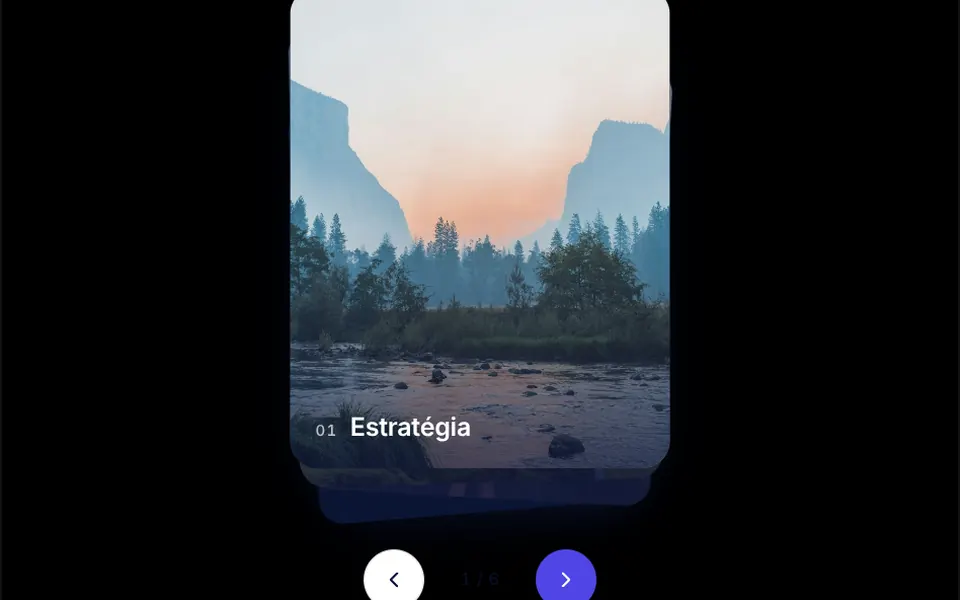
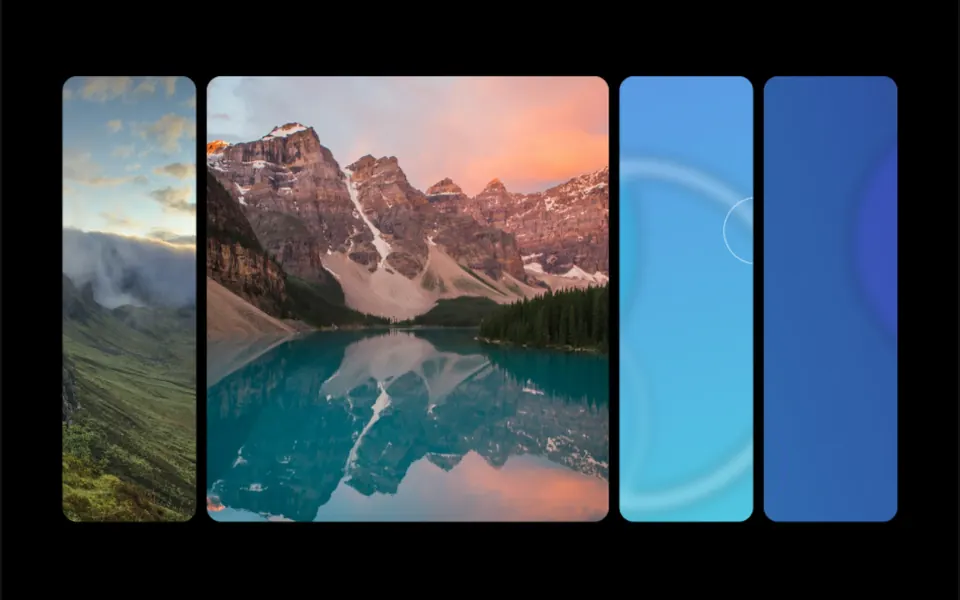
Think of a deck of tall, thin cards fanned out, with a large headline running across the middle and a main photo fixed on the left. On load, the cards slide to the right one after another with a slight spring bounce. At rest, almost all of them show the same placeholder image and only the last one shows its own photo. When you hover a card, it switches to its photo in half a second, the cards to its right move 60 pixels aside and the headline shifts from solid to a gradient where only the ends stay white. The bottom of the stack fades out.
You may be looking for this if you asked for something like
- a big headline with several photos stacked behind it
- photos fanned out like cards that open up when I hover
- a hero with image cards that slide in when the page loads
- show projects as overlapping cards side by side
- text that turns transparent so the photo shows through
- a portfolio opener that feels like a premium product launch
- a stacked collection gallery for the top of the page
Also known as
- photo fan on hover
- image stack hero
- fanned photo cards
- hover image swap
- stacked image reveal
- layered card hero
When to use
- A portfolio or studio opener that shows several works at once
- A fashion, interior or photography collection launch
- A product page with visual variations side by side
- A highlight section with a short, bold headline
When to avoid
- Light backgrounds without changes, since the hover headline uses fixed white
- Long lists: the fan works with a few photos and fills the screen height
- Mobile-first audiences, since the effect was designed for the mouse
How to ask your AI
Create a hero with a fanned card stack behind a large headline: the photos spread out with a spring on load, and on hover the chosen photo appears while the next ones make room. Use my brand colors in the headline, support taps on phones and add a static version for reduced motion.
With THM Componentes, you paste the full prompt from the catalog together with this component's code, and the AI reproduces this exact effect instead of improvising.
Questions about Cartomante
How many photos does Cartomante take?
Cartomante takes a list of photos through the imgSrc prop, plus a main photo and a placeholder image. The demo uses five photos; since each card sits 32 pixels to the right of the previous one, longer lists need smaller spacing or a wider area.
Does Cartomante work on phones?
Cartomante was designed for the mouse. A click toggles the active card, which lets people tap on phones, but the headline uses a smaller font on small screens and the fan has a fixed width. The THM Componentes prompt asks for mobile testing and an LCP and INP comparison before and after.
Does Cartomante respect reduced motion settings?
The original component always animates the entrance and the swaps with a spring. The THM Componentes prompt asks your AI for a static version for people who turn on reduced motion; with Cartomante, a simple option is to show the fan already open and swap photos without sliding.