What it looks like
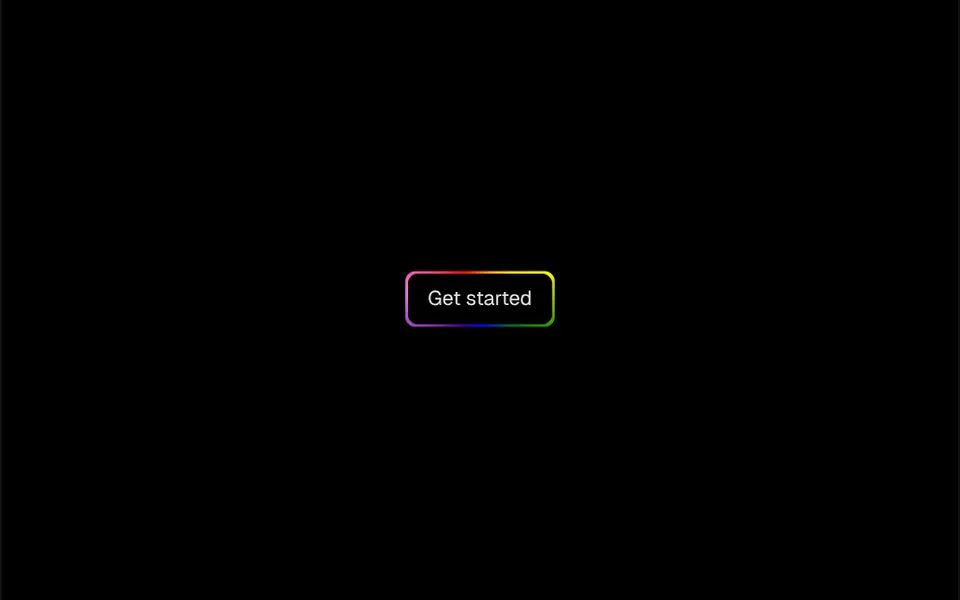
Imagine a multicolored neon frame spinning around the button. A color wheel of red, orange, yellow, green, blue, indigo and violet rotates behind the button, one turn every 2.5 seconds, and only shows as a 2 pixel border around the content, with a 4 pixel blur that softens the glow. The center is black by default, with 8 pixel corners. The center color does not follow the theme by itself: in the demo it is black in dark mode and white in light mode. The motion is continuous and does not depend on the mouse.
You may be looking for this if you asked for something like
- a button with a colorful border spinning around it
- a buy button with an animated rainbow outline
- a call to action that stands out without making it bigger
- a button with a neon rainbow glow on the edge
- a gradient outline that keeps rotating on the main button
- make the checkout button look like a gaming product
Also known as
- rotating rainbow outline
- gradient border button
- rainbow border button
- conic gradient border
- animated border button
- spinning border button
When to use
- The main button on a launch landing page
- A subscribe or buy call to action at the end of a sales page
- Tech, gaming or creator products with a vibrant look
- A single highlight per screen, near the price or the form
When to avoid
- Several buttons on the same screen, where the spinning borders compete
- Understated brands, unless you swap the rainbow for your project palette
How to ask your AI
Create a button with an animated conic gradient border spinning around the text, in my brand colors, with a slight blur. Use the native button element with a visible focus state, keep the text contrast and stop the rotation for people who prefer reduced motion.
With THM Componentes, you paste the full prompt from the catalog together with this component's code, and the AI reproduces this exact effect instead of improvising.
Questions about Cata-vento
Can I change the colors of Cata-vento?
Yes. Cata-vento takes the list of colors through the colors prop and builds the gradient from it, so you can use only your brand tones. You can also adjust the border thickness, the blur, the corners, the center color and the duration of each turn, which is 2.5 seconds by default.
Does Cata-vento work in dark mode?
It does, but the center color of Cata-vento does not follow the theme by itself: it comes from the bgColor prop, black by default. The demo switches it to white in light mode. The THM Componentes prompt tells your AI to use your project color tokens, which handles the switch between light and dark.
Does Cata-vento respect reduced motion settings?
In its original form, Cata-vento always spins. The THM Componentes prompt asks your AI for a static version for people who turn on reduced motion, which is simple here: pause the CSS animation and keep the colored border still.