What it looks like
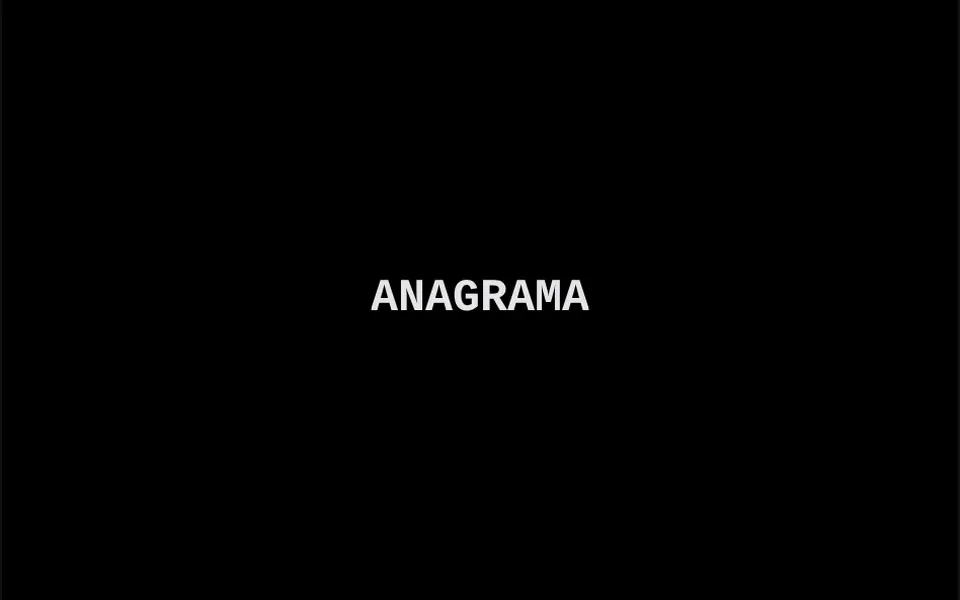
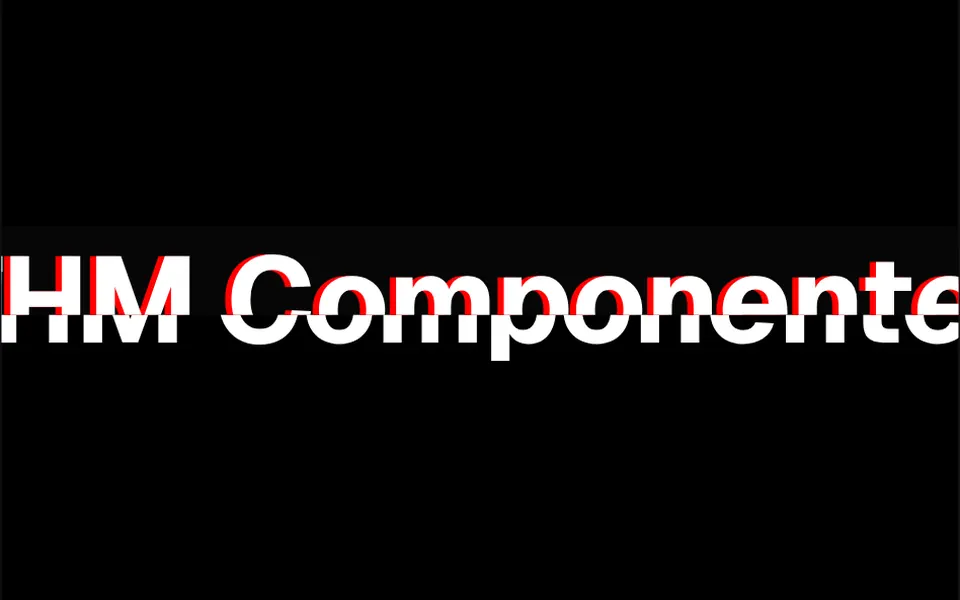
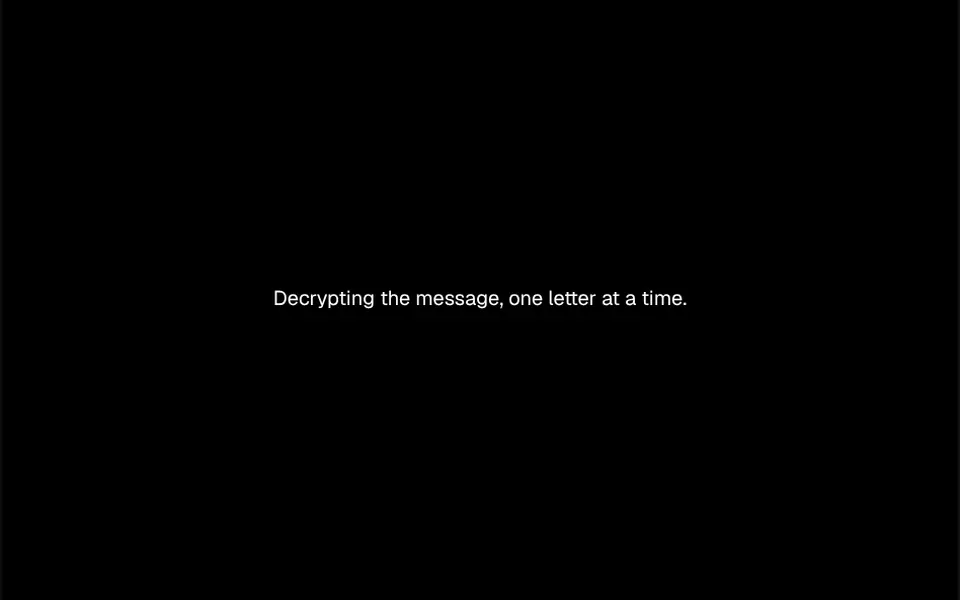
It looks like the movie scene where a computer cracks a password. When the text enters the screen, it shows up as a row of random letters, numbers and symbols that change every 50 milliseconds. At the same time, the first letter locks in, then the second, and so on, one every 50 milliseconds by default, until the whole sentence is readable. Spaces stay in place from the start, so the shape of the words shows right away. Colors come from two classes, one for the symbols and one for revealed letters; the demo uses gray for the symbols and black or white, depending on the theme.
You may be looking for this if you asked for something like
- text that shows up scrambled and then turns into the word
- a hacker-style effect where the headline decrypts itself
- random letters that gradually become the real sentence
- a spy movie look for the headline of my security site
- that scrambled text effect that decodes itself on its own
- a sentence that assembles itself from symbols when it appears
- terminal-style text for the top of my cybersecurity landing page
Also known as
- cipher text effect
- decrypt text effect
- scramble text
- text scramble animation
- hacker text effect
- decoding text
When to use
- Heroes for cybersecurity, encryption or data protection companies
- Headlines for tech products, developer tools and infrastructure
- Launch teasers and campaigns with a sense of mystery
- Revealing a code, password or coupon in a highlighted spot
When to avoid
- Long passages, where waiting letter by letter wears readers out
- Warm, caring brands such as healthcare or kids, where a hacker look feels off
- Information people need to read right away, such as prices or alerts
How to ask your AI
Create a decrypting text effect for the hero headline: the sentence starts as random characters and decrypts letter by letter when it enters the screen, with the final text available to screen readers, a static version for reduced motion and my brand colors.
With THM Componentes, you paste the full prompt from the catalog together with this component's code, and the AI reproduces this exact effect instead of improvising.
Questions about Charada
When does Charada start, and does it replay?
Charada starts decrypting the first time it enters the screen and does not replay when people scroll back. If the text prop changes while it is visible, the effect restarts with the new sentence, so you can swap messages in the same spot and each one decrypts again.
Can I change the symbols and colors in Charada?
Yes. Charada accepts its own character set through the charset prop, such as digits only or uppercase letters only, plus two style classes: one for scrambled characters and one for revealed ones. The THM Componentes prompt tells your AI to use your project color and type tokens.
Does Charada work with screen readers?
Charada puts the final sentence in the element's aria-label, so assistive technology is not handed the random symbols during the animation. Because every letter sits in its own span, it is worth testing with the screen reader your audience uses. The THM Componentes prompt also asks for a static version for reduced motion.