What it looks like
It looks like an endless workbench with a dot grid. Nodes are white cards with a colored icon, a title and rows of inputs and outputs; every port is a dot colored by its data type, and a legend at the bottom explains the colors. Dragging from an output to an input pulls a curve; if the types do not match, the line turns red and the reason shows up. When the flow runs, each node lights up while it works, gets a done check with a note, and pulses of light race along the wires to the next one. A minimap in the corner shows where you are.
You may be looking for this if you asked for something like
- build a flow by dragging boxes and connecting them with arrows
- a visual automation editor with nodes and wires for my SaaS
- show the client how the AI agent makes decisions, step by step
- an editable flowchart where I can connect blocks
- a chatbot builder screen with boxes linked by lines
- an animation of the flow running with dots moving along the lines
- an infinite zoomable board to sketch a data pipeline
Also known as
- pipeline editor
- node editor
- node-based editor
- flow builder
- workflow builder
- automation builder
- visual programming
When to use
- Automation or chatbot builders inside a SaaS
- Live demos of AI agents, with the client watching every step run
- Data pipelines and integrations that need an editable map
- Internal rule and approval tools with decision branches
When to avoid
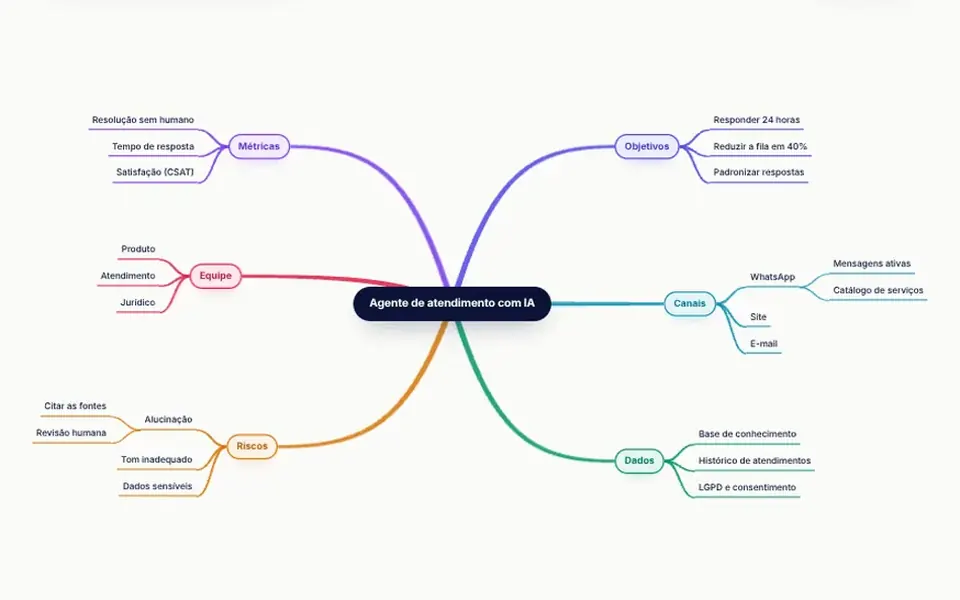
- Org charts, mind maps and other simple trees, which have lighter dedicated components
- Marketing pages that only illustrate a fixed flow, where an image is enough
- Audiences mostly on phones, since building flows needs a large screen
How to ask your AI
Build a node-based workflow editor for my automation SaaS: pan and zoom with inertia, typed ports that reject invalid connections and say why, automatic layered layout, a minimap, a run mode with pulses wired to my backend, full keyboard support and a no-animation version for reduced motion.
With THM Componentes, you paste the full prompt from the catalog, which already includes this component's source code, and the AI reproduces this exact effect instead of improvising.
Questions about Engenhoca
Does Engenhoca really run the flow or just simulate it?
Both. Out of the box, Engenhoca simulates the run and picks condition branches from a seed. With the executor prop, each node calls your function, which can be async and returns which outputs fire plus a note; the runStart, runStep and runEnd events follow the whole run.
Is Engenhoca heavy, and does it work on phones?
Engenhoca is rated Heavy in THM Componentes, but it uses only DOM and SVG, with no WebGL, and its animation loop runs only while something moves, stopping when the editor leaves the screen. On phones, one finger pans the view, two fingers pinch to zoom, and the minimap hides on narrow screens.
Can I use Engenhoca with the keyboard only?
Yes. In Engenhoca, Tab moves through nodes and connections, arrow keys move nodes along the grid, N opens the add menu, C starts a connection from the focused node while the arrows pick the target, L arranges layers and Ctrl+Enter runs the flow. Actions are announced to screen readers.