What it looks like
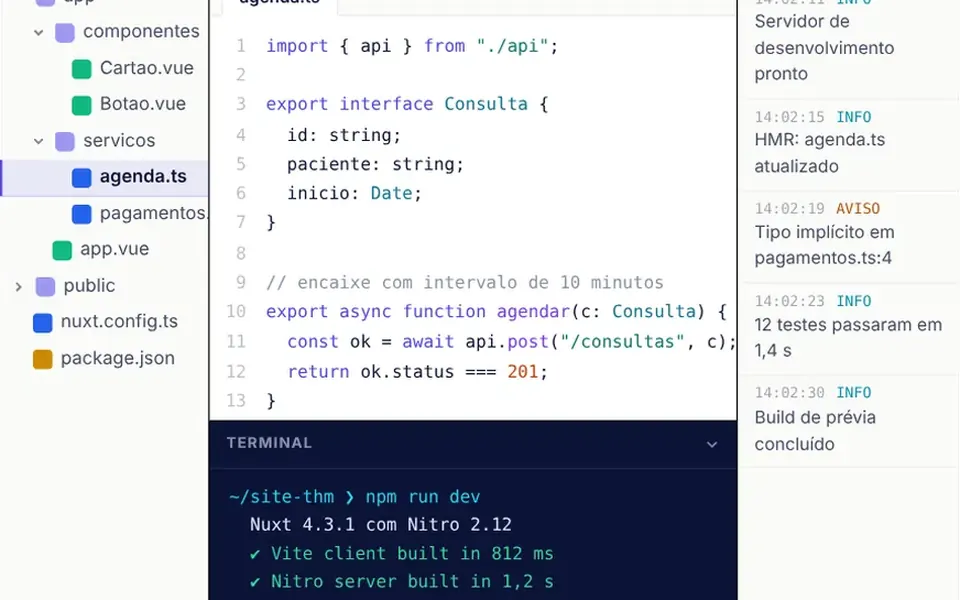
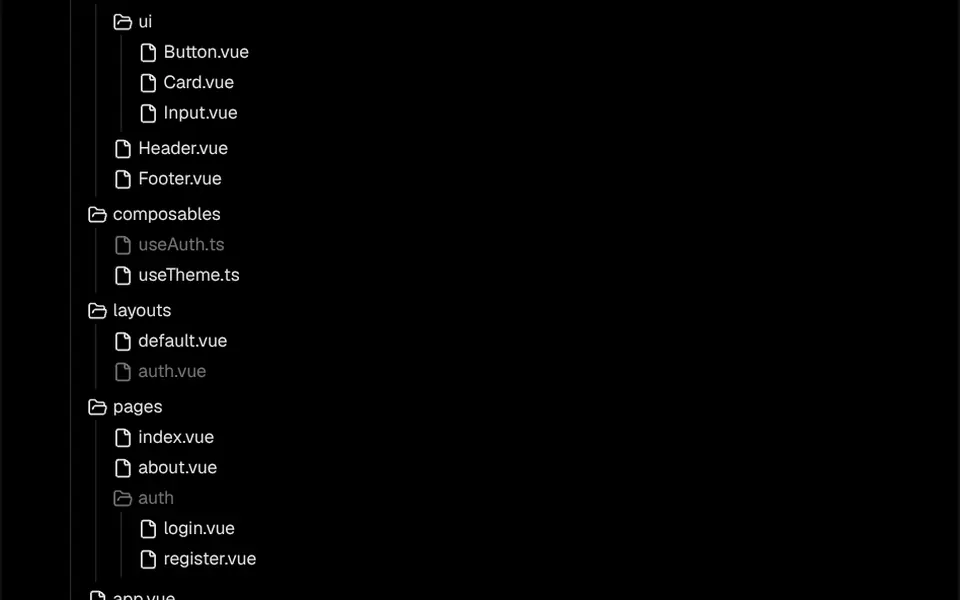
It looks like the sidebar of a code editor. Each row has a small icon and a name in small text: a closed folder, an open folder or a file sheet. Click a folder and its contents appear right below, indented, with a thin vertical line joining items on the same level. The selected file gets a soft background, and locked items are dimmed with a not-allowed cursor. Colors come from theme variables, so they follow your project's light and dark modes. Long trees scroll inside their own box, and there is a right-to-left option.
You may be looking for this if you asked for something like
- show my project's folder structure in the docs
- a file tree like the one in a code editor
- an expandable folder list for a coding tutorial
- explain where each file lives in my template
- a sidebar with clickable folders and files
- display directories in a technical article without a screenshot
Also known as
- file tree
- tree view
- file explorer
- folder tree
- directory tree
- project structure view
When to use
- Technical docs that explain a project's structure
- Coding tutorials or courses that go file by file
- Template or starter kit pages that show what is included
- Internal dashboards that list documents in folders
When to avoid
- Huge trees with thousands of open items: the list is not virtualized
- When full keyboard navigation is required, unless folders become buttons first
How to ask your AI
Create a folder and file tree for my project docs, with folders that expand and collapse, icons, guide lines and a highlighted selected file. Use my theme colors and typography, make it fully keyboard navigable and make sure it works well on phones.
With THM Componentes, you paste the full prompt from the catalog together with this component's code, and the AI reproduces this exact effect instead of improvising.
Questions about Gaveteiro
Does Gaveteiro work with a keyboard?
Partly. In Gaveteiro, files are native buttons, so they take focus and are selected with Enter or Space. Folders, however, open only with a click or tap, because the folder row is not a button in the original code. If keyboard use is essential, ask your AI to turn that row into a button with aria-expanded.
How do I build the structure in Gaveteiro?
Gaveteiro is built in the template: you nest Folder and File components, each with an id and a name, inside a Tree. The initialExpandedItems and initialSelectedId props set what starts open and selected, and the elements list is used to open the path to the selected item. Icons can be swapped through props too.
Does Gaveteiro follow dark mode?
Yes, as long as your project has the theme variables. Gaveteiro uses the theme's background and highlight colors instead of fixed colors, so it follows light and dark modes. The THM Componentes prompt tells your AI to use your project's color and typography tokens.