What it looks like
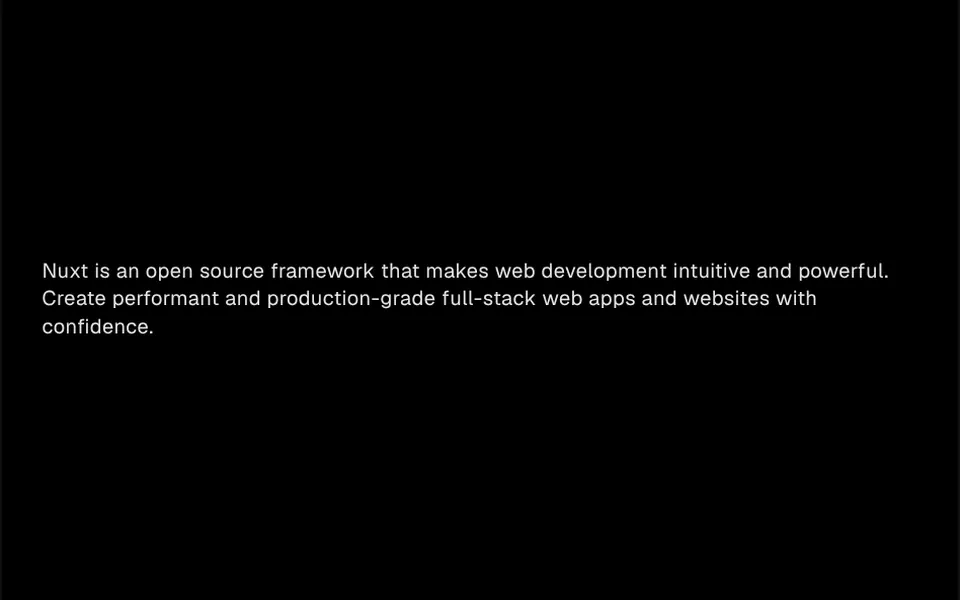
It works like pulling a camera into focus. Each element you place inside the component, whether a headline, a subtitle or a button, starts invisible, heavily blurred and slightly below its final position. When the section enters the screen, it rises smoothly, gains opacity and the blur fades until it is sharp, in about a second. The following elements repeat the movement in sequence, with an adjustable gap between them, which creates a cascading read. Colors and fonts come from your own content.
You may be looking for this if you asked for something like
- text that fades in from a blur as I scroll down the page
- a headline that appears blurry and then comes into focus
- a smooth entrance effect for the text on my landing page
- make the title and subtitle appear one after the other
- that camera focus effect on the site text
- a more elegant section entrance without anything flashy
- a blur fade-in animation like the Apple website
Also known as
- focus-in text effect
- blur fade in
- fade in on scroll
- staggered reveal
- blur in animation
- blur entrance animation
When to use
- Headline and subtitle entrance in a landing page hero
- Company sections where text should appear calmly
- Lists of benefits or steps that show up one by one on scroll
- Letters, manifestos and short text with an editorial tone
When to avoid
- The main headline of SEO-dependent pages in Nuxt, since the content is only mounted in the browser
- Long text split into many blocks, where the waiting tires readers who want to read right away
How to ask your AI
Create a blur-in entrance effect for the section: headline, subtitle and button come out of a blur, rising slightly, one after another as they enter the screen, with the content already in the server HTML and a static version for people who prefer reduced motion.
With THM Componentes, you paste the full prompt from the catalog together with this component's code, and the AI reproduces this exact effect instead of improvising.
Questions about Florada
Does Florada work in Nuxt with SSR?
It works, but Florada mounts its child elements only in the browser, after the page loads, so its content is not part of the server HTML. For the main headline or text that matters for search, ask your AI for a version that renders on the server and animates only the appearance.
Does Florada respect reduced motion settings?
The original component always animates. The THM Componentes prompt asks your AI for a static version for people who turn on reduced motion in their system settings, which is simple with Florada: show the content already sharp and in place, with no blur or offset.
Can I adjust the speed and blur in Florada?
Yes. Florada has props for the duration of each entrance, the gap between one element and the next, the starting blur amount and how far the content rises. Each direct child of the component enters in turn, so the HTML order sets the sequence.