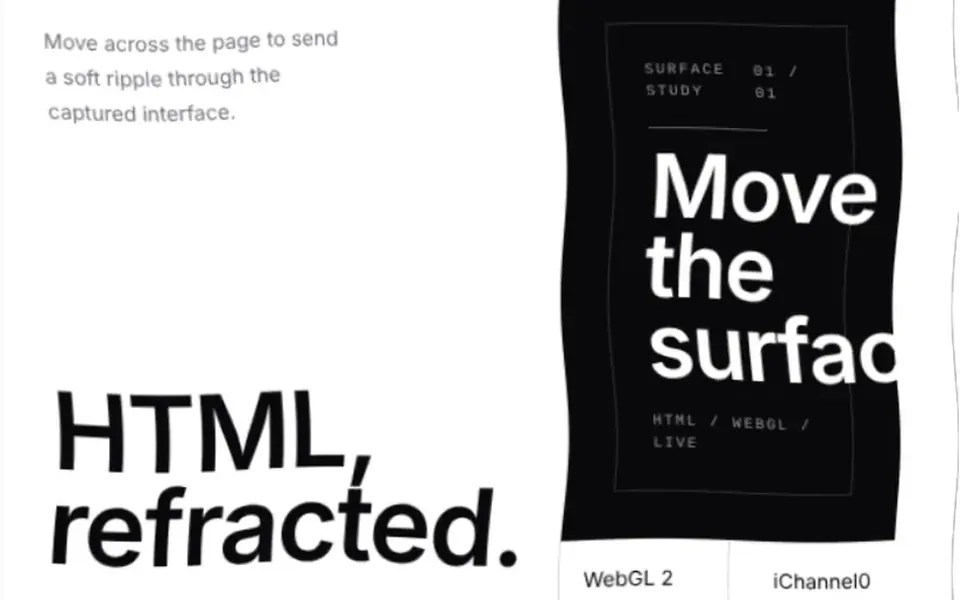
What it looks like
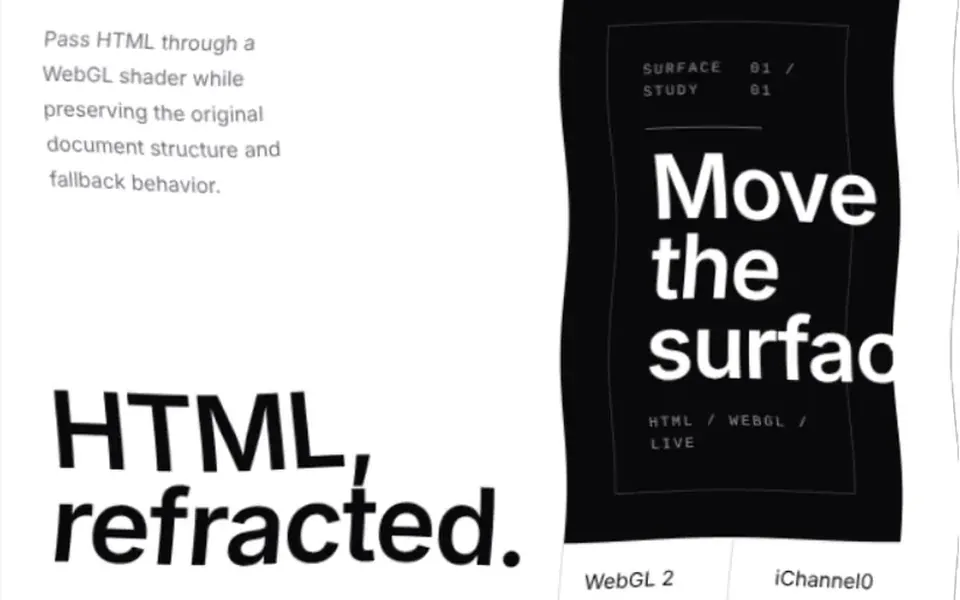
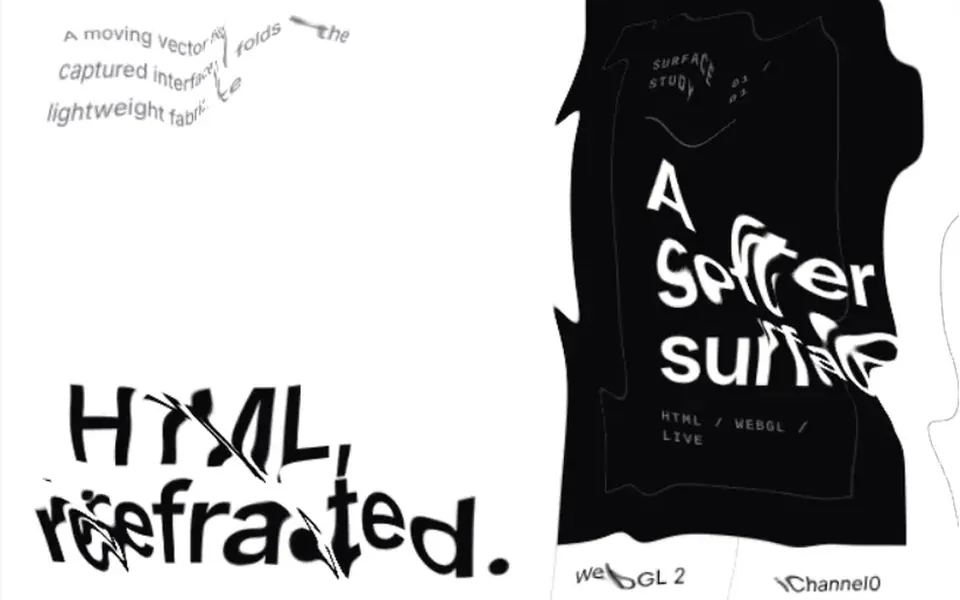
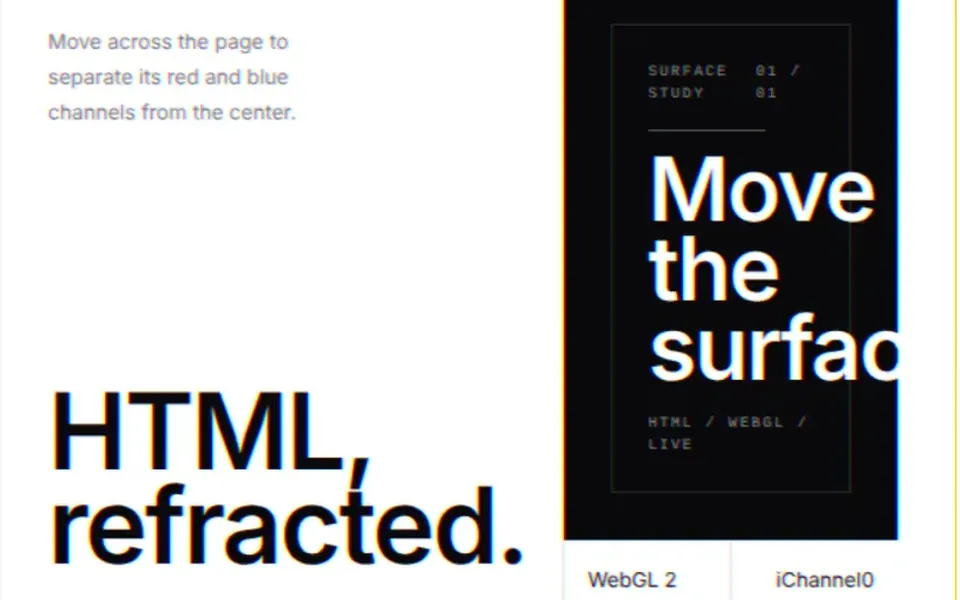
It is like looking at a page through the water of a shallow pool. At the default strength, text and blocks shimmer with fine, constant waves without losing readability. When the cursor passes, rings of waves spread from where it is, push the content sideways and calm down shortly after the mouse stops. A tap on the screen does the same from the finger. Wave density, strength and speed are adjustable. The effect sits on a canvas on top, with the real HTML underneath, and it pauses when it leaves the screen.
You may be looking for this if you asked for something like
- a page that keeps rippling as if it were underwater
- a water effect on top of my site when I move the mouse
- ripples coming out of the cursor over the page text
- give the interface a liquid look for a brand demo
- a water distortion over the content, like wet glass
- that pool effect where the page wobbles and the mouse makes little waves
Also known as
- water effect
- liquid distortion
- water ripple effect
- liquid refraction
- underwater effect
- cursor ripple
- HTML in canvas
When to use
- Interactive brand demos and launch activations at the prototype stage
- Portfolio pieces that need to react to visitors
- Concept presentations for an agency or client before the final build
When to avoid
- Client sites in production: the prompt limits it to prototypes
- Forms and long text, where the rippling gets in the way of reading
- Pages that already run other WebGL effects
How to ask your AI
I want a WebGL2 liquid refraction effect on a block of HTML in my prototype: the surface ripples slowly like water and the mouse sends waves out from the cursor, with the HTML clickable underneath, a pause when off screen and a static version for people who prefer reduced motion.
With THM Componentes, you paste the full prompt from the catalog together with this component's code, and the AI reproduces this exact effect instead of improvising.
Questions about HTML Liquid
Does HTML Liquid work on phones?
It works on devices with WebGL2: the constant ripples run on their own and a tap sends waves out from the finger. Because HTML Liquid is rated Experimental in THM Componentes, the prompt asks for mobile testing, an LCP and INP comparison and use in prototypes only.
Do buttons keep working with HTML Liquid?
Yes. HTML Liquid draws the waves on a canvas that ignores clicks and keeps the original HTML underneath, so links, buttons and text selection work as usual. Screen readers also read the real content, because the effect canvas is hidden from them.
Can I make the HTML Liquid ripples more subtle?
Yes. HTML Liquid has props for displacement strength, wave density, liquid speed and pointer smoothing. With a low strength the text barely moves, with only a slight shimmer, and you can also lower the render resolution on weaker devices.