What it looks like
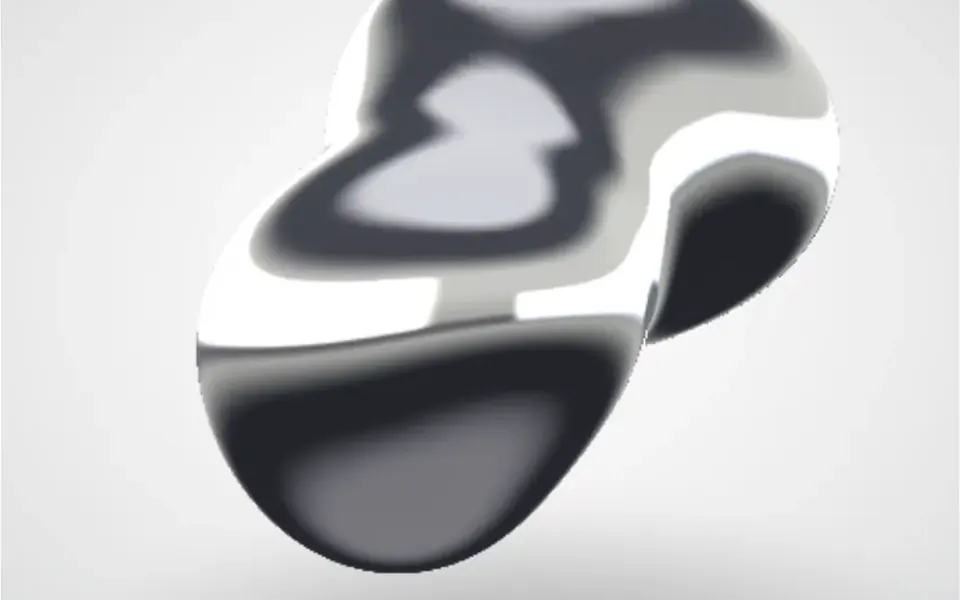
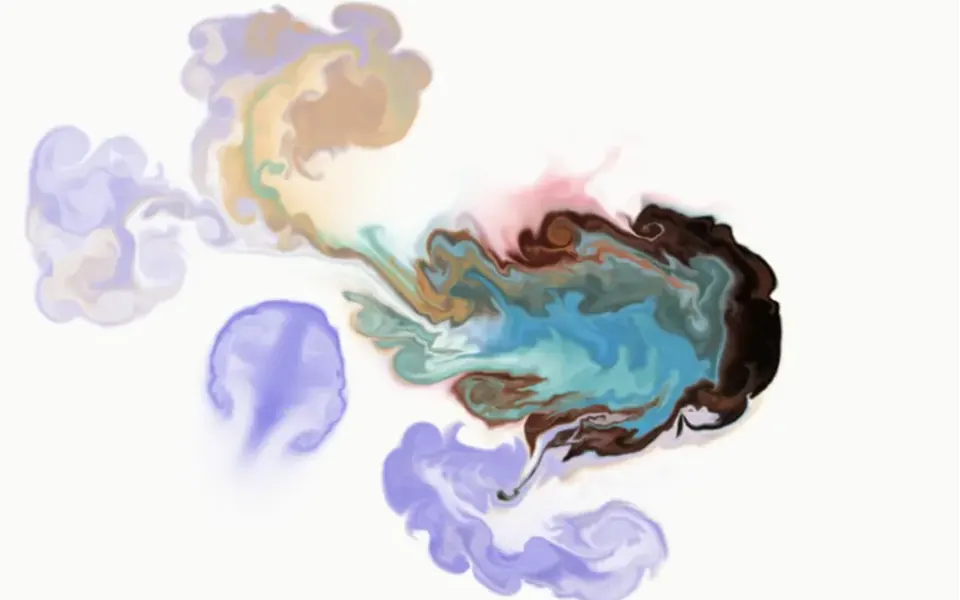
It looks like the rainbow film on a soap bubble, or holographic foil rippling under a lamp. Bands of pink, lilac, light blue and mint fold over one another, with near-white highlights where the curves cross. The surface changes shape all the time in a continuous motion that does not depend on the mouse or on scrolling. The colors come from the shader itself and always stay light and pastel, with no dark mode variant. The background fills the whole element it is placed in; in the demo, a white headline sits centered on top.
You may be looking for this if you asked for something like
- a holographic background that keeps moving on its own
- that iridescent liquid look, like a soap bubble
- a pearly background that looks like flowing paint
- a pastel moving background for my portfolio hero
- an iridescent liquid effect behind the headline, like an album cover
- make the hero feel like a fashion brand or a design studio
- a wavy pink and mint backdrop without using a video
Also known as
- soap bubble gradient
- holographic background
- iridescent gradient
- oil slick effect
- pearlescent shader
- WebGL shader background
When to use
- A creative brand, design studio or agency hero
- A designer, photographer or artist portfolio with a light look
- A fashion, beauty or music launch opener
- A short section cover with a large headline and little text
When to avoid
- White headlines with no shadow or dark layer behind them, since the pastel colors kill the contrast
- Pages that already run another WebGL effect or must load fast on low-end phones
- Dark mode sites, because the shader colors are always light
How to ask your AI
Create a holographic liquid backdrop in WebGL for my portfolio hero: iridescent waves in my brand colors flowing nonstop, paused when off screen, with a static version for reduced motion and a headline that stays readable on mobile.
With THM Componentes, you paste the full prompt from the catalog together with this component's code, and the AI reproduces this exact effect instead of improvising.
Questions about Madrepérola
Does Madrepérola work on phones?
It works in browsers with WebGL, which covers most current devices; Madrepérola tries WebGL2 first and falls back to WebGL1. There is no touch interaction, so nothing is lost without a mouse. The cost is on the graphics card: it is rated Heavy in THM Componentes and the original code keeps animating off screen, so the prompt asks your AI to pause it outside the viewport.
Can I change the colors in Madrepérola?
Yes, but not through a prop. In Madrepérola the colors come from math inside the shader and always land in iridescent pastel tones. The THM Componentes prompt asks your AI to use your project color tokens with no fixed colors in the component, which here means adapting the part of the shader that sets the color.
How do I use Madrepérola in Nuxt with SSR?
Madrepérola only creates its WebGL context after it mounts in the browser, so the server renders an empty div. The THM Componentes prompt asks your AI to wrap it in ClientOnly with a static fallback so the section never shows up empty. A still pastel gradient in the same colors works as that fallback and as the reduced motion version.