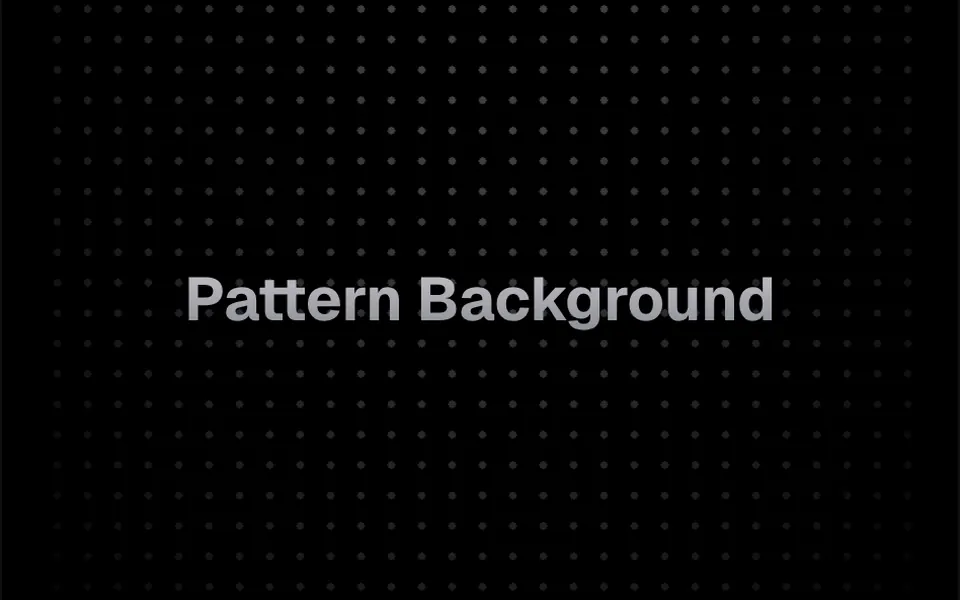
What it looks like
It looks like graph paper or a dotted sketchbook page under a spotlight. Thin one-pixel lines form a light gray grid, or small or large dots repeat at a regular spacing from 8 to 40 pixels. A mask fades the pattern into the page background toward the edges, keeping it visible in the center or near the top. It is still by default; with animation on, the pattern slides endlessly in one of eight directions, in a 10-second loop. In dark mode the lines and dots turn dark gray. Your content goes inside the component.
You may be looking for this if you asked for something like
- a subtle grid background to separate landing page sections
- a dotted paper look behind the headline
- a grid that slowly moves in the hero background
- a techy graph paper background for a developer site
- make the features section less plain without slowing the page
- a grid background that fades at the edges, like startup sites have
- a dot pattern sliding diagonally without using an image
Also known as
- grid background
- dot pattern background
- graph paper background
- dotted grid
- animated grid pattern
- CSS pattern background
When to use
- Alternating section backgrounds on a landing page without extra weight
- A developer tool, API or technical product hero
- Features, pricing or integrations sections that need quiet texture
- Documentation or changelog pages with a clean look
When to avoid
- Small text placed over the grid, where the lines compete with the letters
- Brands with an organic or handmade feel that call for something less geometric
How to ask your AI
Add a CSS grid pattern background behind my landing page sections: thin lines in my brand colors that fade at the edges, sliding slowly only when I turn animation on, still for people who prefer reduced motion, with good contrast in light and dark mode.
With THM Componentes, you paste the full prompt from the catalog together with this component's code, and the AI reproduces this exact effect instead of improvising.
Questions about Pattern Background
Does Pattern Background slow down the page?
Hardly at all. Pattern Background uses only CSS gradients and a mask, with no canvas and no animation JavaScript, and it is rated Light in THM Componentes. When animation is on, the browser just shifts the background position in a loop. Even so, the prompt asks your AI to compare LCP and INP before and after.
How do I turn on the Pattern Background animation?
Pattern Background is still by default. The animate prop turns motion on, direction picks one of eight directions such as top or bottom-right, and speed sets the loop length: 10 seconds by default, with 5 and 25 second options. The component does not read the reduced motion preference, so the THM Componentes prompt asks your AI for a static version.
Can I use my brand colors in Pattern Background?
Yes. Pattern Background keeps its colors in the classes of its index.ts file, one gray tone for light mode and another for dark mode. The THM Componentes prompt tells your AI to replace them with your project color tokens instead of fixed colors. Keeping the contrast low stops the pattern from competing with your text.


