What it looks like
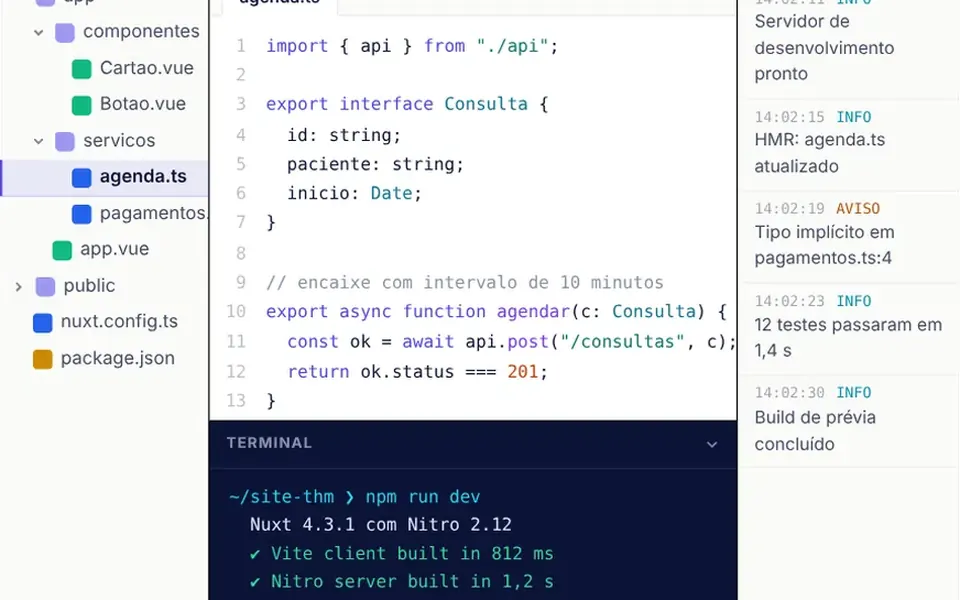
It looks like a computer terminal window in dark mode: a navy background with a soft indigo glow in one corner and cyan in the other, three subtle dots at the top, a centered title and buttons to copy and clear. Text is monospaced; the prompt shows the current folder and an arrow, followed by a blinking block cursor. Output comes in color, with folders in blue and successes in green. In the demo, commands type themselves until someone starts typing, and the deploy spins an indicator and fills bars until it prints the published address. A light theme is also available.
You may be looking for this if you asked for something like
- a fake terminal on my site to show how my CLI works
- a command line window that types the commands by itself
- simulate a deploy with a progress bar on the docs page
- a dark terminal-style box where visitors can type commands
- that terminal with colored text for a developer product homepage
- an interactive tutorial where users try commands without installing anything
- show my package install in an animated terminal
Also known as
- simulated terminal
- fake terminal
- terminal emulator
- web terminal
- CLI demo
- interactive shell
- command line UI
When to use
- CLI and SDK documentation that needs to show commands and responses
- Homepages and onboarding for developer products
- Interactive tutorials where people try commands without installing anything
- Deploy or install demos on launch pages
When to avoid
- When commands must really run on a server, since it only simulates them over virtual files
- Non-technical audiences, for whom a terminal screen scares more than it explains
- English sites that keep the built-in commands as is, since their messages are in Portuguese
How to ask your AI
Create a simulated terminal on my CLI documentation page: custom commands that answer like the real product, Tab completion, arrow-key history, ANSI colors, a script that types itself and stops when the visitor interacts, and a no-animation version for reduced motion.
With THM Componentes, you paste the full prompt from the catalog, which already includes this component's source code, and the AI reproduces this exact effect instead of improvising.
Questions about Caldeira
How do I make Caldeira respond to my product's commands?
You register your own commands through the commands prop, each with a name, a description and a run function that can be async. It receives the arguments plus helpers to print, rewrite the last line, wait and read the virtual file system. Caldeira also takes a files prop to build custom folders and files.
Does Caldeira work on phones?
Yes. Caldeira's command line is a real text field, so the phone keyboard works for typing and submitting commands, and the output scrolls normally. Shortcuts like Tab and Ctrl+C need a physical keyboard, so completion is left out on a phone. On small screens the font and padding shrink.
Does Caldeira respect reduced motion settings?
Yes. With reduced motion turned on, Caldeira shows each scripted command at once instead of typing it letter by letter, shortens the simulated deploy steps and stops the cursor from blinking. The script also waits until the terminal is visible on screen before it continues.