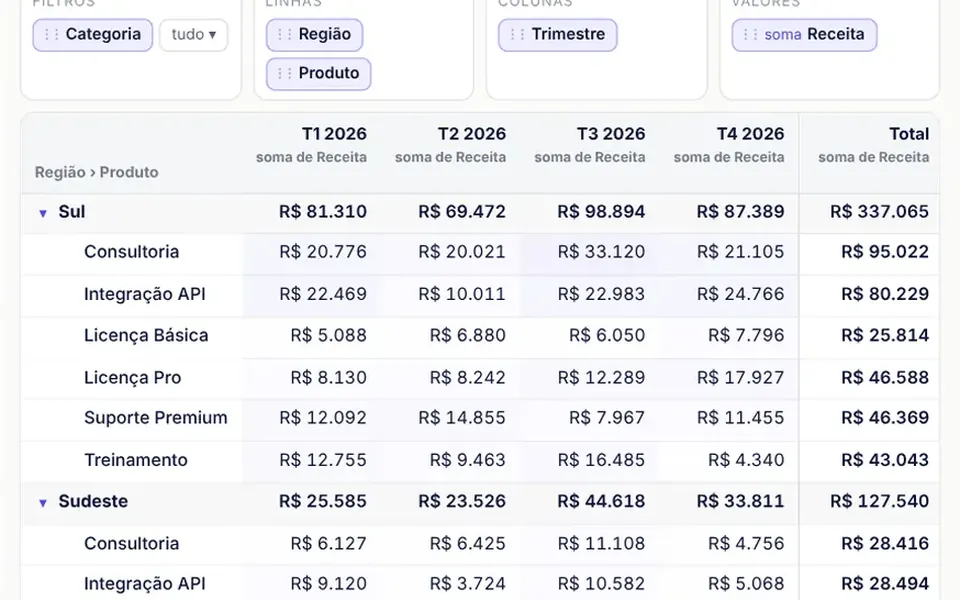
What it looks like
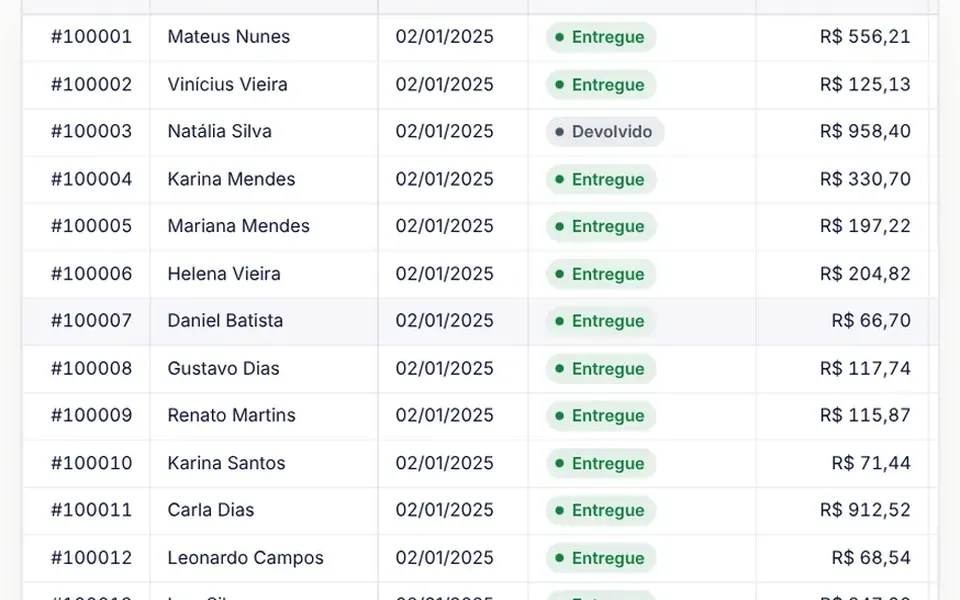
It looks like a spreadsheet pivot table, only inside your page. At the top sits a row of available fields; below, four white boxes for filters, rows, columns and values hold chips you can drag from one box to another while a colored pill follows the pointer. The table underneath has a sticky header and first column, groups with small arrows to expand and collapse, light gray subtotal rows and a highlighted grand total. Cells get a stronger indigo background the higher the value, like a subtle heatmap.
You may be looking for this if you asked for something like
- an Excel-style pivot table inside my app
- drag fields to cross sales by region and by month
- a report where users choose what goes in rows and columns
- a table with subtotals that expands and collapses by group
- a simple BI view without paying for an external tool
- a table that sums, averages and counts records by itself
Also known as
- pivot table
- pivot grid
- crosstab
- cross tabulation
- dynamic report table
When to use
- Ad hoc sales analysis inside a management system
- Management reports where each manager wants a different breakdown
- BI views embedded in the product, without an external tool
- Admin areas that need group subtotals and a grand total
When to avoid
- Huge datasets, since all aggregation happens in the browser
- Phone screens, where four field areas and a wide table feel cramped
- English-only products, unless your AI translates the built-in Portuguese area names, buttons and aggregations
How to ask your AI
Build a pivot table for the admin dashboard with fields that drag between filters, rows, columns and values, sum, average and count aggregations, subtotals, column sorting and an optional heatmap. I want a keyboard menu for moving fields and an export of the current view as TSV.
With THM Componentes, you paste the full prompt from the catalog, which already includes this component's source code, and the AI reproduces this exact effect instead of improvising.
Questions about Alambique
Can I use my own data in Alambique?
Yes. Pass flat records in the data prop and the starting layout in the config prop, with rows, columns, values and filters. The list of available fields and the currency format in Alambique are written for the sample sales data, so ask your AI to adjust those names to your own columns.
Does Alambique work without a mouse?
Yes. Every field in Alambique is a button: Enter opens a menu to move it to another area, change the aggregation of a value or remove it, and Esc closes the menu. Expand, collapse, filter and sort are buttons too, and on touch screens fields can be dragged with a finger.
How do I export the current view in Alambique?
Alambique exposes a toTSV method that returns the current view with subtotals and totals as tab-separated text, ready to paste into a spreadsheet. Hook it to a copy or download button; the component also exposes setConfig, getConfig, expandAll and collapseAll.