What it looks like
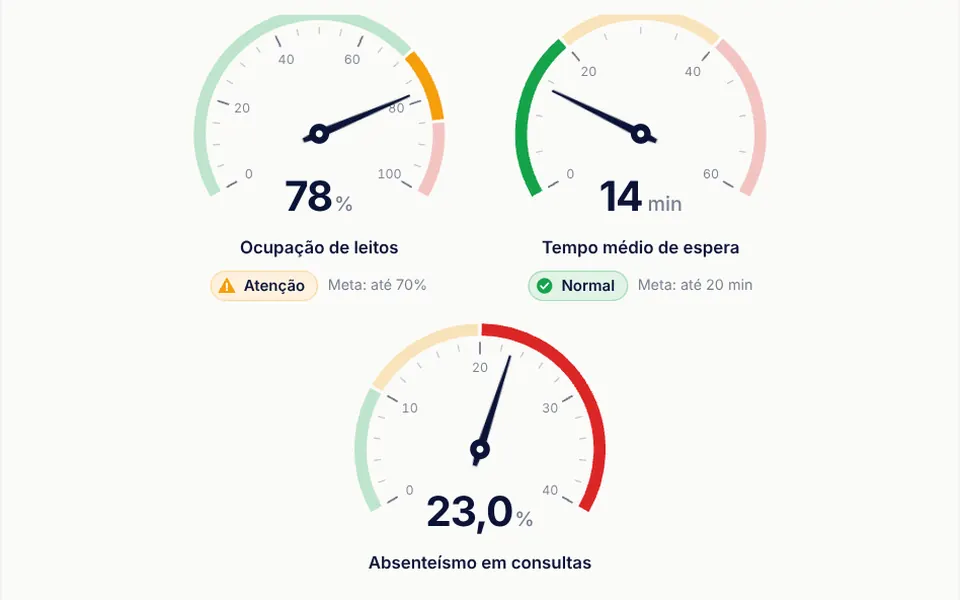
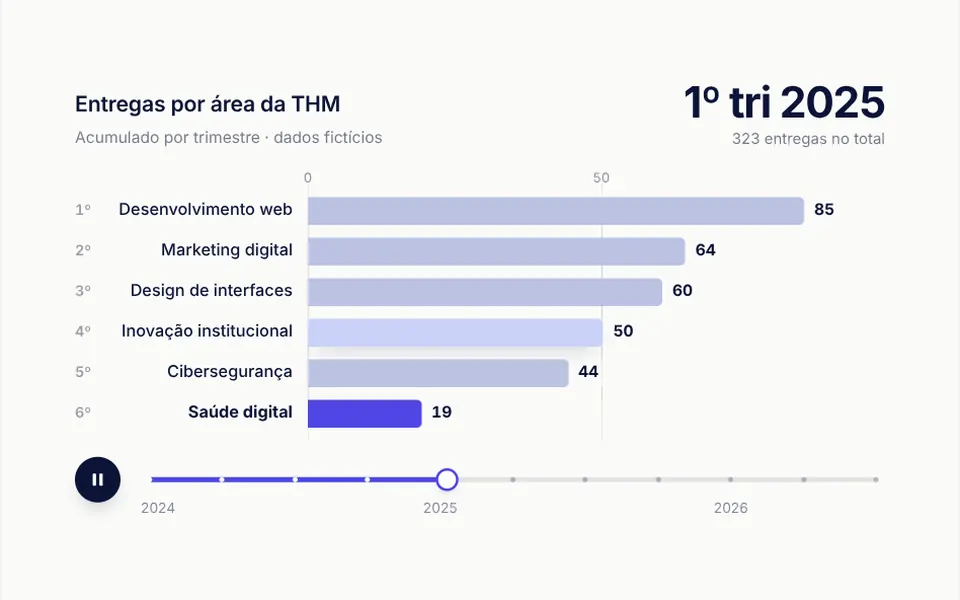
It works like a scoreboard racing to the final score. The first time the number enters the screen, it starts at zero and climbs to the set value in one second by default, fast at first and slowing down at the end. It can also count from the value down to zero. Digits have equal widths, so the number does not jitter while it changes. The text is black in light mode and white in dark mode, and takes the size and font of its surroundings; the demo shows it very large. If the value changes later, the counter runs from the current number to the new one.
You may be looking for this if you asked for something like
- a number that counts up to the total when it appears on screen
- an animated counter to show how many customers we have served
- company stats with numbers rolling up to the final value
- that rolling number effect in the results section
- show 500 projects delivered with the number climbing from zero
- dashboard metrics that animate when the value changes
Also known as
- scoreboard counter
- count up animation
- animated counter
- number counter
- stats counter
- counting number effect
When to use
- A results section with numbers of customers, projects or years in business
- Sales pages that show savings, return or growth
- Dashboards where a value changes and should run up to the new number
- Impact reports and company pages with statistics
When to avoid
- Values in Brazilian reais or with a decimal comma, unless you change the formatting, which is fixed to the US style
- Numbers that must be in the HTML for search engines, since the server renders the starting value, zero
How to ask your AI
Create an animated counter for the results section: each number climbs from zero to its final value when it enters the screen, formatted for my locale, with prefixes and suffixes like $ and %, digits that do not jitter and the final value shown right away for reduced motion.
With THM Componentes, you paste the full prompt from the catalog together with this component's code, and the AI reproduces this exact effect instead of improvising.
Questions about Algarismo
Can Algarismo format numbers for my locale?
Not as it ships: Algarismo formats numbers in the US style, with commas for thousands and a dot for decimals, and the code default shows two decimal places. When adapting it, ask your AI to switch the locale and adjust the decimalPlaces prop; prefixes like $ and suffixes like % go next to it as plain text.
When does Algarismo start counting?
Algarismo starts counting the first time it enters the screen and does not replay when people scroll back. The delay prop adds a wait in milliseconds, duration sets the total time, 1000 by default, and transition picks the easing curve, easeOutCubic by default. If the value changes later, it runs to the new number.
Does Algarismo hurt SEO in Nuxt?
It can, a little: with server rendering, Algarismo puts the starting value, zero, in the HTML, and the final number only appears after the animation runs in the browser. If the statistic matters for search engines, repeat the number as plain text nearby or ask your AI to render the final value on the server.