What it looks like
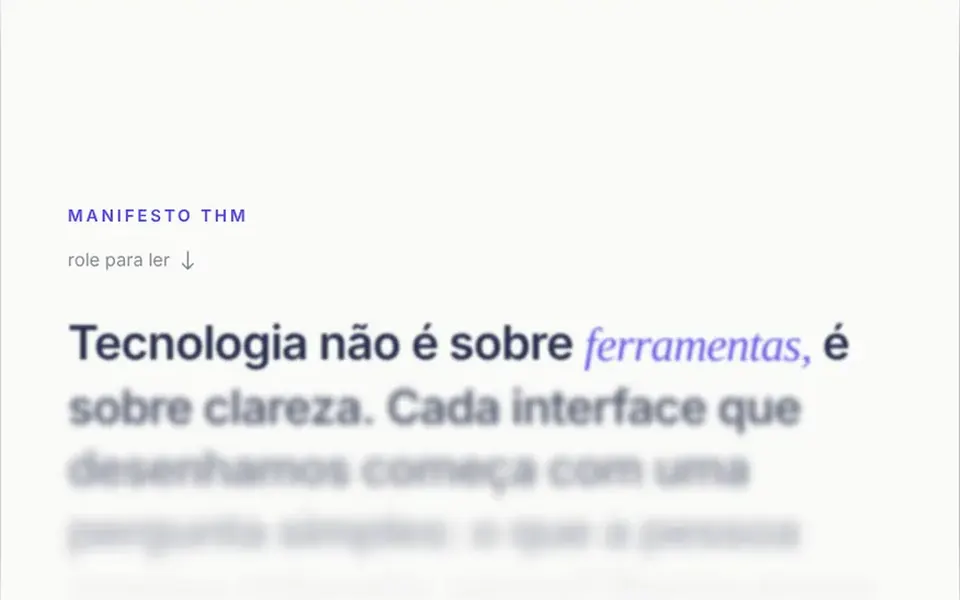
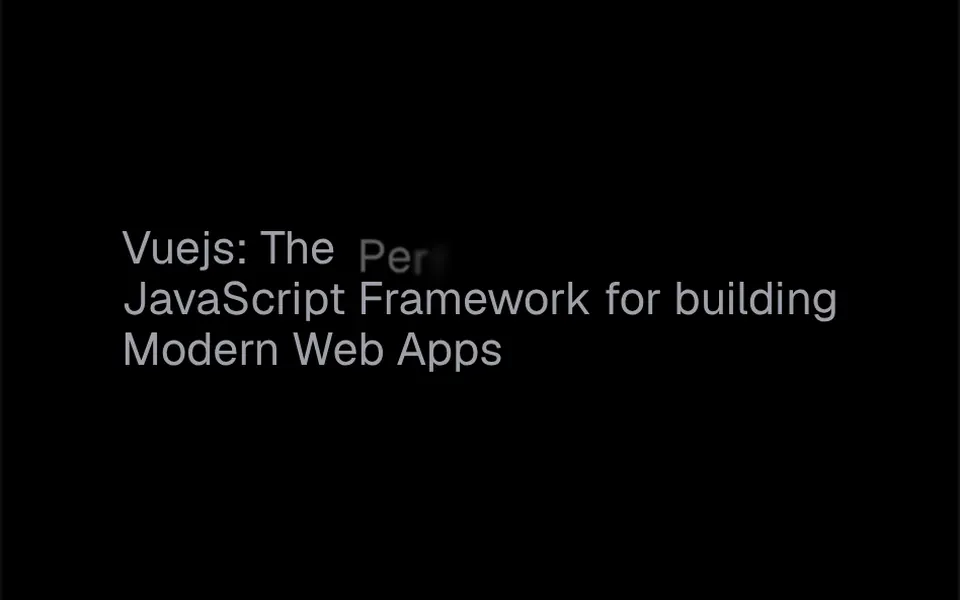
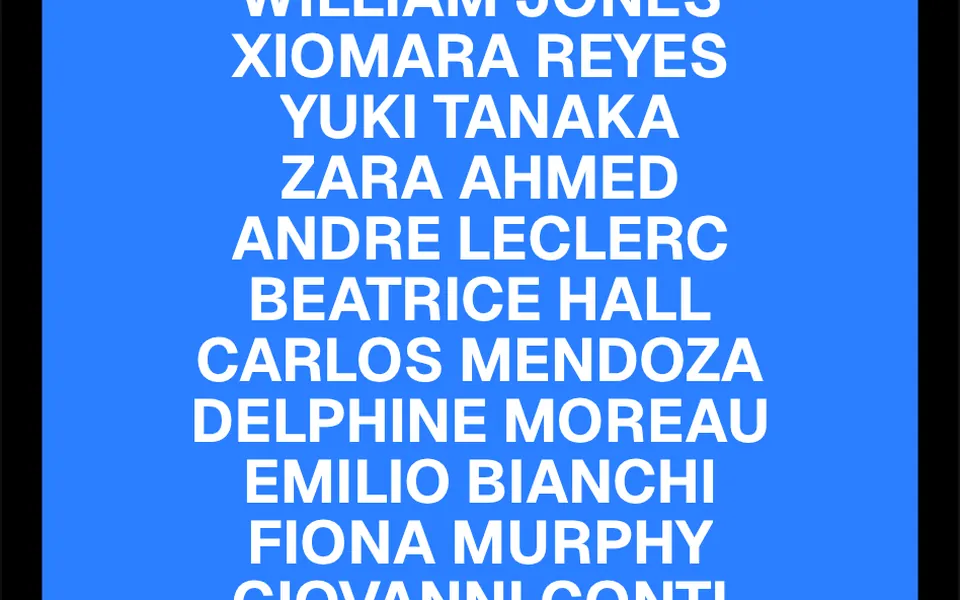
It looks like a mechanical counter turning one notch. Each line of text sits in a window of its own size and, as it passes through a band of the scrolling area, the word rolls vertically: one copy exits through one edge of the window while an identical copy enters from the other edge. Scroll back and the motion reverses. In a long list, the lines swap one after another, like a wave that follows the scroll. A spring smooths the motion, which trails the scroll slightly with no jumps. The component sets no colors: font, size and color come from the text you put in it.
You may be looking for this if you asked for something like
- text that rolls vertically as I scroll down the page
- a list of names that flips over one by one while scrolling
- words that roll like a mechanical counter when you scroll
- a rolling text effect tied to scroll for my landing page
- animate a client list on scroll without making the page heavy
- a headline that does a vertical roll as it passes through the screen
Also known as
- mechanical counter text
- rolling text on scroll
- vertical text swap
- scroll-linked text animation
- text roll effect
- scroll-driven text
When to use
- Client, partner or service lists on a long landing page
- Story sections where scrolling should set the rhythm of the text
- Agency pages and portfolios with large uppercase type
- Credits, team members or speakers shown one name per line
When to avoid
- Long paragraphs, since the effect is built for short single-line text
- Screens without scrolling, such as a fixed dashboard, where it never fires
How to ask your AI
Create a scroll-linked text animation for the client list on my landing page: each name rolls vertically and is swapped for an identical copy as the page scrolls, with spring smoothing, a static version for reduced motion and the text announced only once by screen readers.
With THM Componentes, you paste the full prompt from the catalog together with this component's code, and the AI reproduces this exact effect instead of improvising.
Questions about Bobina
Do screen readers read Bobina more than once?
No. Bobina draws the text three times to create the motion, but the copy that reserves the space and the second moving copy are marked with aria-hidden, so screen readers announce the phrase only once.
Does Bobina work on phones?
Yes. Bobina reacts to scrolling, whether by mouse wheel or by finger, and does not rely on hover. It is rated Light in THM Componentes, and the prompt still tells your AI to test on mobile and compare LCP and INP before and after adding it.
How do I change the speed of Bobina?
Bobina has two controls: the scroll range where the swap happens, set by the offset prop, and the spring that smooths the motion, with stiffness 200 and damping 30 by default. A shorter range makes the swap faster; more damping makes the motion more restrained.