What it looks like
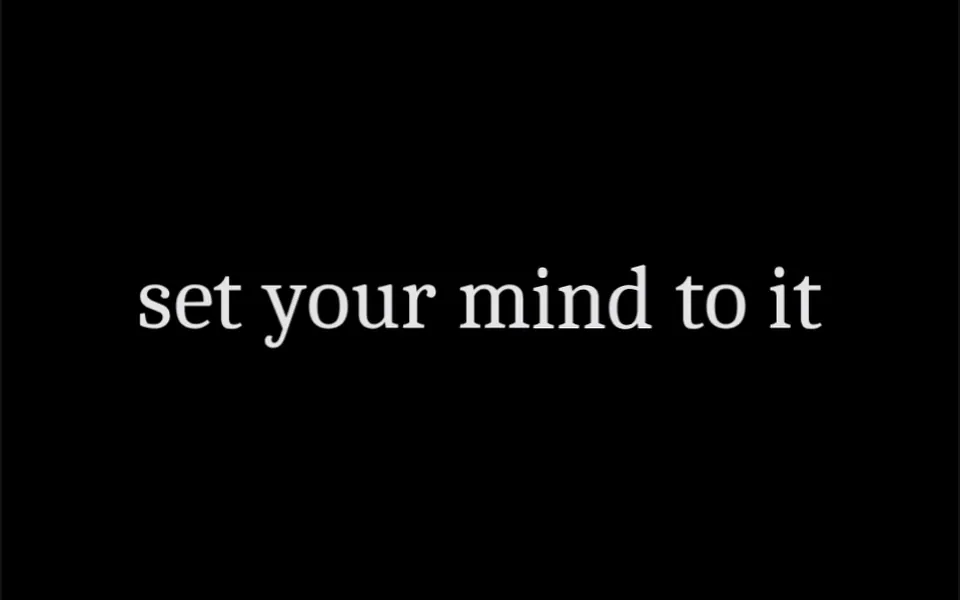
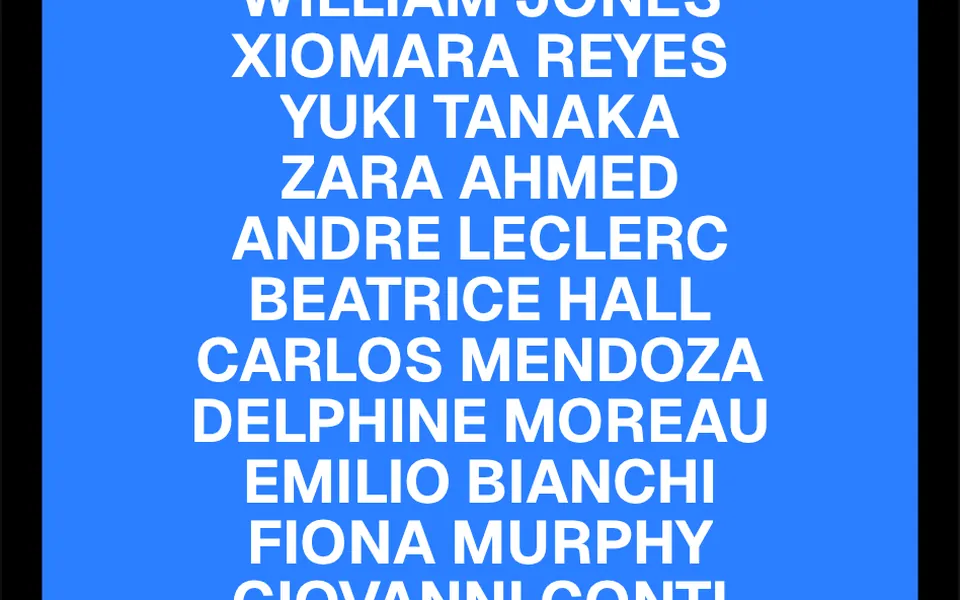
It looks like a slot machine reel clicking one notch and landing on the same letter. On hover, each letter slides down and disappears while an identical copy drops in from above to take its place, letter after letter, 30 milliseconds apart, on a 0.7-second spring. The result is a wave that runs across the word without changing the text. The direction can be flipped so letters roll up, the wave can start from the first letter, the last or the center, and the order can be shuffled. In pingpong mode, letters stay swapped while the mouse is over them and roll back when it leaves.
You may be looking for this if you asked for something like
- menu letters that roll up when I hover
- a link where the letters roll vertically on hover
- button text where the letters spin like a slot machine
- that agency website link effect where the letters slide up
- a word that sends a wave through its letters on mouse over
- a nav menu with animated letters, portfolio style
- a hover effect for text that is more than an underline
Also known as
- vertical letter roll
- rolling text hover
- text roll effect
- letter flip hover
- staggered hover text
- slot machine text
When to use
- Menu items and navigation links on agency and portfolio sites
- Text buttons such as view project, contact us and learn more
- Footers and link lists that call for a small extra touch on hover
- Project or section names on a portfolio page
When to avoid
- Sites used mostly on phones, where the hover effect does not show up reliably
- Screens with many links close together, where repeated hovers make the page feel busy
How to ask your AI
Create a rolling letters hover effect for my menu links: each letter slides vertically and is replaced by a copy in sequence, keeping the text accessible to screen readers, keyboard focus on the links and a static version for reduced motion.
With THM Componentes, you paste the full prompt from the catalog together with this component's code, and the AI reproduces this exact effect instead of improvising.
Questions about Cambalhota
Is Cambalhota accessible to screen readers?
On that front, yes. Cambalhota puts the full text in an element visible only to screen readers and hides the animated letters with aria-hidden, so the phrase is read once, not spelled out. Since the root element is a span, wrap the component in a real link or button to get focus and keyboard navigation.
What is the difference between the forward and pingpong modes in Cambalhota?
In forward mode, the default, Cambalhota runs the swap once each time the mouse enters and resets without anyone noticing. In pingpong mode, letters swap when the mouse enters and roll back when it leaves, like a back-and-forth. Both modes support shuffled order, a wave origin and vertical direction.
Does Cambalhota work on phones?
The text shows and clicks work normally, but the animation in Cambalhota fires when the mouse enters the element, which touch screens only simulate in some browsers. In mobile-first projects, treat the effect as a desktop detail or ask your AI for a variation triggered by tap.