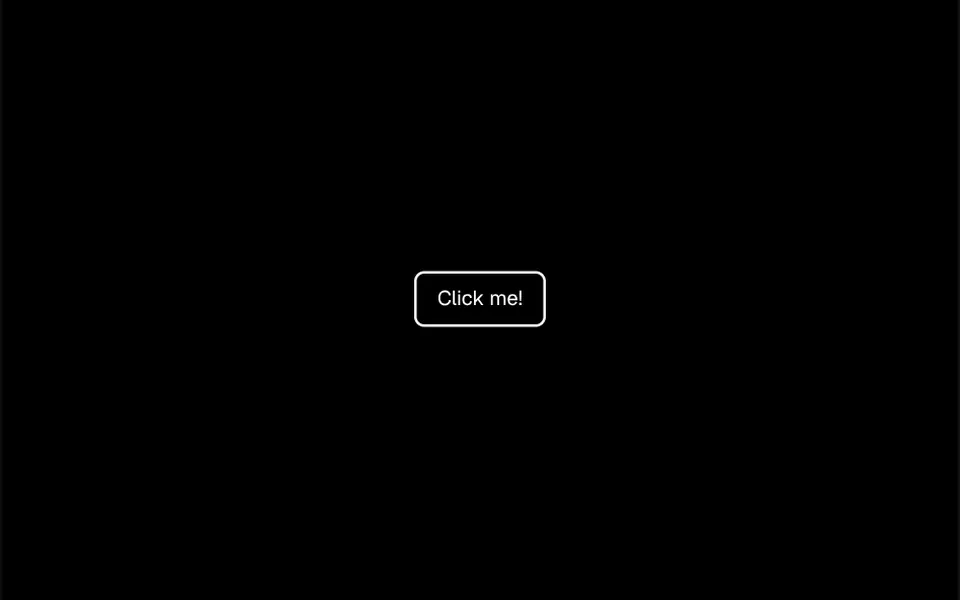
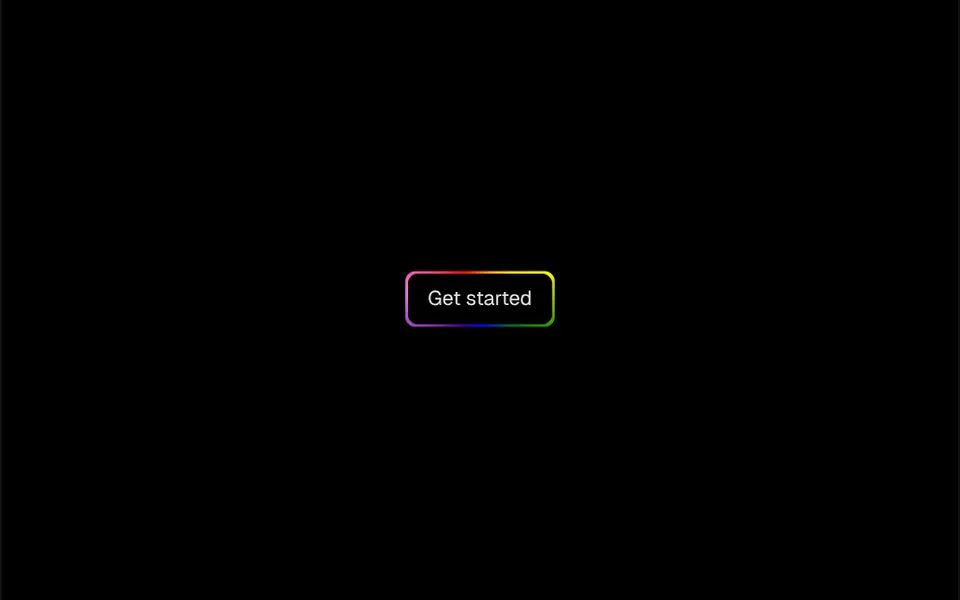
What it looks like
At rest it is a pill with a thin border, the theme background color and semibold text, with an 8 pixel dot in the primary color on the left. On hover, the dot grows like a drop of ink spreading out and fills the whole button; at the same time, the text slides to the right and fades, and a second copy of it, now with a right arrow, slides into the center in the contrast color. Everything takes 0.3 seconds and returns to normal when the mouse leaves.
You may be looking for this if you asked for something like
- a button that fills with color when I hover over it
- a button with a little dot that grows into the background
- a learn more button that shows an arrow on hover
- a modern button effect for a secondary call to action
- a pill button with a small animation on hover
- make my view more button feel like a premium site
Also known as
- expanding dot button
- fill on hover button
- arrow hover button
- animated hover button
- hover reveal button
- pill button animation
When to use
- Secondary calls to action like learn more, view project or talk to sales
- Service or case study cards that lead to a detail page
- Company sites that want a subtle interaction detail
- Interfaces with light and dark mode based on theme tokens
When to avoid
- Long button labels, which do not wrap and can overflow the width
- Mobile-first use, where the hover effect barely shows
How to ask your AI
Create a pill button with an interactive hover: a dot in the primary color grows to fill the button, and the label slides away and returns with an arrow. Use my theme tokens, keep a visible keyboard focus, avoid duplicated text for screen readers and simplify the animation for reduced motion.
With THM Componentes, you paste the full prompt from the catalog together with this component's code, and the AI reproduces this exact effect instead of improvising.
Questions about Adiante
Is Adiante accessible to screen readers?
Almost. Adiante uses the native button element, so it works with Enter and Space. However, the label exists in two layers, the normal one and the hover one, and screen readers may read it twice. Ask your AI to hide the hover layer from assistive technology and to show the effect on focus too.
Can I change the color of Adiante?
Yes. Adiante uses your project theme colors: the background comes from the background token, the dot and the fill from the primary color and the hover text from its contrast color. Change those tokens and the button follows, in light and dark mode, without touching the component.
Does Adiante work on phones?
Clicking works as usual, but the animation in Adiante depends on hover. On phones, the fill may only show after a tap, depending on the browser. The THM Componentes prompt asks for mobile testing and an LCP and INP comparison before and after.