What it looks like
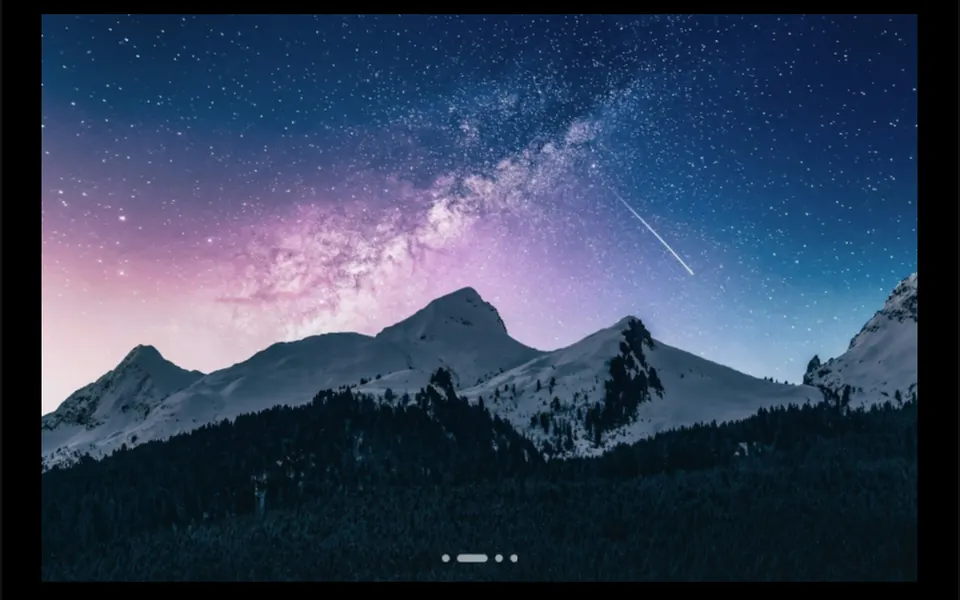
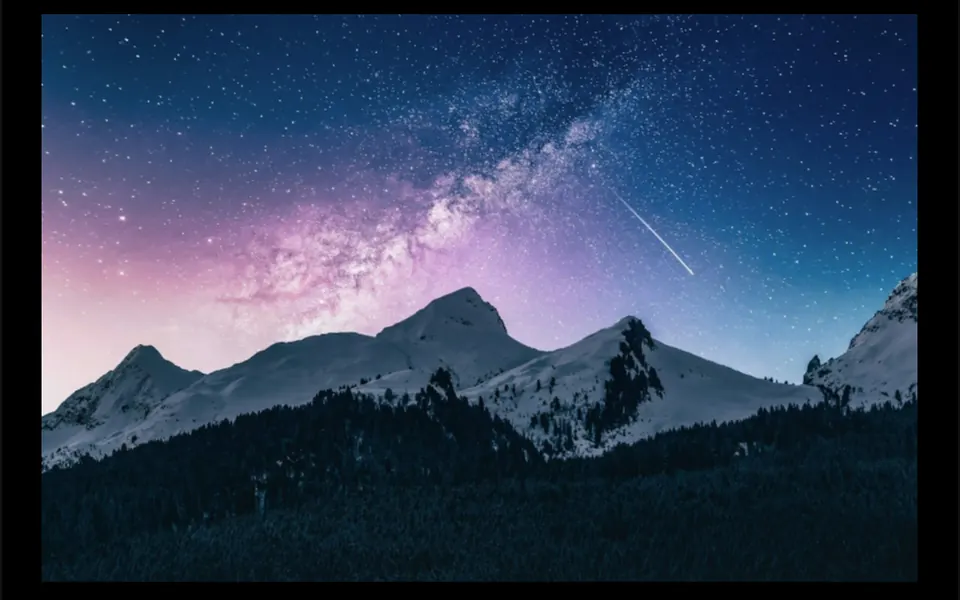
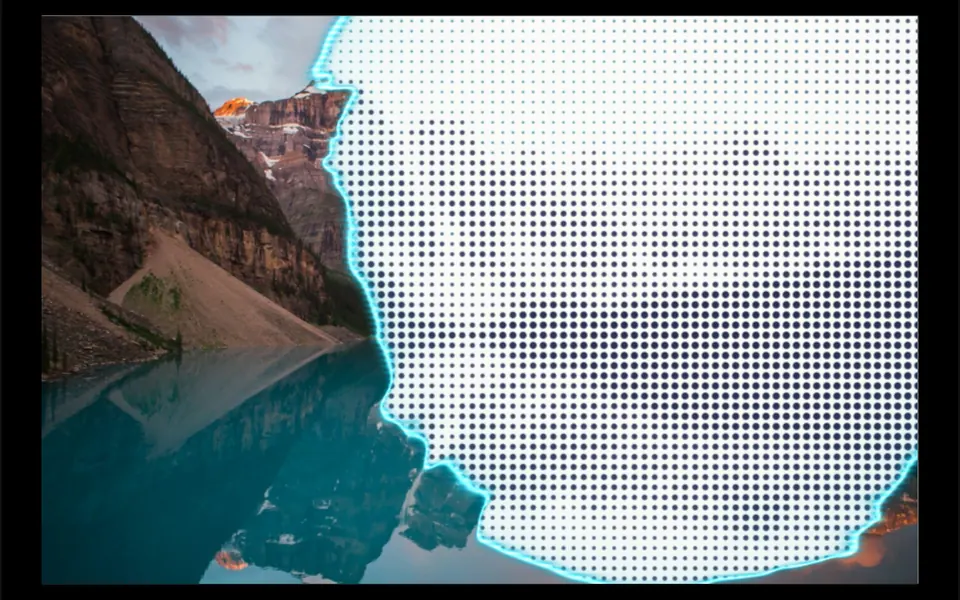
Imagine a photo burning from below. When you hover, the image starts to vanish from the bottom in ragged shapes, and the advancing line glows orange like embers on the edge of paper. Small grains break off that line, rise a little and fade out, flickering. Behind it, an off-white background appears, or any color you choose. When the cursor leaves, the photo slowly rebuilds itself. In scroll mode, the dissolve follows the section as it passes through the screen; in manual mode, you control the exact point.
You may be looking for this if you asked for something like
- a photo that crumbles into dust when I hover
- a burning image effect with a glowing edge
- an image that fades away as I scroll down the page
- that superhero movie disintegration effect
- a transition where the photo turns to ash to reveal the product
- a dramatic effect for a launch campaign
Also known as
- dissolve effect
- disintegration effect
- burn effect
- dust effect
- burning paper shader
- image dissolve transition
When to use
- Narrative transitions where an image gives way to the next section on scroll
- Revealing a product or an offer hidden behind a photo
- Campaigns and launches that call for a dramatic moment
- Portfolios with cards that react on hover
When to avoid
- Images people need to see in full, such as product photos in a store
- Phone-first audiences, if the chosen mode is hover
How to ask your AI
Create a WebGL dissolve effect that disintegrates the image into dust with a glowing edge in my brand colors, driven by the section scroll, paused off screen, switching state directly for reduced motion and falling back to a still image without WebGL.
With THM Componentes, you paste the full prompt from the catalog, which already includes this component's source code, and the AI reproduces this exact effect instead of improvising.
Questions about Brasa
Does Brasa work on phones?
The effect runs on phones with WebGL, but Brasa's hover mode depends on moving a cursor over the image, a gesture touch screens do not have. On phones, prefer scroll mode, where the dissolve follows the section as it passes through the screen, or manual mode, controlled by your code.
Does Brasa respect reduced motion settings?
Yes. With reduced motion on, Brasa stops smoothing the transition: in hover mode the image vanishes or returns at once, and in scroll mode progress follows the position without delay. Drawing also pauses when the component leaves the screen, so it does not keep drawing while people read other sections.
Can I change the ember color in Brasa?
Yes. Brasa has props for the color and width of the glowing edge, the dust grain size, how far the grains rise and the color shown behind the image. The THM Componentes prompt asks for your project color tokens in those props.