What it looks like
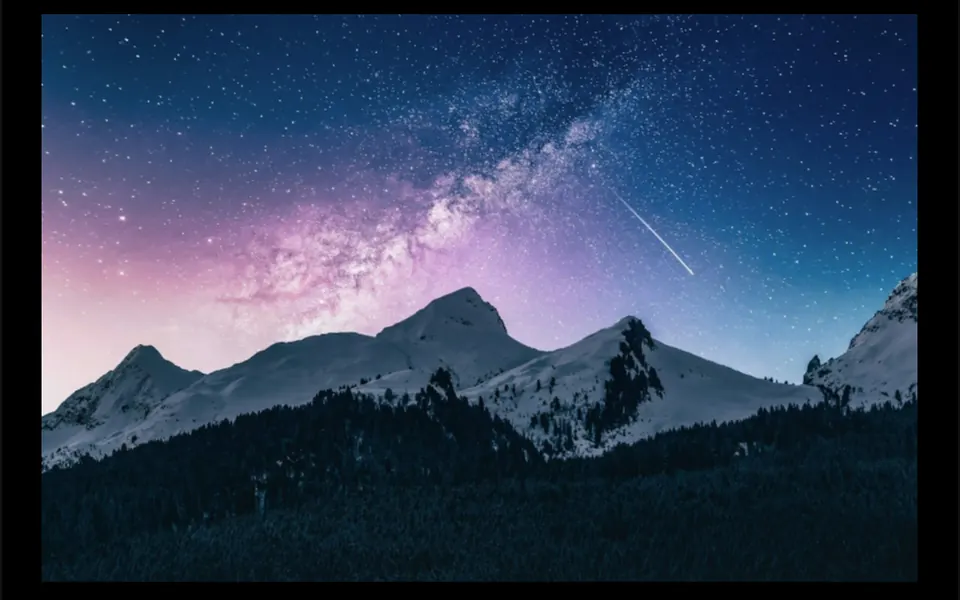
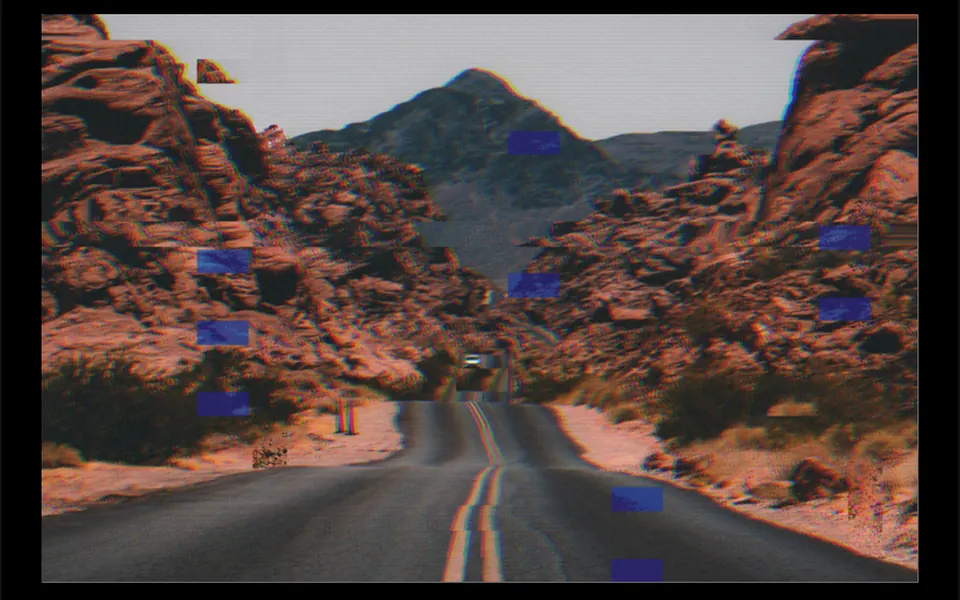
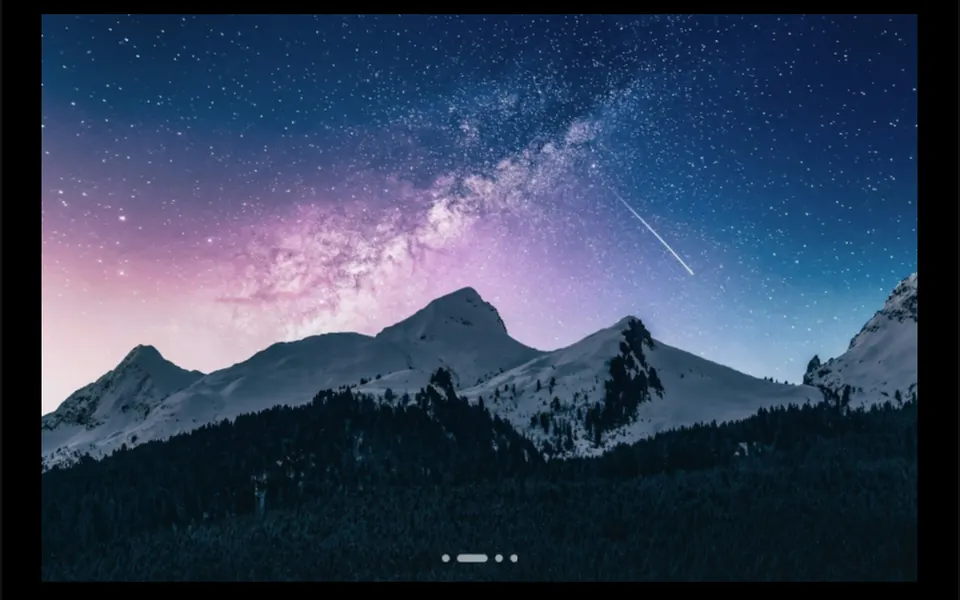
It works like a regular slideshow, but the move from one photo to the next feels like a film effect. In ripple, the default, rings spread from the center like a stone dropped in a lake and reveal the next image. In pixelize, the photo turns into large blocks and resolves into the next one; swirl twists it like water down a drain; burn sends an orange edge across like paper catching fire; glitch makes strips jump with split colors; circle grows a disc from the center. Each change takes a little over a second, and white dots at the bottom mark the current photo.
You may be looking for this if you asked for something like
- photos that change by themselves with a ripple effect at the top of the site
- a slideshow with an unusual transition, like paper burning
- an image carousel with a pixel effect between slides
- a banner that switches photos with a cinematic effect
- a real estate showcase where photos change with a nice transition
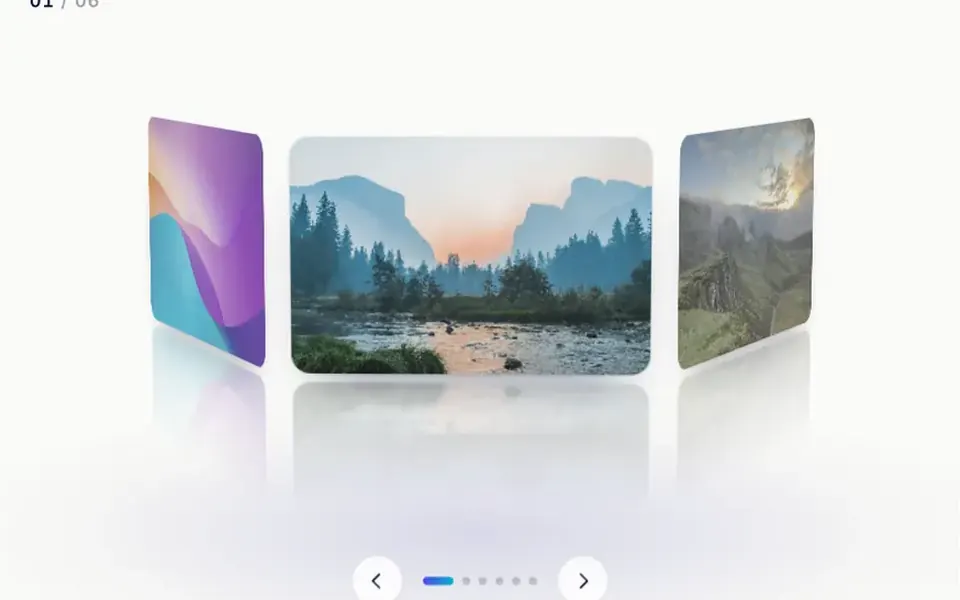
- a project gallery that changes the image when I click
Also known as
- shader transition
- GLSL transition
- WebGL slideshow
- image transition
- slideshow effects
- WebGL carousel
When to use
- A hero with a sequence of product, destination or event photos
- A project portfolio where each image deserves a strong entrance
- A real estate or development showcase with large photos
- A case study presentation with a caption that changes each slide
When to avoid
- Content that needs an explicit pause, since there is no button to stop autoplay
- Photos from another domain without CORS enabled, which will not load as textures
How to ask your AI
Create a WebGL slideshow with GLSL transitions between the hero photos, such as ripple, pixelize and burn, advancing on its own, on click and with the arrow keys. I want instant swaps and no autoplay for reduced motion, rendering paused off screen and a static image as a fallback.
With THM Componentes, you paste the full prompt from the catalog, which already includes this component's source code, and the AI reproduces this exact effect instead of improvising.
Questions about Claquete
How do I pick the effect in Claquete?
With the effect prop, which accepts ripple, pixelize, swirl, burn, glitch or circle. Claquete also takes the list of images, the duration of each transition, 1.4 seconds by default, and the interval between photos in autoplay, 3.5 seconds. The chosen effect applies to every change in the slideshow.
Does Claquete work with a keyboard and on phones?
Yes. Claquete takes focus and moves forward or back with the arrow keys, and the dots at the bottom are labeled buttons. On phones, a tap on the image moves to the next photo and the dots jump straight to each one. There is no swipe gesture.
Does Claquete respect reduced motion settings?
Yes. With reduced motion turned on, Claquete swaps photos at once, without the animated transition, and autoplay stops; people change images by clicking, with the arrow keys or with the dots. Off screen, the component stops drawing and autoplay does not advance.