What it looks like
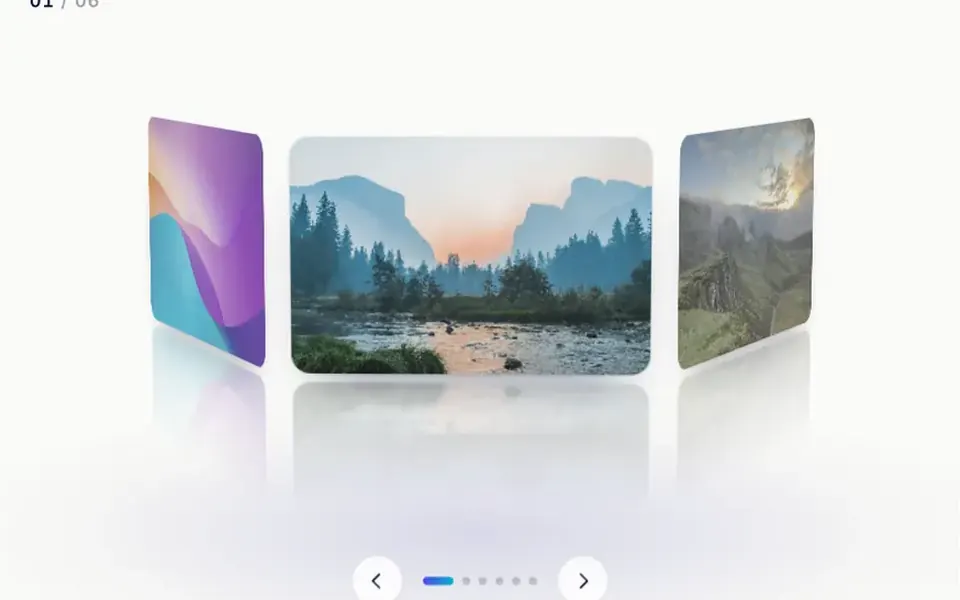
Think of a photo panel that turns its pages. Each photo appears large and centered, and the component fills whatever space you give it, such as the top of a page. On every change, the current photo slides out of frame, vertically by default or sideways in horizontal mode, and then the next one appears tiny in the center and grows to its normal size in about 300 milliseconds. An optional overlay holds a headline and a button, which drift down into place once all images have loaded. In the demo, a dark gradient at the bottom keeps the text readable.
You may be looking for this if you asked for something like
- big photos that change by themselves at the top of my site
- a full-screen image slideshow for the homepage
- a photo banner I can swipe through on my phone
- an image gallery you can flip through with the arrow keys
- a real estate hero with property photos rotating
- a background photo that changes every few seconds with a headline on top
- a full-width photo carousel for an events website
Also known as
- fullscreen image slider
- hero slider
- image slideshow
- image carousel
- rotating banner
- photo slider
When to use
- A real estate hero showing facades and interiors
- Travel, hotel and guesthouse pages with destination photos
- Event and wedding websites that rely on imagery
- The opener of a photographer or architect portfolio
When to avoid
- When the key message depends on a single image everybody must see
- Pages that must load fast on mobile data, since every photo downloads before the headline shows
How to ask your AI
Create a full-screen photo slideshow at the top of the homepage: one image at a time, the current one slides out and the next grows from the center, autoplay every 5 seconds, arrow keys and swipe on mobile, and instant changes without animation for people who prefer reduced motion.
With THM Componentes, you paste the full prompt from the catalog together with this component's code, and the AI reproduces this exact effect instead of improvising.
Questions about Fotograma
Does Fotograma work on phones?
Yes. Fotograma changes photos with a finger swipe and pauses the autoplay timer while someone is swiping. Because it downloads every photo before showing the first one and the headline, use compressed images at the right size and compare LCP before and after, as the THM Componentes prompt asks.
Can people use Fotograma with the keyboard?
Yes. Fotograma takes focus with Tab, shows a thin focus ring and responds to all four arrow keys: up and left go back, down and right go forward. The photos have no alt text by default, so ask your AI to add a description for each image.
Does Fotograma respect reduced motion settings?
The original component always animates the change and does not read the system preference. The THM Componentes prompt asks your AI for a static version for people who turn on reduced motion, which in Fotograma can mean swapping photos without the slide and grow effect, and only when people ask for it.