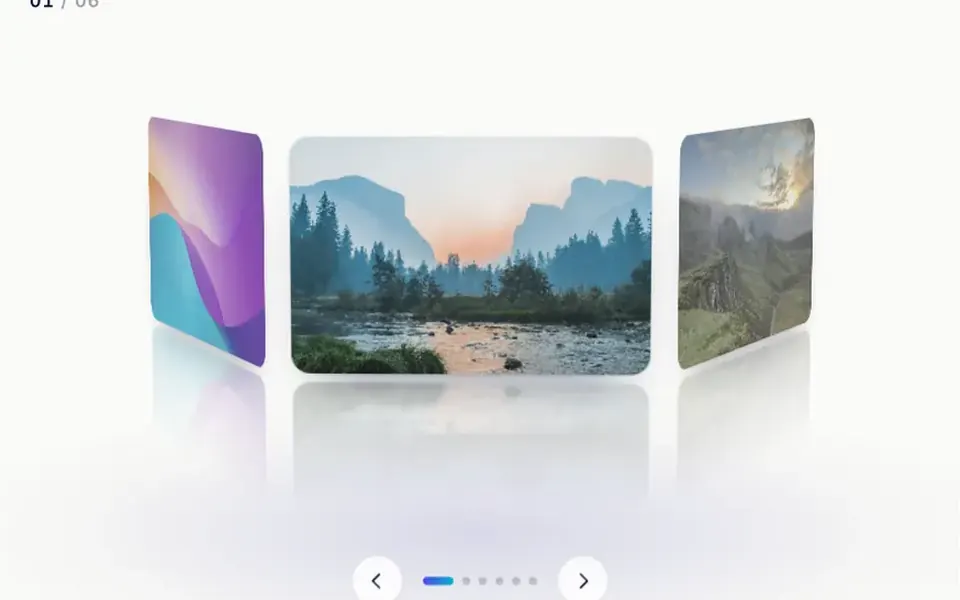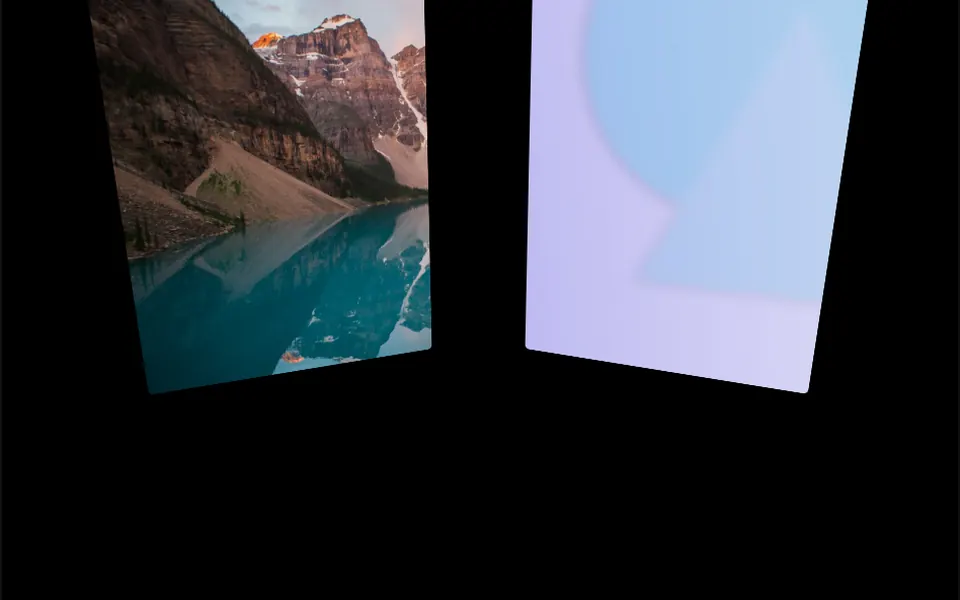
What it looks like
It is a 3D box that turns around one axis, with a photo or a video on each side, like a desktop photo cube. Drag in the direction of the turn and the cube follows your finger or mouse with a springy feel; let go and it snaps to the nearest face. With the previous and next buttons or the arrow keys, each quarter turn starts slowly, speeds up and brakes at the end. The axis can be horizontal or vertical, and the cube cycles through as many items as you like, swapping the hidden back face on every turn. Videos play muted and on a loop.
You may be looking for this if you asked for something like
- a 3D cube with photos that turns when I drag it
- show my product from several angles, turning like a box
- a 3D image carousel I can spin with my finger
- before and after on the faces of a rotating cube
- photos on a box that turns like a die, one at a time
- something like a spinning cube with a video on each side for my portfolio
Also known as
- photo cube
- 3D cube slider
- rotating cube gallery
- spinning product cube
- cube rotation effect
- draggable 3D cube
When to use
- Showing a product from four angles on a sales page
- Before and after for a service, such as a renovation or a cosmetic treatment
- A portfolio highlight with photos and short videos
- Launch sections that call for a light 3D element without WebGL
When to avoid
- Large galleries where people want to see several photos at once
- Images with important text, which distorts during the turn
How to ask your AI
Create a carousel shaped like a 3D cube to show my product from four angles: dragging with a finger or the mouse turns the cube and snaps to the nearest face on release, arrow keys, previous and next buttons, muted looping videos and instant face changes for reduced motion.
With THM Componentes, you paste the full prompt from the catalog together with this component's code, and the AI reproduces this exact effect instead of improvising.
Questions about Porta-retrato
Does Porta-retrato work on phones?
Yes. Porta-retrato uses pointer events and reserves the touch gesture for itself, so dragging with a finger turns the cube, which snaps to the nearest face on release. In the demo the cube gets smaller on narrow screens. Videos play muted, on a loop and inline on the page.
Does Porta-retrato respect reduced motion settings?
Partly, yes. With reduced motion turned on in the system, Porta-retrato switches faces instantly when the turn comes from the buttons, the arrow keys or autoplay. Dragging still follows the finger, since the person is the one moving the cube.
Can I control Porta-retrato with the keyboard?
Yes. Porta-retrato takes focus with Tab and turns with the arrow keys of its axis: left and right for a horizontal turn, up and down for a vertical one. A live region announces the current item and the total, using the image alt text, and the next and prev methods let you build your own buttons.