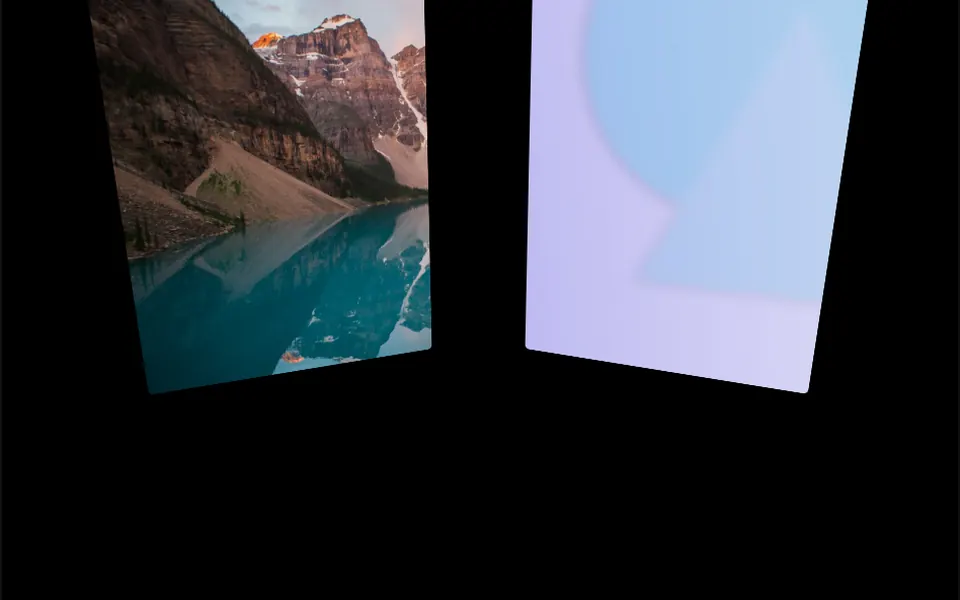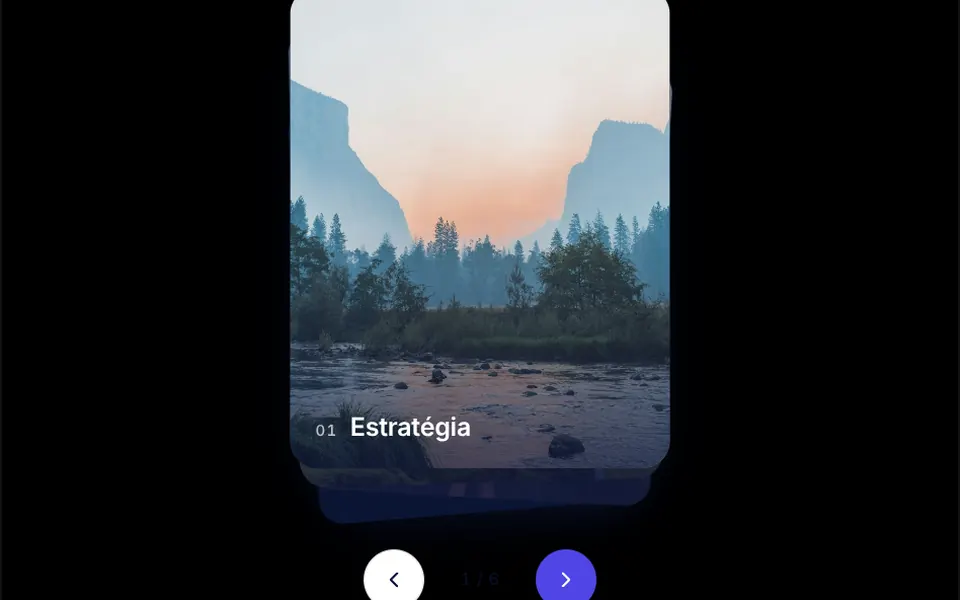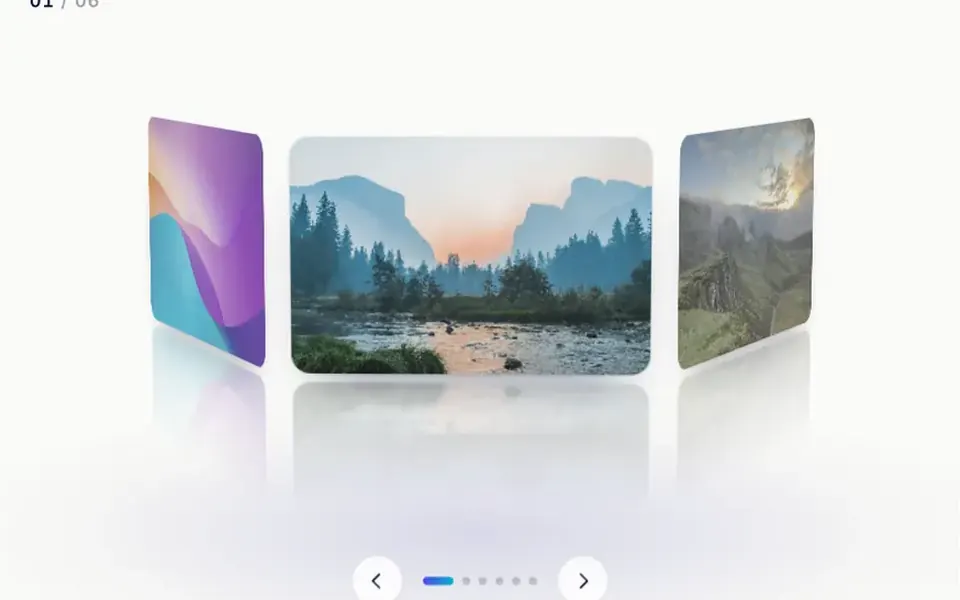
What it looks like
Picture a fairground carousel seen from the front, with photos instead of horses. Six images with rounded corners form a ring in perspective, with the camera tilted slightly from above. The front photo is sharp and colorful; those going around the back get darker, less saturated and see-through. Under each one sits a blurred reflection that fades out, over a soft glow on the floor. Drag sideways and the ring spins, slowing down until it snaps into place. Left alone, it turns very slowly by itself. Arrows and dots sit at the bottom, with a counter in the corner.
You may be looking for this if you asked for something like
- a 3D image carousel that spins when I drag it
- a ring of photos you can rotate with your finger
- show my portfolio projects rotating in a circle
- a 3D product showcase that will not slow the site down
- photos wrapped around a cylinder with a reflection below
- an image slider with perspective and depth
- that carousel that rotates around an axis, with depth
Also known as
- cylinder carousel
- rotating gallery
- 3D image slider
- carousel with reflection
- spinning photo ring
- cylindrical image gallery
When to use
- A photography, design or architecture portfolio
- A gallery of projects or case studies on an agency site
- A product showcase designed for touch navigation
- Event highlights featuring photos from the previous edition
When to avoid
- Large collections, where turning photo by photo gets tiring; use a filtered grid
- Images with small text, which gets distorted on the sides in perspective
How to ask your AI
Create a CSS-only 3D cylinder carousel for my portfolio: drag with inertia and snapping, arrows, dots and keyboard, a soft floor reflection and a slow auto spin when idle, with a pause when off screen and instant changes without animation for reduced motion.
With THM Componentes, you paste the full prompt from the catalog, which already includes this component's source code, and the AI reproduces this exact effect instead of improvising.
Questions about Coreto
Does Coreto work on phones?
Yes. Coreto responds to horizontal finger drags and leaves vertical page scrolling free, so people spin the ring without getting stuck. Since it is built with CSS 3D only, without WebGL, it is rated Light in THM Componentes, and the spin pauses when the carousel leaves the screen.
Can people navigate Coreto with the keyboard?
Yes. Coreto takes focus and turns with the left and right arrow keys; the previous and next controls and the dot for each image are native buttons. The counter announces the current image to screen readers, and every photo has alt text with its position. Those labels are in Portuguese, so ask your AI to translate them.
Does Coreto respect reduced motion settings?
Yes. With reduced motion turned on, Coreto does not spin by itself and changes images without animation, jumping straight to the chosen card. Dragging, arrows and dots keep working. Apart from that, the automatic spin also stops while the mouse is over the carousel.