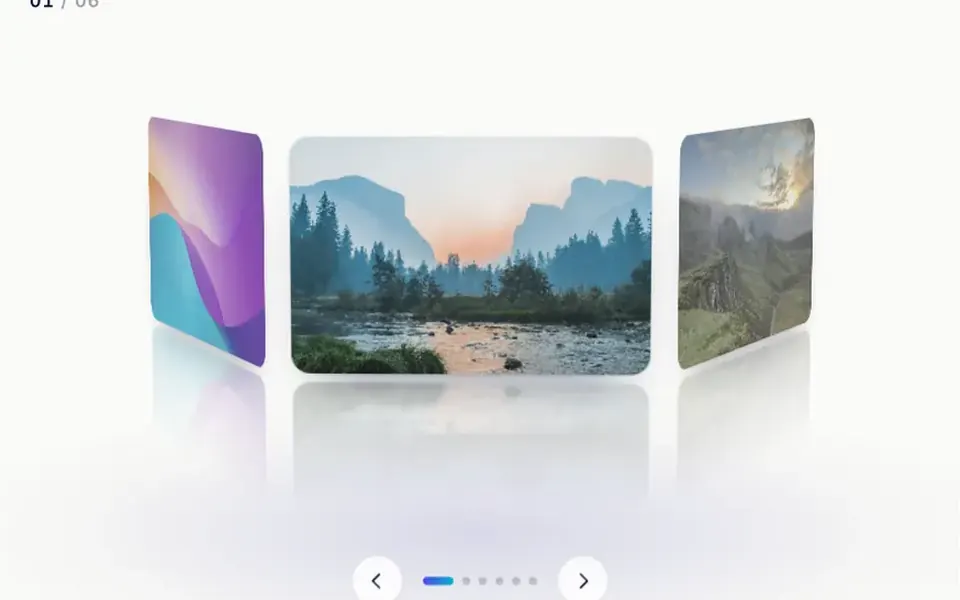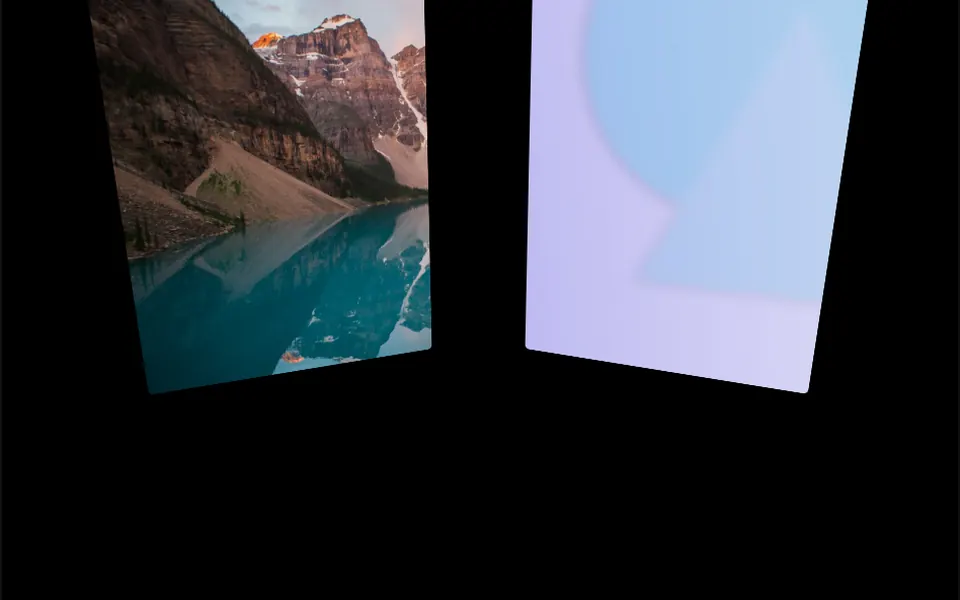
What it looks like
It feels like standing in the middle of a fairground carousel, surrounded by tall photo panels drifting past. The images, with rounded corners, sit on a slightly tilted ring seen from inside, so the panels curve away in perspective. The ring completes a lap every 20 seconds at a steady pace. Press and drag sideways and the rotation stops and follows your hand; let go and it starts turning again. The background is transparent, and the component takes 60% of the screen height by default.
You may be looking for this if you asked for something like
- a 3D image carousel that spins by itself
- photos rotating in a circle around the screen
- a product showcase wheel people can drag
- case studies spinning in 3D for an agency page
- that carousel that makes you feel like you are inside it
- large images looping past with a sense of depth
Also known as
- 3D photo ring
- rotating image carousel
- perspective image wheel
- circular 3D gallery
- spinning carousel
- image ring
When to use
- Product or collection showcases with portrait photos
- Case study or portfolio sections on agency pages
- Event or launch openers with strong images
When to avoid
- When people need to click an image: the panels have no link or text
- Pages where constant motion gets in the way of reading
- Small screens, unless you adjust the panel width and height
How to ask your AI
Create a 3D image carousel arranged in a ring for my product showcase, turning slowly in a loop and responding to mouse and touch drags. I want it paused off screen, a static version for reduced motion and panel sizes adjusted for phones.
With THM Componentes, you paste the full prompt from the catalog together with this component's code, and the AI reproduces this exact effect instead of improvising.
Questions about Ciclorama
Does Ciclorama use WebGL?
No. Even though it uses Three.js, Ciclorama places the images as HTML elements with CSS 3D transforms, with no WebGL context. It is still rated Heavy in THM Componentes: it loads Three.js and an animation library and updates the scene every frame while it spins.
Can I drag Ciclorama on a phone?
Yes. Ciclorama handles touch events: dragging a finger sideways turns the ring, and automatic rotation restarts on release. While the finger drags over it, page scrolling is blocked. Panels are 450 by 600 pixels by default, so lower width and height on small screens.
Does Ciclorama respect reduced motion settings?
The original component always spins. The THM Componentes prompt asks your AI for a static version for people who turn on reduced motion and for the animation to pause off screen, which is simple in Ciclorama: skip the continuous rotation and keep dragging as the only way to turn it.