What it looks like
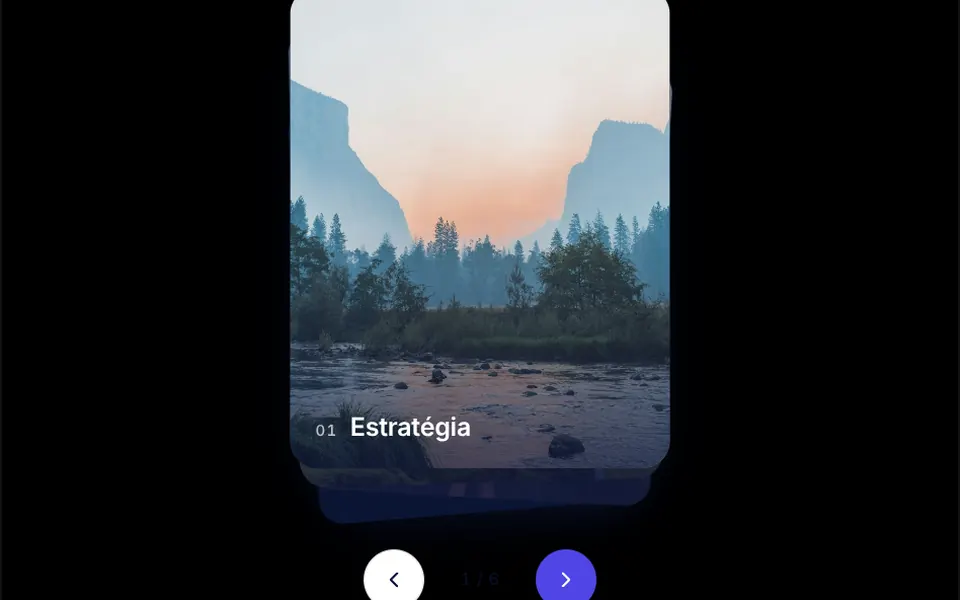
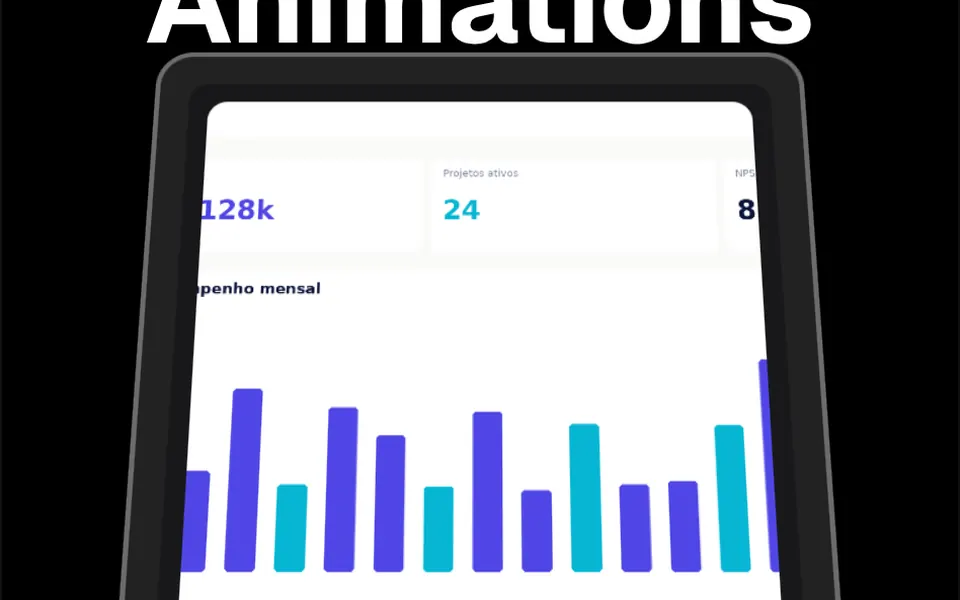
As the page scrolls, each card rises and sticks near the top of the screen, and the next one slides over it, stopping a little lower. The cards behind shrink gradually and leave their top edge showing, like index cards piled on a desk. By the end of the scroll they form a stepped stack, with the latest card fully in front. The demo uses five large colorful cards, in orange, blue, coral and dark teal, each with a title, text and photo, side by side on larger screens.
You may be looking for this if you asked for something like
- cards that pile up as I scroll down the page
- show my method steps one on top of the other while scrolling
- a section where each card sticks to the top and the next one covers it
- a stacking cards scroll effect, like agency websites
- present my services one at a time as people scroll
- cards that shrink and move back when the next one arrives
Also known as
- stacking cards
- sticky cards
- card pile on scroll
- scroll stack
- sticky stacking cards
- stacked cards on scroll
When to use
- Steps of a method or a service process
- A list of services where each one deserves a large card
- A product page that presents features one at a time
- A company story told in chapters
When to avoid
- Content people need to compare side by side, since each card covers the previous one
- Short pages, where the stack demands a lot of scrolling for little content
How to ask your AI
Create a section of cards that stack while scrolling for the steps of my method: each card sticks to the top, the next one covers it and the ones behind shrink slightly, with a sensible height on phones and a static version, as a plain list, for reduced motion.
With THM Componentes, you paste the full prompt from the catalog together with this component's code, and the AI reproduces this exact effect instead of improvising.
Questions about Resma
Does Resma work inside its own scroll area?
Yes. By default Resma follows page scrolling, but it accepts its own container in the scroll options, as in the demo, which runs inside a fixed-height box. Each card needs a set height, such as the screen height, so the stack has room to form.
How many cards can I use in Resma?
The code sets no limit: Resma works out how much each card shrinks from the total in totalCards and the scaleMultiplier factor, which defaults to 0.03. With many cards, the first ones end up much smaller; for long lists, lower that factor.
Does Resma respect reduced motion settings?
The original component always animates the shrinking while scrolling. The THM Componentes prompt asks your AI for a static version for people who turn on reduced motion, which in Resma can be a plain list of cards without the stacking effect.