What it looks like
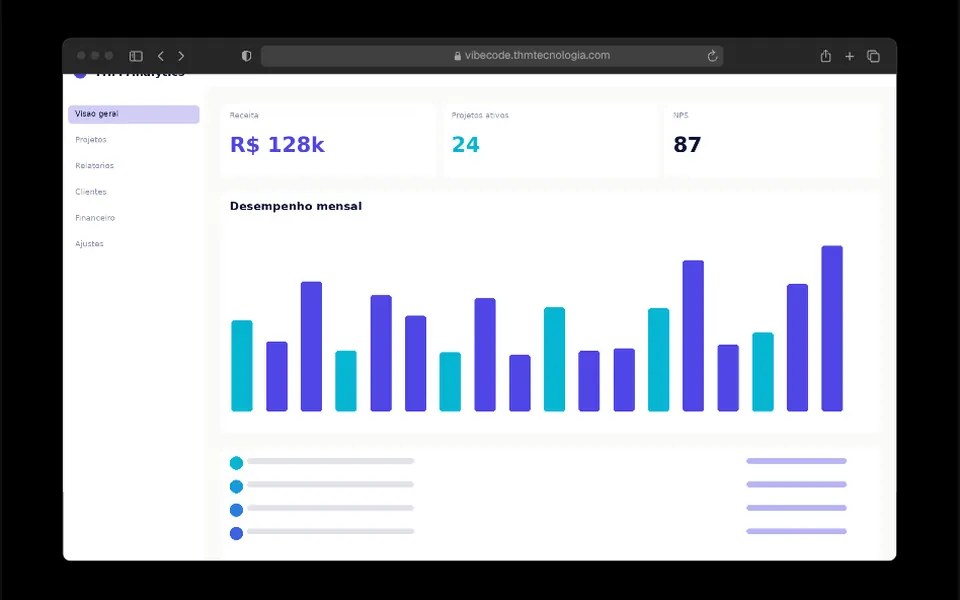
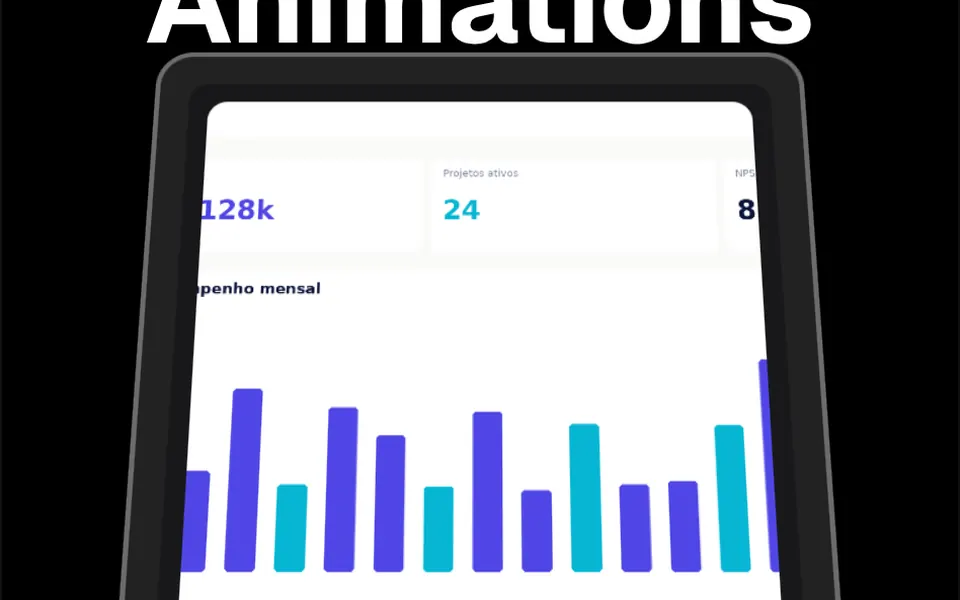
Imagine a laptop on a desk with its screen tipped back, being lifted upright as you scroll. The content sits inside a large card with deeply rounded corners, a thick gray border and a near-black bezel, like a monitor frame, plus a long soft shadow underneath. At the start of the section the card leans back; as the page goes down it straightens until it faces you, and the headline above rises up to 100 pixels. On desktop the card shrinks slightly; on phones it starts smaller and grows a little. The inner screen is light gray in the light theme and graphite in the dark one.
You may be looking for this if you asked for something like
- an app screenshot that straightens up as I scroll
- a product screen lying back that lifts with the scroll
- that effect where the screen rises like a laptop opening
- show my SaaS dashboard with a 3D effect on scroll
- a hero with a tilted image of the app that becomes flat
- reveal the product mockup as people scroll down
- a scroll effect to present my app like a product launch
Also known as
- 3D mockup on scroll
- 3D scroll effect
- scroll animation
- tilt on scroll
- perspective scroll effect
- scroll-driven hero
When to use
- A SaaS hero that shows the product dashboard right below the headline
- An app launch page with a large screenshot of the main screen
- A features page that presents the interface before the details
- Presenting a website or system redesign
When to avoid
- Short pages, since the section is tall, from 960 to 1,280 pixels, and needs scrolling
- Small or low-resolution screenshots, which look poor in such a large card
How to ask your AI
Create a scroll effect where my app screen sits in a card with a dark frame, tilted back, and straightens in 3D as the page scrolls. Put it in the hero, with an optimized image, no jumps on phones and a still version for reduced motion.
With THM Componentes, you paste the full prompt from the catalog together with this component's code, and the AI reproduces this exact effect instead of improvising.
Questions about Cavalete
Does Cavalete work in Nuxt with SSR?
With one precaution. Cavalete reads the window object during script setup, which fails when Nuxt renders the page on the server. Wrap the component in ClientOnly, as the catalog does in its demos, or ask your AI to move that access into onMounted.
Does Cavalete slow down scrolling?
Barely. Cavalete only changes CSS tilt, scale and offset transforms based on the scroll position, with no canvas or WebGL, which is why it is rated Light in THM Componentes. The image inside the card is what weighs: use an optimized screenshot and compare LCP before and after.
How does Cavalete look on phones?
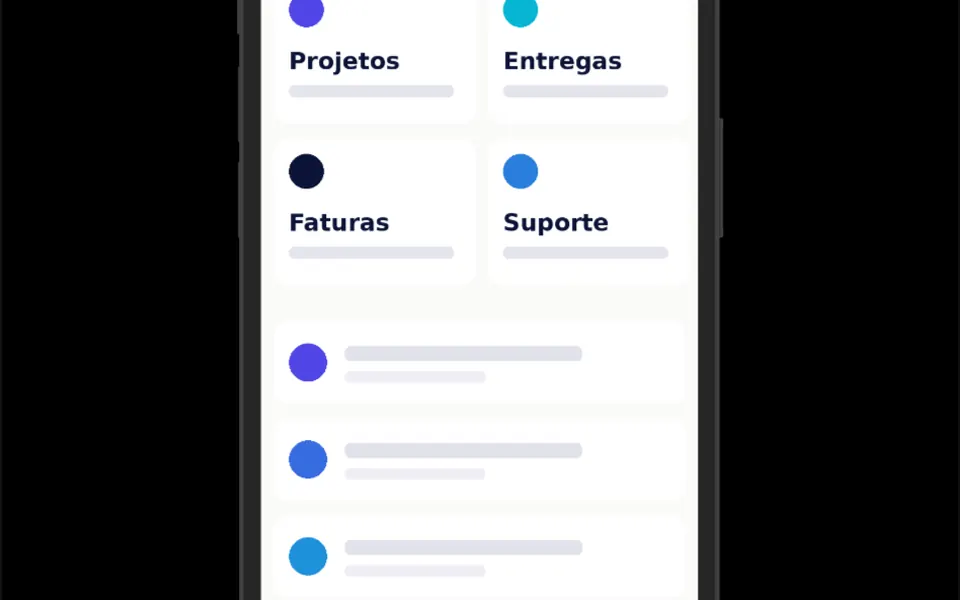
On screens up to 768 pixels wide, Cavalete uses a different scale: the card starts at 70% of its size and grows to 90% while it straightens, and the section is shorter, at 960 pixels. The tilt and the rising headline stay the same, and the effect follows finger scrolling.