What it looks like
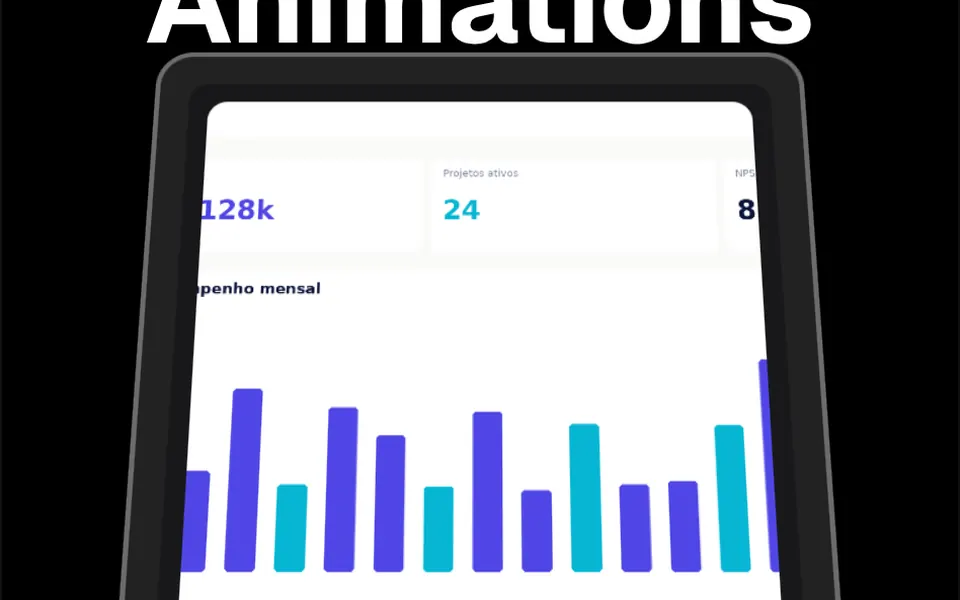
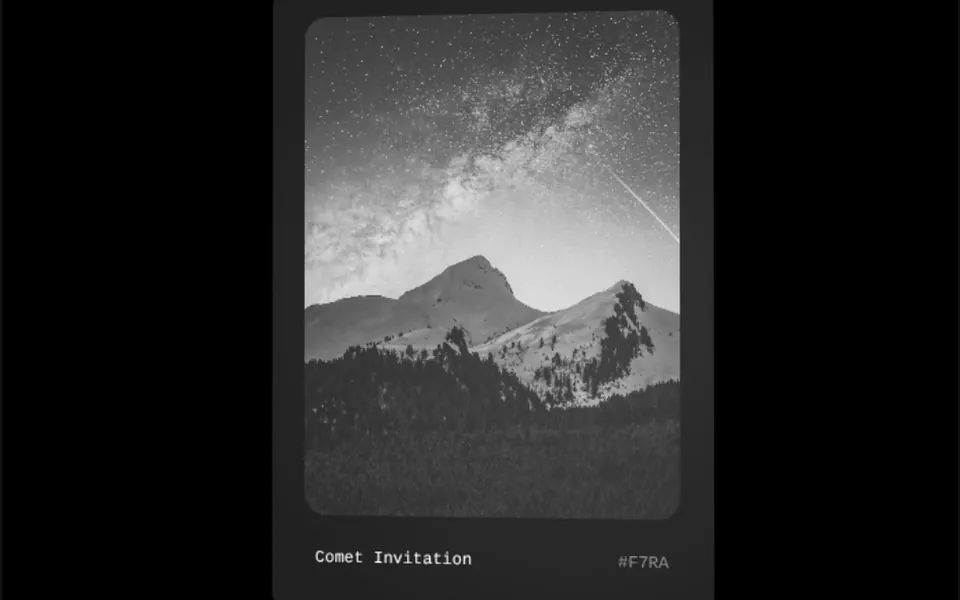
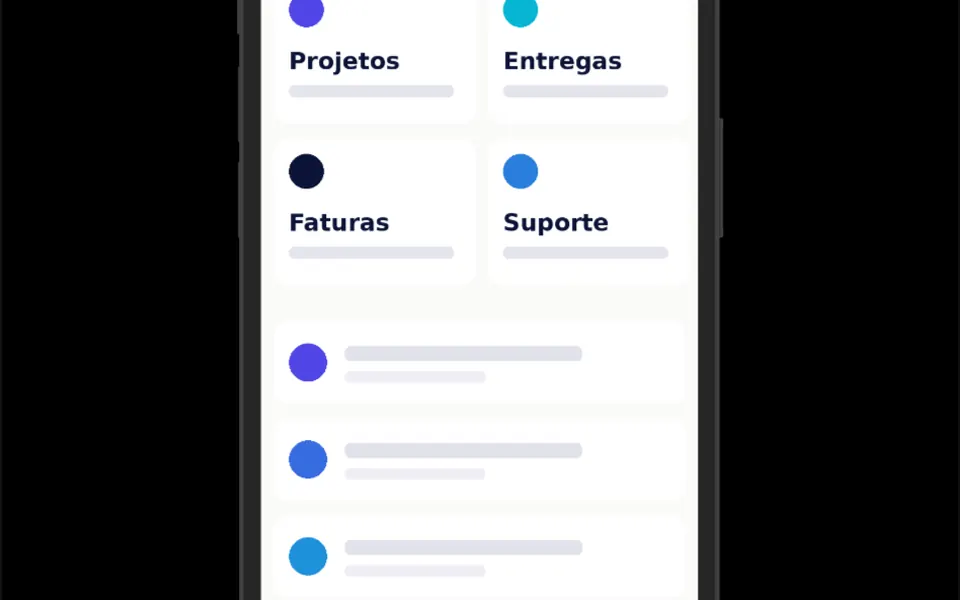
It looks like an official front view of an iPhone, drawn with clean lines. The body has deeply rounded corners, three buttons on the left side and one on the right, a bezel around the screen and, at the top, the pill-shaped island with the camera, in the same tone as the bezel. The image you pass fills the whole screen, cropped at the corners, with the island on top of it. In light mode the phone is light gray with a white bezel; in dark mode, graphite with a near-black bezel. Nothing moves: it is a still frame.
You may be looking for this if you asked for something like
- show my app screenshot inside an iPhone
- a phone frame to put my app screen on the landing page
- that iPhone picture with the app screen inside, like Apple's site
- a phone drawn around a screenshot of my web app
- make my app screenshots look like a polished presentation
- a phone mockup that looks good in dark mode
- put my app screen in an iPhone for a sales proposal
Also known as
- iOS device frame
- phone frame
- device mockup
- mobile mockup
- iPhone frame
- app screenshot frame
When to use
- A mobile app landing page showing the main screen
- A pitch deck or sales proposal with app screenshots
- A features section with one screen per feature
- A portfolio for people who design app interfaces
When to avoid
- Screens that must be interactive or play video, since the frame only takes an image
- Android-only apps, where an iPhone frame confuses the audience
How to ask your AI
Create an SVG iPhone frame for my app landing page, with the main screen screenshot filling the display with rounded corners, colors that follow dark mode, a responsive size on phones and no delay to the main image loading.
With THM Componentes, you paste the full prompt from the catalog together with this component's code, and the AI reproduces this exact effect instead of improvising.
Questions about Estojo
Can I put a video or a live screen inside Estojo?
Not out of the box. Estojo takes an image through the src prop and crops it to fill the screen with the phone's rounded corners. For video or a live interface, ask your AI to layer that content over the screen area and keep the island on top.
Does Estojo work in dark mode?
Yes. The colors in Estojo change with the Tailwind dark class: a light gray body with a white bezel in light mode, graphite and near-black in dark mode. The THM Componentes prompt also tells your AI to replace those fixed tones with your project color tokens.
Does Estojo slow down page loading?
Barely. Estojo is a single SVG with no animation, rated Light in THM Componentes. The screen image is what weighs: use an optimized screenshot at the size it is displayed, and compare LCP before and after, as the prompt asks.