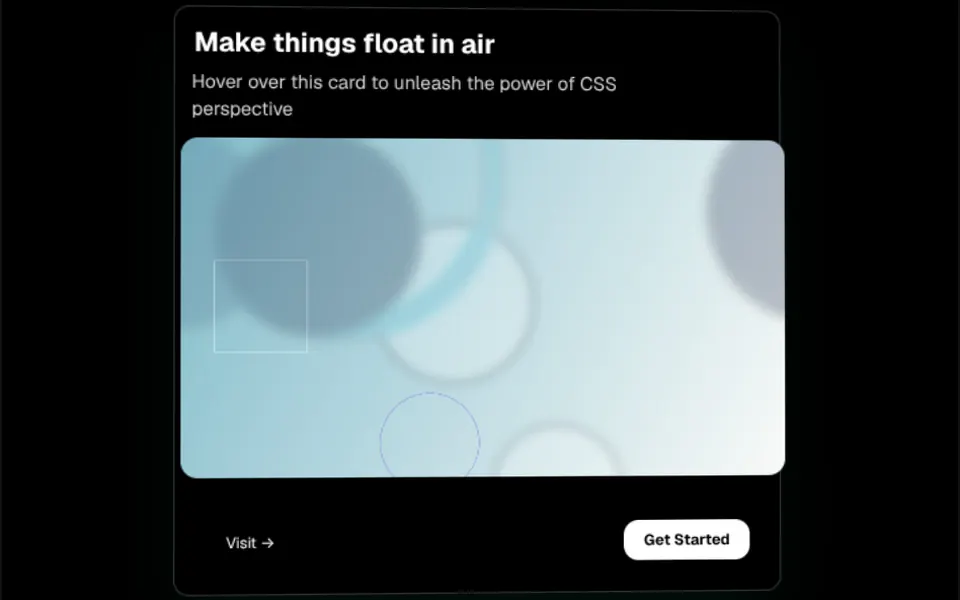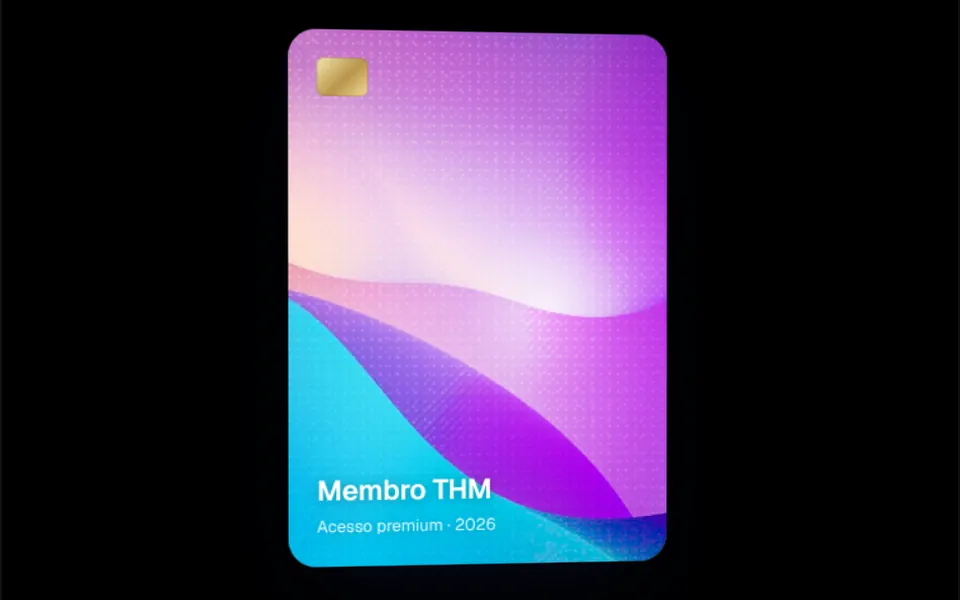
What it looks like
Picture an invitation card held in your hand and tilted against the light. At rest it stays still, with a long, soft shadow underneath. When the cursor enters, the card grows 5 percent, moves toward the viewer and starts tilting in 3D, up to 17.5 degrees, following the mouse position, while a soft white glare glides across the surface. Everything moves on springs, so the gesture feels smooth. When the cursor leaves, the card eases back into place. In the demo, the content is a black and white invitation with a photo and a code.
You may be looking for this if you asked for something like
- a card that tilts toward wherever my mouse is
- a floating 3D effect on a card when I hover over it
- a digital invite that feels like a real card in your hand
- show my app screenshot on a card that moves with the mouse
- a card with a light glare and a shadow that adds depth
- that tilted card from the Perplexity Comet site
- make the invite card feel like an expensive app
Also known as
- tilt card
- 3D tilt card
- parallax card
- hover tilt effect
- 3D hover card
- perspective card
When to use
- An invitation, ticket or early access card on a launch page
- An app mockup or product screenshot featured in the hero
- A membership, plan or coupon card that should feel physical
- A showcase with one or two main cards that do not compete for attention
When to avoid
- Audiences that mostly browse on phones: the effect ignores touch and the card stays still
- Grids with dozens of cards, where every card tilting gets tiring
How to ask your AI
Create a 3D tilt card: on hover it grows slightly, tilts with the cursor using spring motion and catches a glint of light. I want a layered shadow, a still version for people who prefer reduced motion and a static card on phones that does not hurt INP.
With THM Componentes, you paste the full prompt from the catalog together with this component's code, and the AI reproduces this exact effect instead of improvising.
Questions about Convite
Does Convite work on phones?
Convite ignores touch on purpose: on phones and tablets the card shows with its shadow but does not tilt or catch the glare, so scrolling with a finger never moves it by accident. If you want some motion on phones, ask your AI for a light entrance animation instead of the tilt.
Can I adjust how much Convite tilts?
Yes. Convite has two props: rotateDepth sets the maximum tilt, 17.5 degrees by default, and translateDepth sets the maximum shift, 20 pixels. Lower values keep the effect subtle on text-heavy cards, and since the content goes inside the component, any card in your project works.
Does Convite respect reduced motion settings?
The original component tilts whenever the mouse passes over it. The THM Componentes prompt asks your AI for a static version for people who turn on reduced motion; with Convite, that means keeping the shadow and turning off the tilt and the glare in that case.