What it looks like
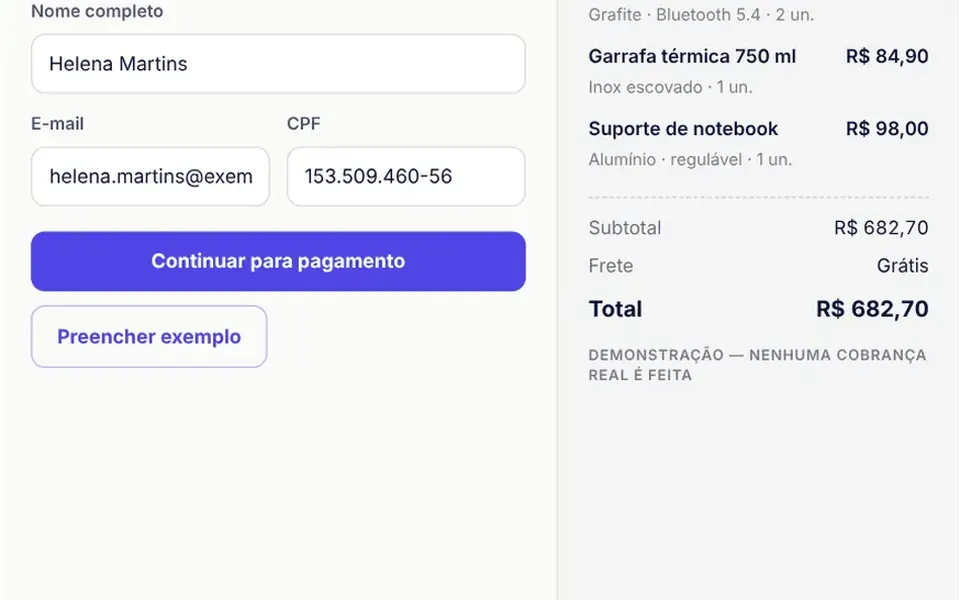
It looks like the payment page of a big online store. At the top, a padlock icon and a demo badge sit next to the three steps, which get a check mark when done. On the right, the order summary lists items, shipping and total; in narrow spaces it moves to the top. In the payment step, three buttons choose Pix, card or boleto, the Brazilian bank slip. Pix shows the QR code, the amount in large type, a countdown with a bar and the copy and paste code with a copy button. The card form detects the brand as you type, and the boleto option draws its barcode.
You may be looking for this if you asked for something like
- a checkout page with Pix and boleto for my Brazilian store
- generate a Pix QR code with copy and paste at checkout
- a checkout with card installments for customers in Brazil
- a payment form that recognizes the card brand
- a checkout screen like the ones big online stores have
- show the boleto line with a copy button
- a Brazilian checkout prototype without a backend
- a countdown before the Pix code expires
Also known as
- Brazilian checkout
- Pix payment
- Pix QR code
- multi-step checkout
- payment form
- installment checkout
- boleto payment
When to use
- Brazilian online stores and SaaS that take Pix, cards and boleto
- Prototypes and sales demos that need the full payment flow
- Checkout screens that are a plain form today
- Client demos before a payment gateway is chosen
When to avoid
- Real charges without a payment provider integration, since approval is simulated
- Stores outside Brazil, since CPF, Pix, boleto, currency and labels are Brazilian
How to ask your AI
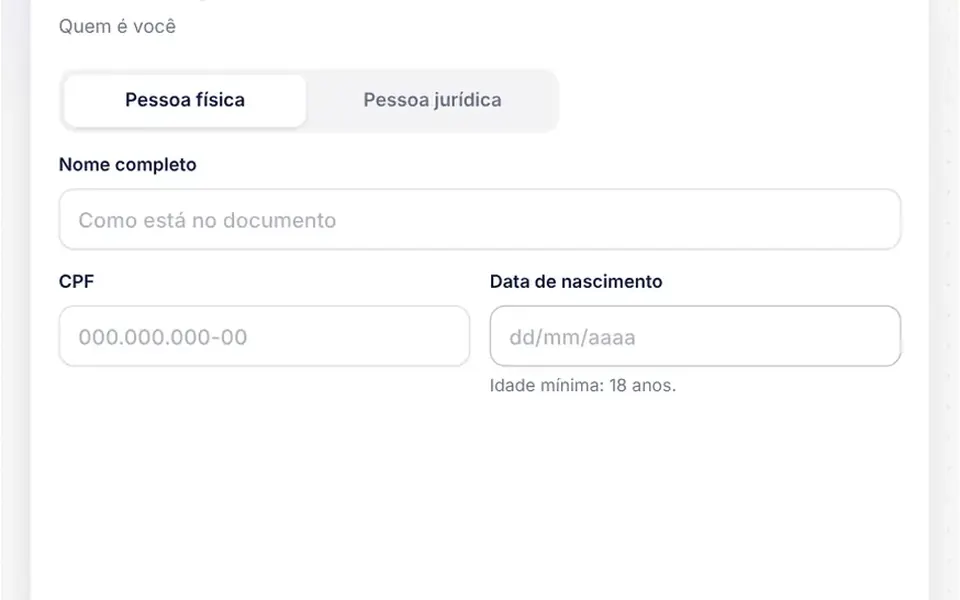
Build a multi-step checkout for my store with buyer details and CPF validation, Pix with a QR code, copy and paste code and a countdown, card payment with brand detection, validation and installments, a boleto with its typeable line, an order summary and a layout that works on phones.
With THM Componentes, you paste the full prompt from the catalog, which already includes this component's source code, and the AI reproduces this exact effect instead of improvising.
Questions about Balcão
Does Balcão charge real payments?
Not on its own. Balcão makes no network calls: it validates CPF, card number, expiry and CVV, builds Pix and boleto in the browser and simulates approval, always with a demo badge, so card data never leaves the page. To charge for real, ask your AI to replace the simulation with your payment provider, using the methodChange and paid events.
How does Balcão create the Pix QR code?
Balcão builds the copy and paste code in the Pix EMV format, with key, receiver name, city, amount, transaction ID and CRC16, and draws the QR code on a canvas with its own encoder, with no libraries. By default the code is valid for 5 minutes; when it expires, a button creates a new one.
How do installments work in Balcão?
By default, Balcão offers up to 10 installments, interest free up to 3 and then at 1.99 percent a month using the Price table, never below R$ 25 each. All of these values are props. The list shows each installment amount and the total with interest when there is any.