What it looks like
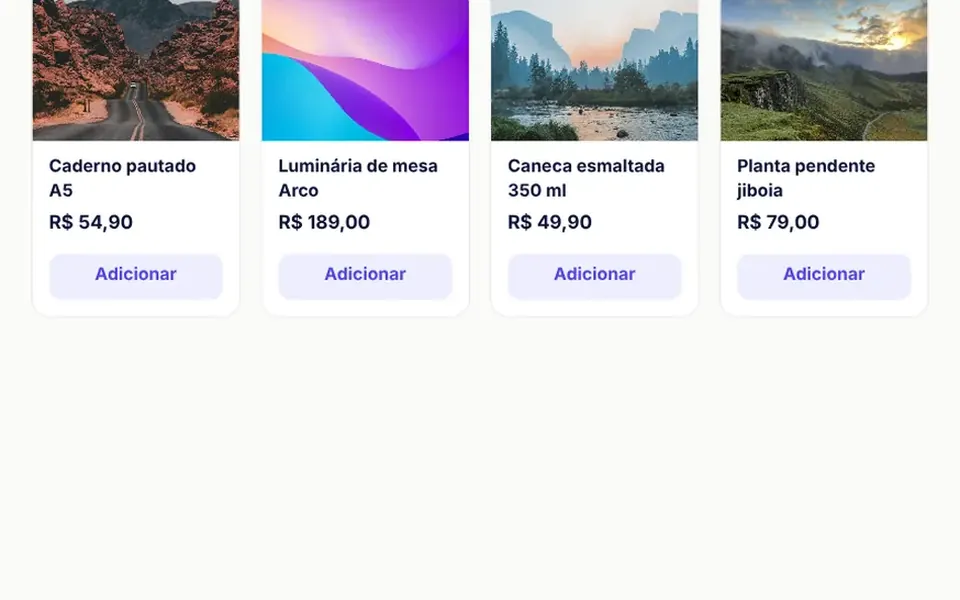
It works like a big online store cart. Clicking the cart or an add button lays a translucent veil over the storefront and slides a light panel in from the right; in narrow spaces it rises from the bottom with rounded corners. At the top, a gradient bar fills as the order gets closer to free shipping. Each item shows a photo, a name, minus and plus controls and a remove link; on removal the list rearranges smoothly and a dark notice offers undo for a few seconds. Below come product suggestions, a coupon field, shipping by postal code and a total that counts to its new value.
You may be looking for this if you asked for something like
- a cart that slides in from the side when I click buy
- a mini cart for my store with a discount code field
- calculate shipping by zip code right inside the cart
- a bar showing how much more to spend for free shipping
- a cart with that undo notice when someone removes an item
- a customers also bought section inside the cart
- make my online store feel like a big ecommerce site
- a cart drawer that slides up from the bottom on mobile
Also known as
- side cart
- mini cart
- slide-out cart
- off-canvas cart
- shopping cart panel
- flyout cart
- sliding cart sidebar
When to use
- Online stores where people add items without leaving the product page
- Ecommerce storefronts and prototypes that present the purchase flow
- Stores with a free shipping threshold that want larger orders
- Catalogs with add-on products to suggest inside the cart
When to avoid
- Real shipping quotes without your carrier integration, since the regional table is local and fixed
- Stores outside Brazil, since postal codes, currency and labels are Brazilian
How to ask your AI
Build a side cart for my store: a drawer that opens from the right and slides up from the bottom on phones, quantity steppers, remove with undo, a coupon field, shipping by postal code, a free shipping bar, focus trapped while open, Esc to close and my brand colors.
With THM Componentes, you paste the full prompt from the catalog, which already includes this component's source code, and the AI reproduces this exact effect instead of improvising.
Questions about Sacola
How do I use Sacola with my own store products?
Pass your items in the items prop, with fields for id, name, detail, price, quantity and photo, control opening with v-model:open and handle the checkout event, which delivers the items and totals. In Sacola, coupons and shipping come from local demo lists, so ask your AI to connect them to your discount rules and shipping quotes.
Where should I place Sacola on the page?
Sacola positions its drawer and veil inside the component's own area, which ships with a demo storefront and header. To cover the whole page, ask your AI to place it in a fixed container the size of the screen, replace the sample header with your site's cart button and remove the demo note from the footer.
Does Sacola work with a keyboard and screen readers?
Yes. Sacola opens as a modal dialog, moves focus to the close button, keeps Tab inside the panel, closes with Esc or a click on the veil and returns focus to the button that opened it. Each quantity button names its product, the free shipping bar is exposed as a progress bar, and reduced motion turns the animations off.