What it looks like
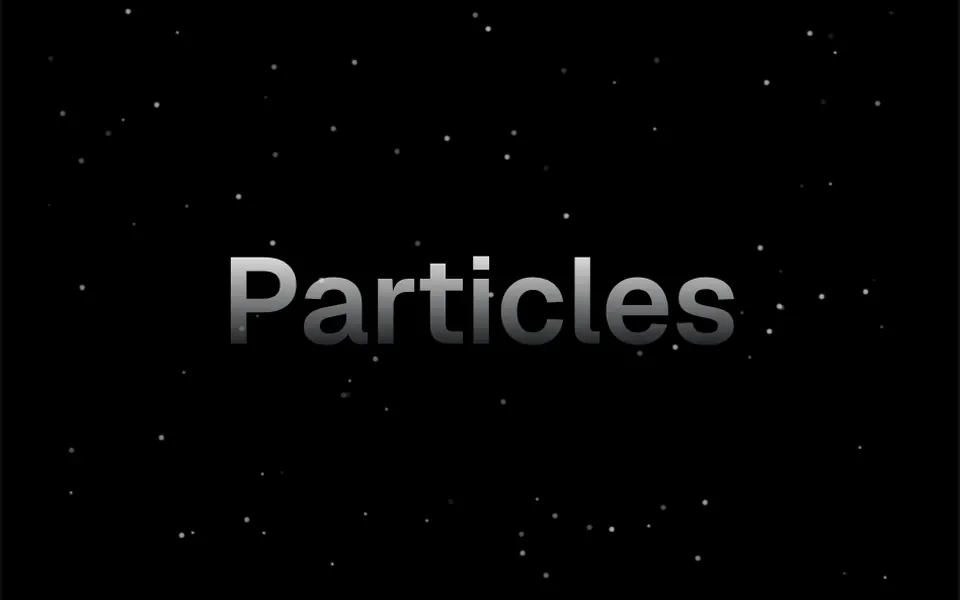
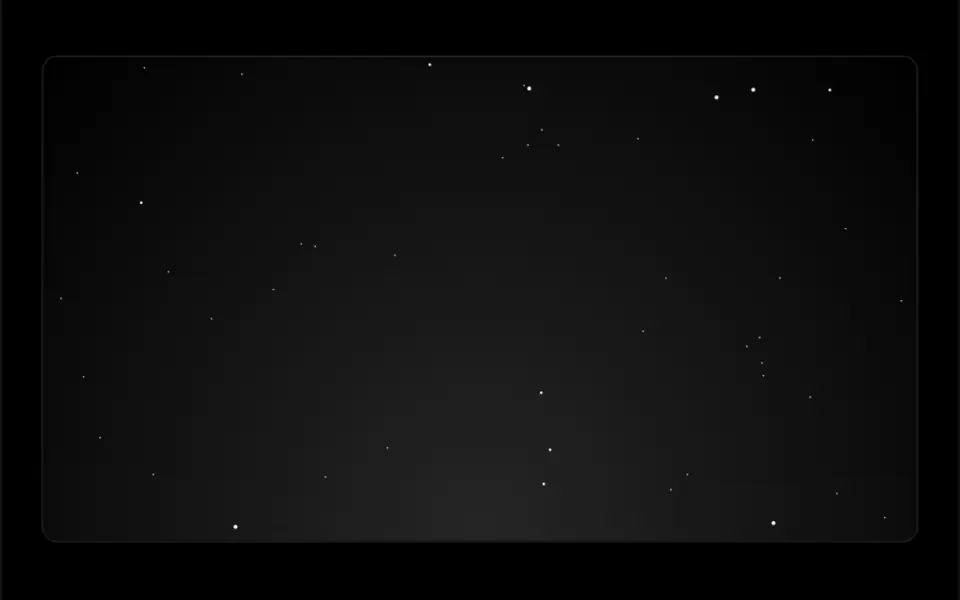
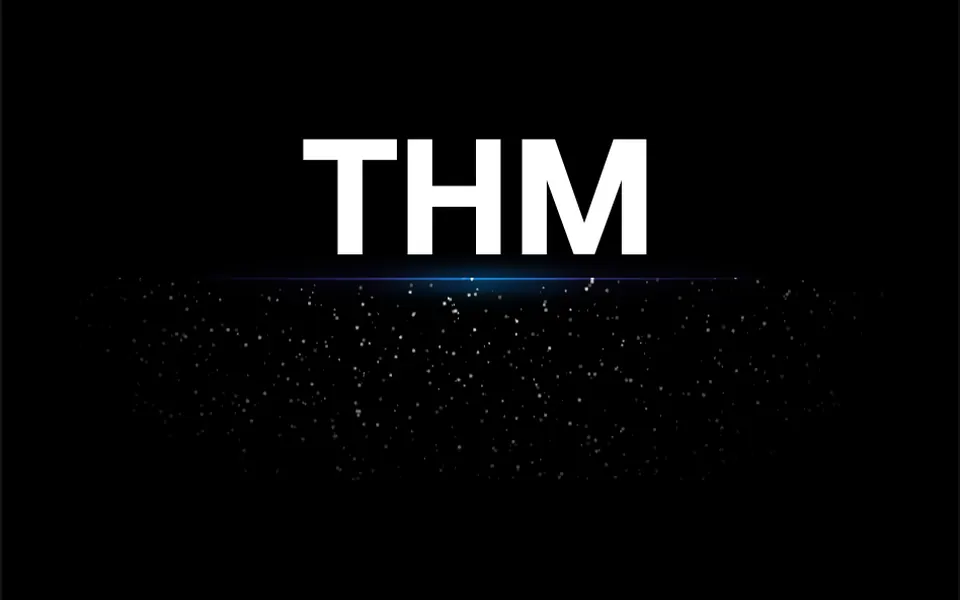
It looks like a starry sky seen from far away, or glitter dust floating under a light. Tiny dots of different sizes spread across the area, most of them drifting slowly upward with a slight sideways sway, and each one twinkles softly at its own pace, brightening and dimming in cycles of a few seconds. When a dot leaves through one edge, it comes back on the opposite side. By default the glints are white over a deep blue background; with a transparent background they sit over your page color. In the demo they gather just below a line of light under the headline, fading toward the sides.
You may be looking for this if you asked for something like
- little sparkles twinkling under the headline, like glitter
- a background with twinkling stars for the launch page
- that effect with tiny sparks glowing under a line of light
- make the main call to action feel premium with a few sparkles
- glowing particles slowly rising on a dark background
- an animated starry sky behind the product name
- a subtle glitter effect for the top of my site
Also known as
- sparkles effect
- glitter background
- twinkling stars
- sparkle particles
- shimmering particles
- starfield sparkles
When to use
- Highlighting the headline of a launch page
- Giving a call to action a premium finish
- A dark hero background for tech or luxury products
- Announcement, countdown or special event screens
When to avoid
- Light backgrounds with light sparkles, where the effect disappears
- Pages with other particle effects, which together clutter the screen
How to ask your AI
Add a field of twinkling canvas sparkles under the launch headline: tiny points in my brand colors drifting up and twinkling, gathered behind a line of light, paused off screen, still for reduced motion and with density tuned for mobile.
With THM Componentes, you paste the full prompt from the catalog together with this component's code, and the AI reproduces this exact effect instead of improvising.
Questions about Chispa
Which colors can I use in Chispa?
Chispa takes the glint color in particleColor and the backdrop color in background, which can be transparent to show the page behind it. Use six-digit hex values such as #FFFFFF, because the component appends the transparency to the end of the color code. The THM Componentes prompt asks your AI to swap the fixed colors for your project tokens.
Does Chispa work on phones?
Yes. Chispa uses 2D canvas with no WebGL and needs no touch input. On high-density screens, common on phones, the code applies the pixel ratio twice and only part of the glints shows up; when adapting it, ask your AI to fix that calculation and tune particleDensity. The THM Componentes prompt also asks for testing on mobile.
Does Chispa respect reduced motion settings?
Not on its own: Chispa animates all the time and only stops when the component is removed, not when it scrolls off screen. The THM Componentes prompt asks your AI for a static version for people who turn on reduced motion, and to load it on demand. An image of the dots standing still keeps the look without animation.