What it looks like
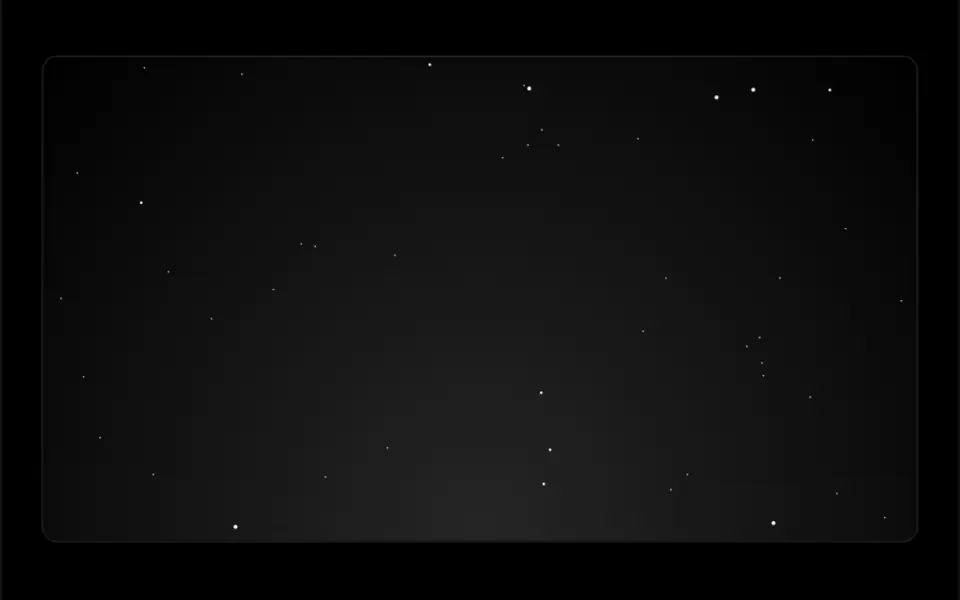
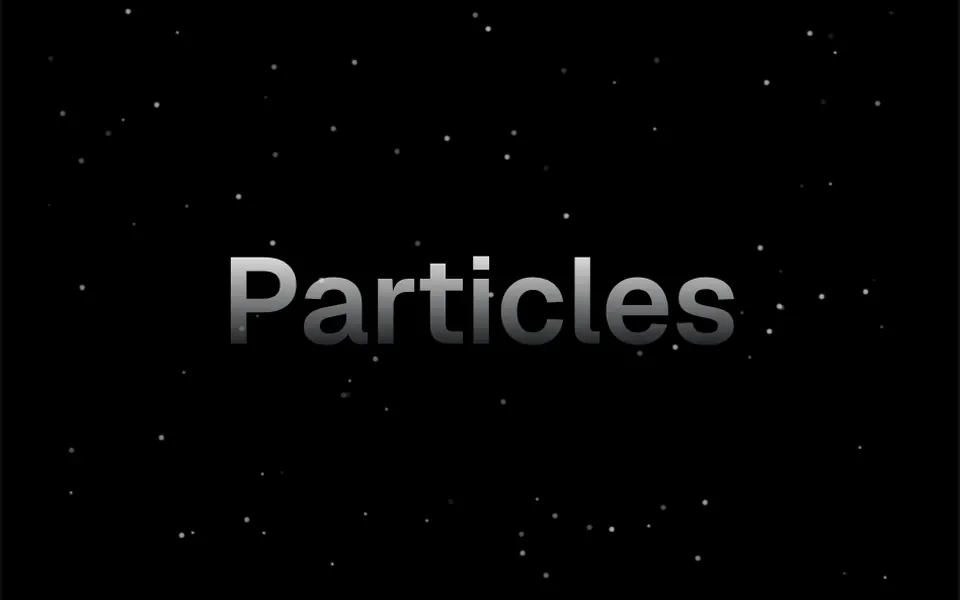
It looks like dust caught in a sunbeam in a dark room. By default, one hundred white dots of different sizes and transparency float very slowly in random directions and fade softly near the edges. When the cursor moves over the area, the dots slide slightly toward it, each one by a different amount, which gives a sense of depth. The canvas background is transparent, so the color behind comes from your page. The dot color is a prop; in the demo the dots are white in dark mode and black in light mode, scattered around a large headline.
You may be looking for this if you asked for something like
- a background with tiny dots floating slowly, like dust in the air
- particles that move when I move the mouse
- a dark login screen with little glowing dots behind it
- something subtle for the top of the site that adds depth
- a starry background where the dots follow the cursor
- make the contact page feel less empty without slowing it down
- that floating particles effect you see on startup sites
Also known as
- floating dots background
- floating particles
- particle parallax
- dust particles effect
- canvas particles
- interactive particles
When to use
- A SaaS or startup hero on a dark background
- A login or sign-up screen that needs a bit of motion
- A contact or waitlist page with little content
- A launch section on a flat background, where the dots stand out
When to avoid
- Photo or textured backgrounds, where the tiny dots get lost
- Pages with several animated canvases running at once
How to ask your AI
Add a canvas background of floating particles behind the hero: small dots in my brand colors that drift slightly toward the cursor, with a static version for reduced motion, fewer particles on mobile and a pause when it is off screen.
With THM Componentes, you paste the full prompt from the catalog together with this component's code, and the AI reproduces this exact effect instead of improvising.
Questions about Réstia
Does Réstia work on phones?
Yes. Réstia draws on a 2D canvas with no WebGL, and it also follows touch: when you tap or drag a finger, the dots drift slightly toward it. On weaker devices, lower the quantity prop, which defaults to 100 particles, and compare INP before and after, as the THM Componentes prompt recommends.
Can I change the particle color and amount?
Yes. Réstia takes a hex color in the color prop, with 3 or 6 digits, and the amount in the quantity prop. The staticity and ease props control how much the dots react to the cursor and how smoothly they follow it. The THM Componentes prompt asks your AI to use your project color tokens instead of fixed colors.
Is Réstia a problem for screen readers?
No. Réstia's container has aria-hidden, so screen readers skip the decorative layer and read only your page content. For people who prefer reduced motion, the original component keeps animating; the THM Componentes prompt asks your AI for a static version, which here can simply be the dots standing still.