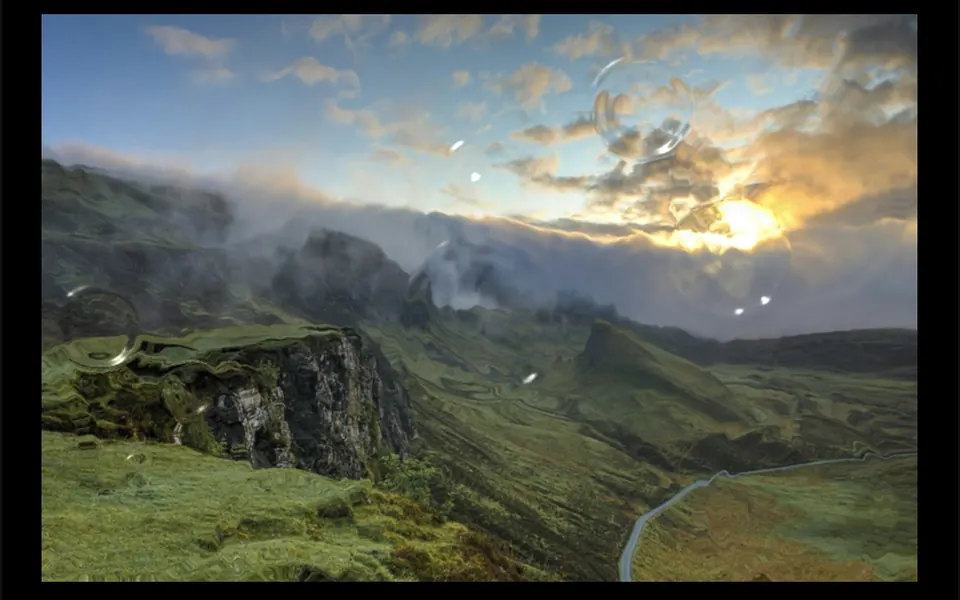
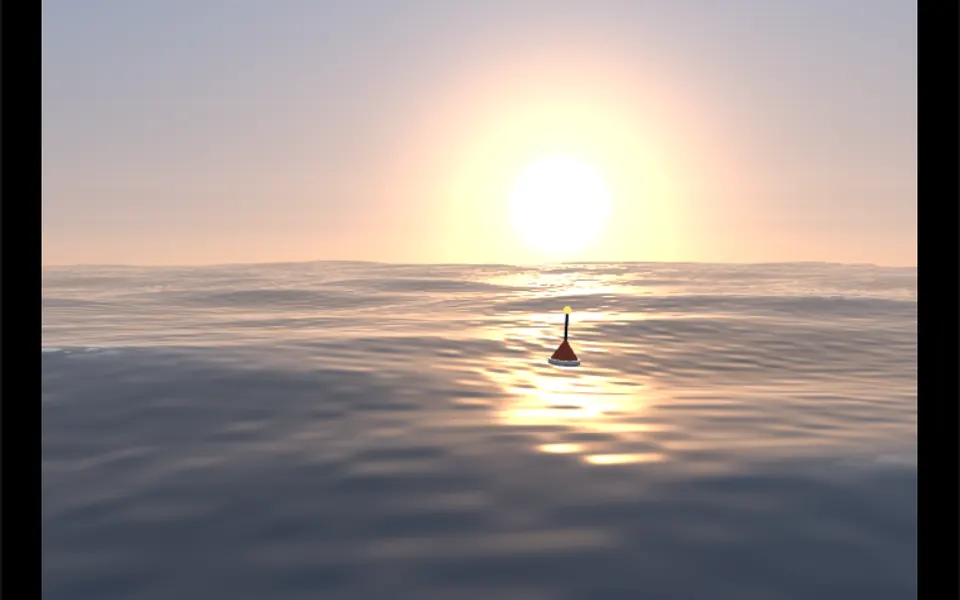
What it looks like
It looks like a cloth flag printed with your photo, hanging on a breezy day. The image fills a rectangle of matte fabric lit from above, over a near-white background. Soft, irregular gusts make the cloth ripple, fold and catch the light in gentle shadows, like a street banner. In banner mode the top edge is pinned and the rest hangs down; in flag mode the left edge is pinned, as if on a pole. Click and drag any point and the fabric stretches and deforms with it, then goes back to swaying when you let go.
You may be looking for this if you asked for something like
- an image that waves like a flag in the wind
- a fabric banner rippling at the top of the campaign page
- a 3D cloth effect you can pull with the mouse
- a photo fluttering like a hanging canvas
- an animated flag for an event or fan page
- a fabric physics effect for the product launch
Also known as
- cloth simulation
- waving flag
- fabric physics
- Verlet cloth
- 3D fabric banner
- flag animation
When to use
- A campaign or launch banner at the top of a landing page
- A flag for an event, festival or team
- A fashion, textile or home decor product page
- A standout piece in a creative portfolio
When to avoid
- Pages that already run another WebGL effect, since the prompt allows one heavy effect per page
- Images with important text, which gets distorted when the fabric folds
- Phones where it fills the screen, since touching it does not scroll the page
How to ask your AI
Create a Three.js fabric banner with physics at the top of the campaign page using my image: it waves in the wind, pinned at the top edge, and can be pulled with mouse or finger, with a pause when off screen, still fabric for reduced motion and client-only loading.
With THM Componentes, you paste the full prompt from the catalog, which already includes this component's source code, and the AI reproduces this exact effect instead of improvising.
Questions about Estandarte
Will Estandarte slow down my site?
Estandarte is rated Heavy in THM Componentes: every frame it recomputes hundreds of mesh points with physics and redraws the scene in Three.js. To keep performance in check, it pauses when off screen, and the prompt tells your AI to load it on demand, use a single heavy WebGL effect per page and compare LCP and INP.
Which image can I use in Estandarte?
Any photo or artwork passed in the src prop. Since Estandarte uses the image as a WebGL texture, it must be on the same domain as your site or served with CORS enabled, a rule the prompt also mentions. Prefer images without small text, because the folds of the fabric distort lettering.
Does Estandarte respect reduced motion settings?
Yes. With reduced motion turned on, Estandarte does not wave: the fabric stays still and flat, showing the whole image. The physics only runs while the person pulls a point, and on release the fabric freezes in whatever shape it is in.