What it looks like
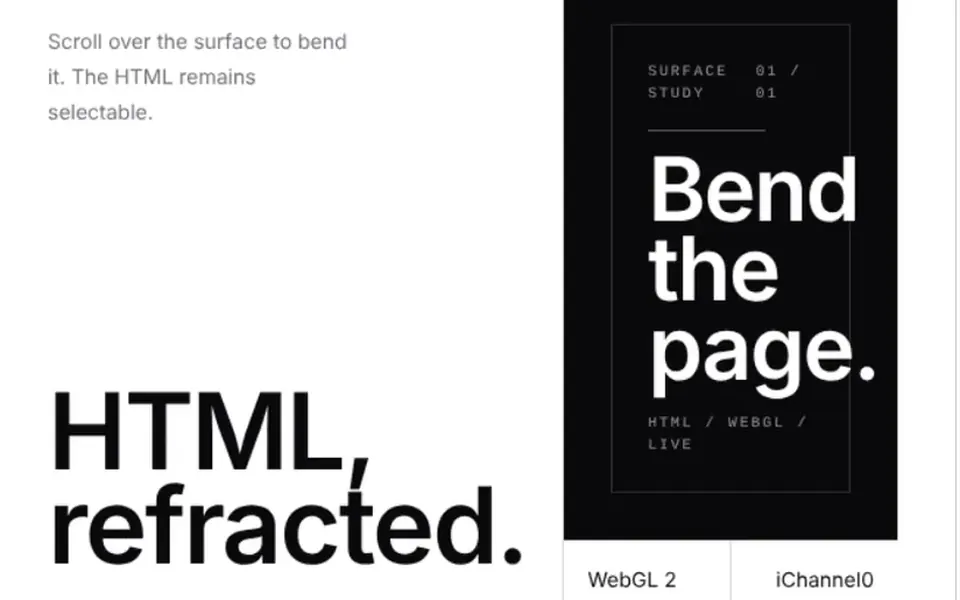
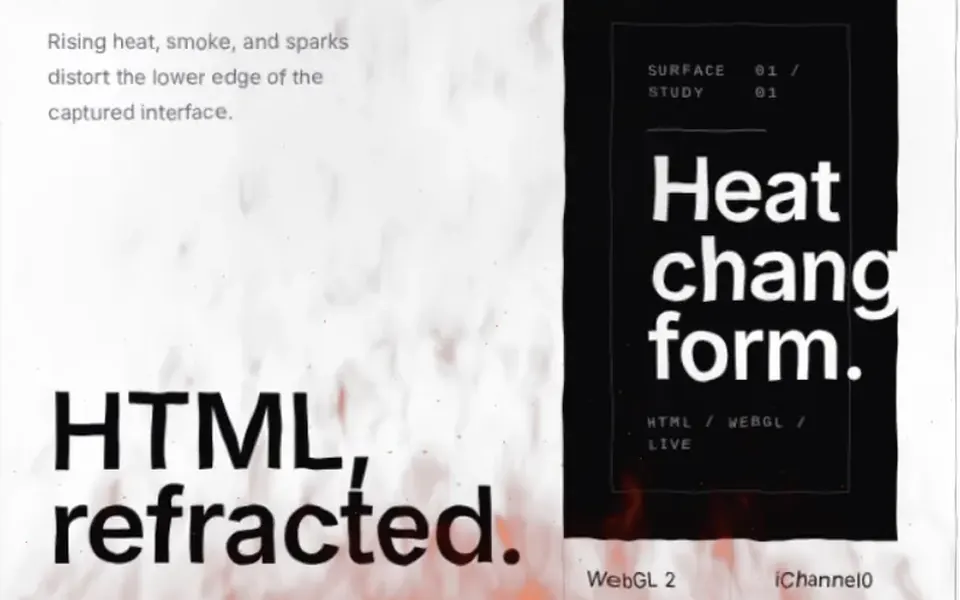
It looks like a page printed on a silk scarf hanging on a clothesline. Text, rules and blocks curve into soft folds that keep changing slowly, and at the default strength everything stays readable, only warped. The effect does not react to the mouse: it animates on its own, and you can adjust how strong the folds are, how large they are and how fast they move. The result is drawn on a canvas on top, with the real HTML underneath and its links and buttons working. When the area leaves the screen or the tab is hidden, the animation pauses.
You may be looking for this if you asked for something like
- make my page ripple like a cloth in the wind
- a fabric effect on top of my site content
- text that waves like a flag but is still real text
- a soft, constant distortion for an artistic portfolio piece
- something unusual to show in a design presentation
- a site that looks like moving silk, a WebGL experiment
Also known as
- cloth effect
- fabric distortion
- vector field distortion
- flag wave effect
- silk page effect
- rippling page effect
When to use
- Artistic proofs of concept and portfolio pieces
- Editorial or fashion project covers at the prototype stage
- Front-end talks and demos in a controlled setup
- Short sections with a large headline and little text
When to avoid
- Client sites in production: the prompt limits it to prototypes
- Long text, forms and areas that need comfortable reading
- Pages that already run other WebGL effects
How to ask your AI
I want a WebGL2 cloth effect on a block of HTML in my prototype: the content sways slowly like light fabric, the HTML stays clickable underneath, the animation pauses when off screen and there is a static version for people who prefer reduced motion.
With THM Componentes, you paste the full prompt from the catalog together with this component's code, and the AI reproduces this exact effect instead of improvising.
Questions about Varal
Can Varal go on a production site?
It is not recommended. Varal depends on an experimental browser API and, without it, on a copy of the HTML rendered through WebGL2. That is why THM Componentes rates it Experimental, and the prompt tells your AI to keep it to prototypes and never ship it on a client production site.
Does Varal react to the mouse?
No. Varal turns pointer interaction off and animates by itself, with folds that keep changing. Strength, fold size and speed are props. If you want the page to react to the cursor, Remanso sends ripples out from the mouse on the same foundation.
Does Varal respect reduced motion settings?
The THM Componentes prompt asks your AI for a static version of Varal for people who turn on reduced motion in their system settings. On top of that, the animation pauses by itself when the component leaves the screen or the tab goes to the background, which saves processing while nobody is watching.