What it looks like
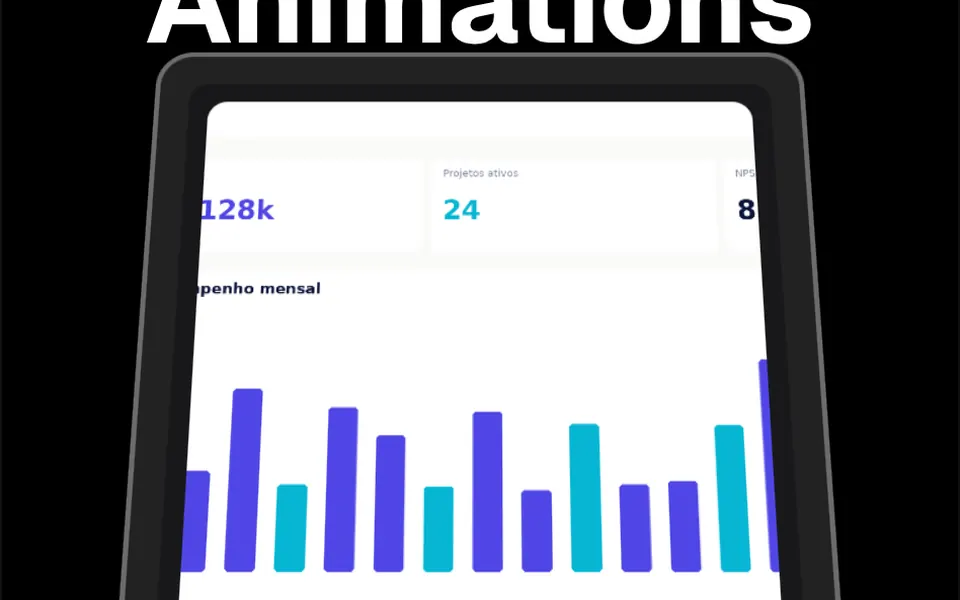
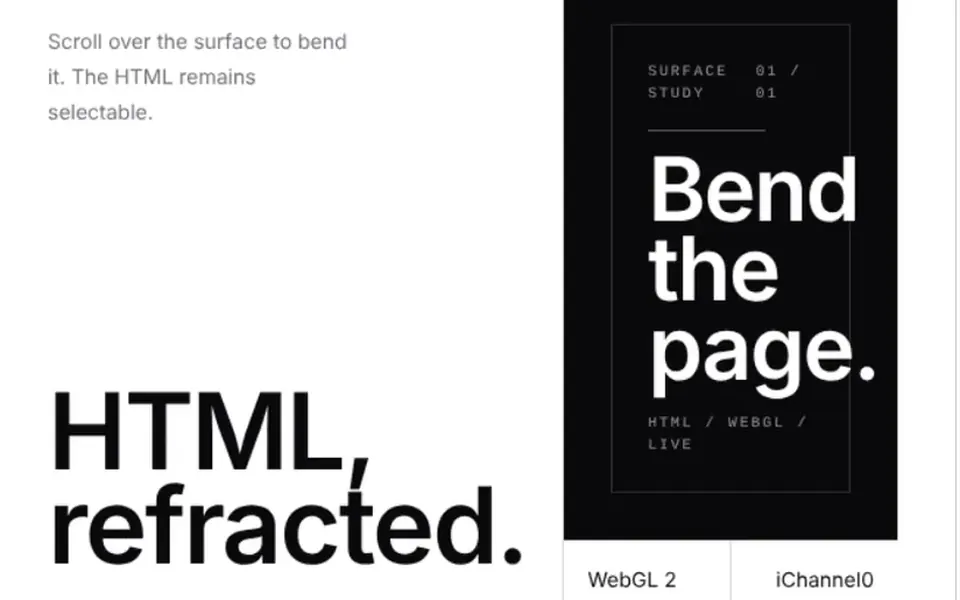
Picture a sheet of paper held by its sides. When you scroll with a mouse or trackpad over it, the middle of the sheet bows up or down, following the scroll direction, and stretches a little vertically, while the sides barely move. When scrolling stops, the surface flattens again within a fraction of a second. With the drag option on, pressing and pulling with the mouse also bends the content, and text selection is blocked. The effect is drawn on a canvas on top, with the real HTML underneath, and it pauses when off screen.
You may be looking for this if you asked for something like
- a page that warps when I scroll fast
- content that flexes with scroll speed, like paper
- a scroll drag effect for my portfolio
- a section that stretches and snaps back when I spin the mouse wheel
- give scrolling an elastic feel in an experiment
- that award-winning site effect where the page bends as you scroll
Also known as
- scroll velocity effect
- scroll bend
- page bend
- scroll drag effect
- elastic scroll
- scroll warp effect
When to use
- Scroll experiments in a designer or studio portfolio
- Prototypes that test a physical feel for scrolling
- Front-end demos viewed on a computer with a mouse or trackpad
When to avoid
- Client sites in production: the prompt limits it to prototypes
- Audiences browsing mostly on phones, without a mouse wheel
- Long reading pages, where the warping becomes tiring
How to ask your AI
I want a scroll velocity bend effect in WebGL2 on a block of HTML in my prototype: it flexes with mouse wheel speed and goes flat again when scrolling stops, with the text still selectable underneath, a pause when off screen and a static version for people who prefer reduced motion.
With THM Componentes, you paste the full prompt from the catalog together with this component's code, and the AI reproduces this exact effect instead of improvising.
Questions about Taquara
Does Taquara work on phones?
Not much. Taquara reacts to wheel events, which come from a mouse or trackpad; scrolling with a finger on a phone does not fire them, so the page does not bend. The press-and-drag mode, turned on with the mouseEnabled prop, is also designed for the mouse. The effect makes the most sense in desktop demos.
Can people still select text with Taquara?
Yes, in the default mode. Taquara only listens to the mouse wheel and keeps text selectable, with the original HTML underneath the effect. Turning on mouseEnabled lets press-and-drag bend the page too, but text selection is then blocked, so choose based on your content.
Can Taquara go on a production site?
The THM Componentes prompt tells your AI to use Taquara only in prototypes, because it depends on an experimental browser API, with a WebGL2 copy of the HTML as a fallback. The same prompt asks for a static version for reduced motion and for LCP and INP checks on mobile.