What it looks like
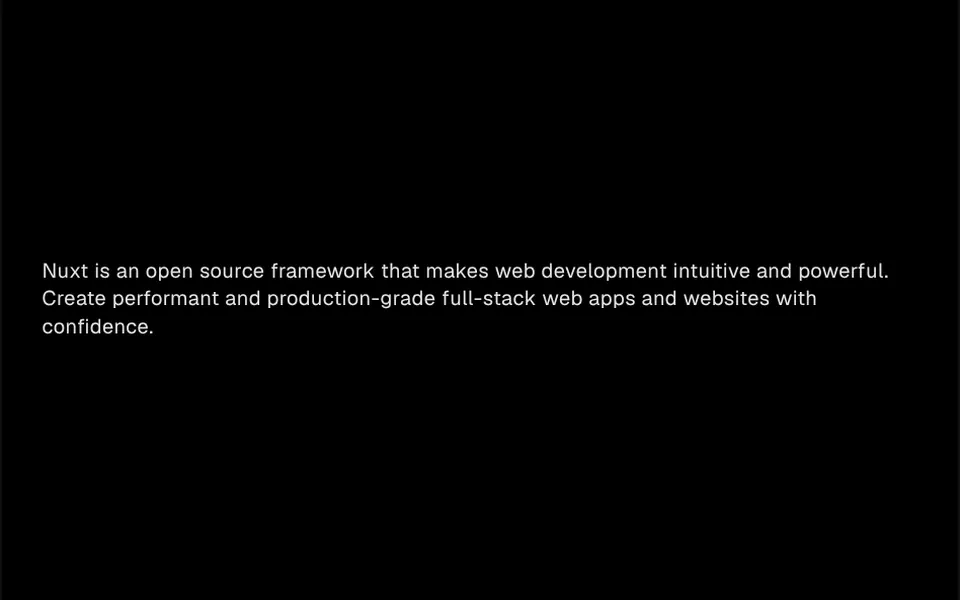
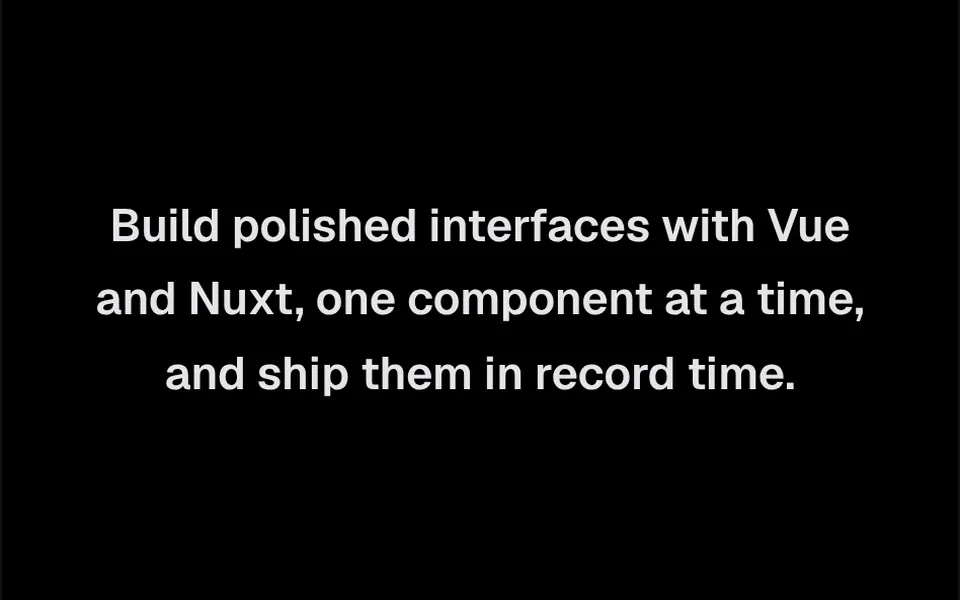
It recalls the opening credits of a film, where each line rises from behind an invisible edge. The component measures how the text wrapped at that screen width and treats each line as a strip with its own clipping. When it mounts, the first line slides up and fades in over 0.6 seconds, after a 0.2 second delay, and the following lines come in every 0.1 seconds. The motion starts fast and slows down gently at the end, which gives it an editorial feel. Font, size and color are those of your text.
You may be looking for this if you asked for something like
- text that slides up line by line when the page opens
- a headline entrance like on a luxury brand website
- a paragraph that appears from the bottom up in sequence
- a GSAP text animation for our company manifesto
- a sentence rising from behind an invisible line, like film credits
- make the text entrance feel like a premium site
Also known as
- line reveal
- split text animation
- GSAP SplitText
- line by line text animation
- masked line animation
- staggered line entrance
When to use
- Headlines and manifestos at the top of company and premium brand sites
- Portfolio and agency pages with large typography
- Opening screens for presentations and case studies
- Short mission, vision or purpose paragraphs
When to avoid
- Projects that do not want to add GSAP just for one text effect
- Blocks far from the top, since the entrance runs on mount, not when scrolled into view
How to ask your AI
Create a line-by-line reveal animation with GSAP SplitText for the manifesto on my page: each line slides up from a mask in sequence, triggered when the block enters the screen, loaded on demand, wrapped in ClientOnly in Nuxt, with a static version for reduced motion.
With THM Componentes, you paste the full prompt from the catalog together with this component's code, and the AI reproduces this exact effect instead of improvising.
Questions about Entrelinha
Does Entrelinha need GSAP?
Yes. Entrelinha uses GSAP and its SplitText plugin, which split the text into words and lines and run the animation, which is why it is rated Medium in THM Componentes. The prompt tells your AI to install gsap, load the component on demand and, in Nuxt, wrap it in ClientOnly with a static fallback.
Does Entrelinha animate when people scroll to it?
Not by default. Entrelinha plays its entrance as soon as it mounts, after a short delay. For scroll storytelling, ask your AI to trigger the animation when the block enters the screen, using IntersectionObserver or GSAP's own ScrollTrigger.
Does Entrelinha adapt to phones?
Yes. Entrelinha splits the text by the lines that actually appear at the current screen width, so on a phone each shorter line enters on its own beat. The code turns on the SplitText autoSplit option, which redoes the split when the width changes or when fonts finish loading.