What it looks like
Columns sit side by side, each with a colored dot, a title, the card count and the limit, shown as 3/4. Cards are white, with colored labels at the top, the title and a row with the due date, priority bars and the assignee's initials; overdue dates get a warning. When you pick up a card it lifts slightly tilted with a shadow, and the others slide to open the gap where it will land. A column over its limit shows a warning. At the foot of each column, a field creates cards on the spot.
You may be looking for this if you asked for something like
- a Trello-style board to drag tasks between columns
- to do, doing and done columns with cards I can move
- a support ticket board with priority and due dates
- limit how many cards fit in each stage of the process
- a kanban that works on phones by dragging with a finger
- sprint management inside my app with labels and assignees
- move cards with the keyboard so the board is accessible
Also known as
- kanban board
- task board
- drag and drop board
- sortable board
- WIP limit
- agile board
When to use
- Sprint and product backlog management inside your system
- Support queues and ticket triage with priority and due dates
- Approval flows in ERPs and government systems, with one column per stage
- Sales or hiring pipelines where each card moves through stages
When to avoid
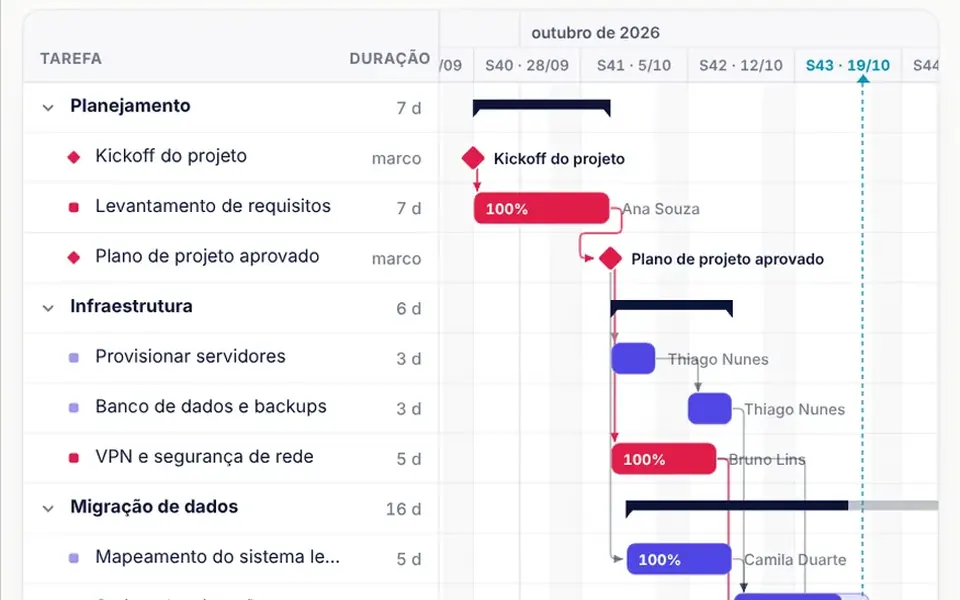
- Projects driven by dates and task dependencies, which call for a Gantt chart
- Columns with hundreds of cards, since all of them stay on the page at once
How to ask your AI
Build a kanban board for ticket triage in my app: animated drag and drop between columns, long press on phones, WIP limits with alerts, cards with label, assignee, due date and priority, quick card creation and full keyboard dragging with screen reader announcements.
With THM Componentes, you paste the full prompt from the catalog, which already includes this component's source code, and the AI reproduces this exact effect instead of improvising.
Questions about Esteira
Does Esteira work on phones?
Yes. On phones, Esteira only starts dragging after a 280 millisecond long press, with a short vibration where the device allows it, so it does not get in the way of scrolling. On narrow screens the columns become a snapping carousel, and the board scrolls by itself near the edges while you drag.
How do WIP limits work in Esteira?
Each column in Esteira can have a wipLimit. By default, going over the limit only warns: the count is highlighted, a notice appears and the wip-exceeded event fires. With strictWip on, Esteira refuses to drop a card into a column that is already at its limit.
Can I move cards in Esteira with the keyboard?
Yes. In Esteira, Space picks up the focused card, the arrow keys move it between positions and columns, Space or Enter drops it and Esc cancels. Every step is announced to screen readers, including a warning when the target column is about to exceed its WIP limit.