What it looks like
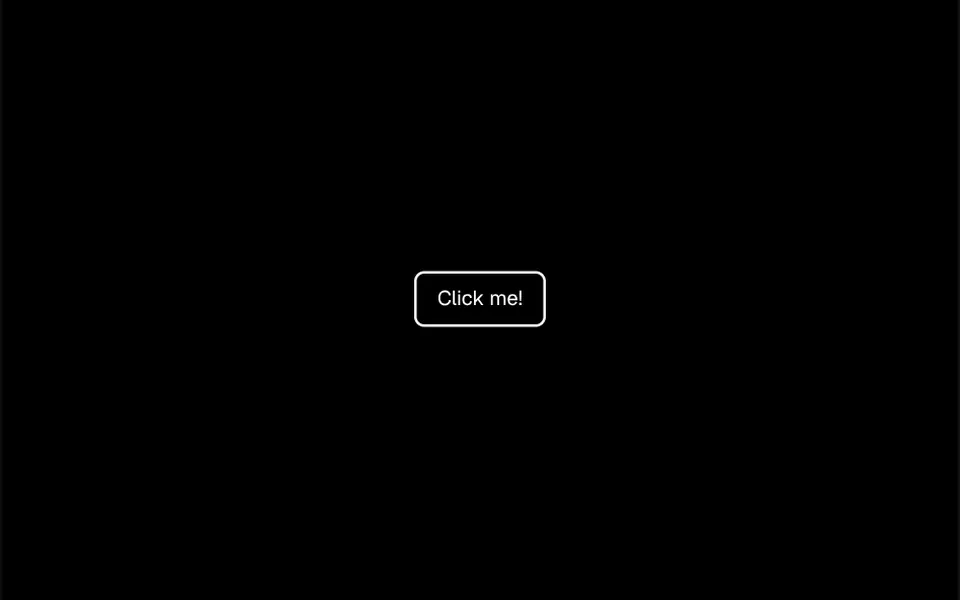
It is the moment at a party when someone pops a confetti popper. Small squares and circles in blue, purple, pink, green, yellow, orange and magenta shoot out from one point, rise in a fan, flutter in the air and fall with gravity until they fade. In the demo, a button in the middle of a card fires 120 pieces at once from the center. The button that comes with the component makes the confetti burst from the button itself. Count, direction, fan width, speed, gravity, sideways drift, size and shapes are all adjustable.
You may be looking for this if you asked for something like
- confetti raining down when someone completes a purchase
- celebrate when a customer finishes signing up
- a party effect when I click a button
- paper confetti falling on screen when a goal is reached
- a celebration animation for my thank you page
- a button that shoots confetti when clicked
- something like fireworks when the user wins a prize
Also known as
- confetti animation
- confetti burst
- celebration effect
- confetti cannon
- party popper effect
- success animation
When to use
- Thank you page after a purchase or subscription
- End of sign-up, onboarding or a long form
- Achievements, goals reached and levels in gamified apps
- A button to redeem a coupon or a prize
When to avoid
- Frequent, routine actions, where the party becomes noise
- Sensitive moments, such as cancellations, billing or errors
- Automatic bursts on page load, which can startle people sensitive to motion
How to ask your AI
Add a confetti burst to the thank you page after checkout, coming from the center in my brand colors, loaded only in the browser and turned off for people who prefer reduced motion.
With THM Componentes, you paste the full prompt from the catalog together with this component's code, and the AI reproduces this exact effect instead of improvising.
Questions about Folia
Does Folia respect reduced motion settings?
Not by default. Folia is built on a library with an option to skip the burst for people who turn on reduced motion, but it ships turned off. The THM Componentes prompt asks your AI for a static version in that case, and switching that option on in the burst settings covers it.
How do I use Folia in Nuxt with SSR?
Folia only creates the burst in the browser, after the component mounts. The THM Componentes prompt asks you to install the canvas-confetti dependency, load the component on demand and, in Nuxt, wrap it in ClientOnly with a static fallback.
Can the confetti come out of the clicked button?
Yes. Folia ships with its own button that reads its position on the screen and starts the burst from there, useful for redeem coupon or place order buttons. As a native button, it also works with the keyboard. You can also fire it from code with a different count, angle and colors each time.