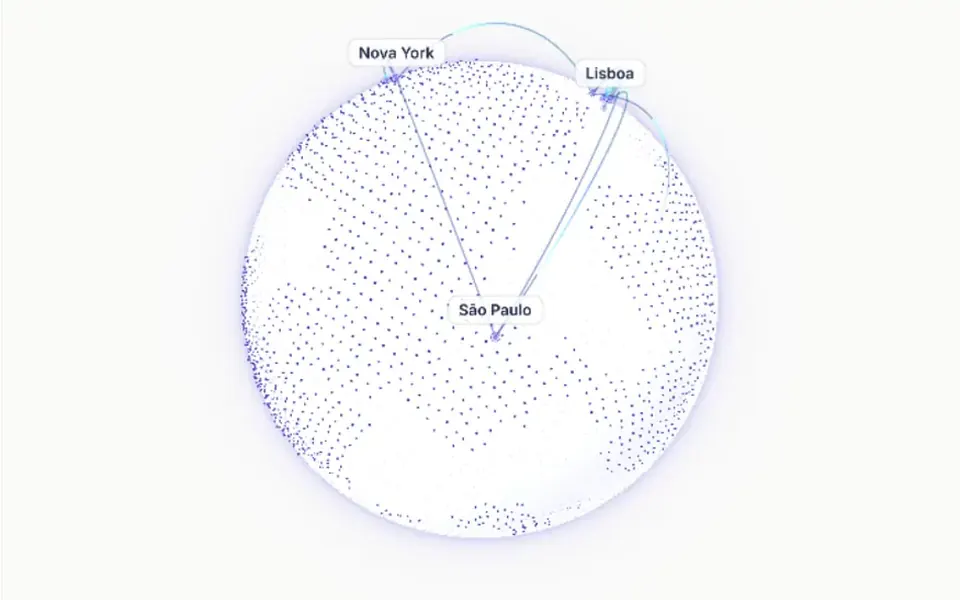
What it looks like
Think of a planet seen from space in a tech keynote. The sphere has a solid color, deep purple by default and blue in the demo, and the countries show up as mosaics of very small white hexagons. A light halo wraps the edge. Thin arcs in several colors rise from one point, cross the sky as moving dashes and land on another, one after the other. Dragging turns the globe with a slight glide, but it does not zoom or flip upside down. In the demo it starts over Asia and spins on its own.
You may be looking for this if you asked for something like
- that GitHub globe with colored lines coming out of countries
- a spinning 3D globe with arcs between cities for my homepage
- show where my app users come from on a planet
- a planet with dotted countries and animated connections
- an interactive globe for a worldwide reach section
- a 3D world map with glowing routes, startup style
Also known as
- GitHub globe
- 3D globe with arcs
- hex globe
- hexagon globe
- globe visualization
- interactive 3D globe
When to use
- A digital product hero with users in many countries
- Global reach, community or customer network sections
- Usage statistics pages with routes between regions
- International expansion presentations
When to avoid
- Pages that must load very fast: it depends on Three.js and a globe add-on
- Pages that already run another heavy WebGL effect
- When the map needs named cities or clickable data
How to ask your AI
Create a GitHub-style 3D globe in Three.js for our global reach section: hexagon countries, an atmosphere and animated arcs between our customers' cities. Use my brand colors, pause it when off screen and show a still image for people who prefer reduced motion.
With THM Componentes, you paste the full prompt from the catalog together with this component's code, and the AI reproduces this exact effect instead of improvising.
Questions about Github Globe
Does Github Globe need map data?
Yes. Github Globe draws countries from a GeoJSON file, which the docs tell you to download and save as globe.json in the component folder. Arcs come from the data prop, with start and end latitude and longitude, height, color and firing order.
Can I change the colors in Github Globe?
Yes, through the globeConfig prop: globe, hexagon, atmosphere and light colors, material shine, arc duration and length, starting position and automatic rotation. Each arc in Github Globe has its own color in the data prop. The THM Componentes prompt tells your AI to use your project color tokens.
Does Github Globe respect reduced motion settings?
The original component does not handle that preference: arcs always animate and the globe spins if automatic rotation is on. The THM Componentes prompt asks your AI for a static version for people who reduce motion and for the Github Globe animation to pause off screen.