What it looks like
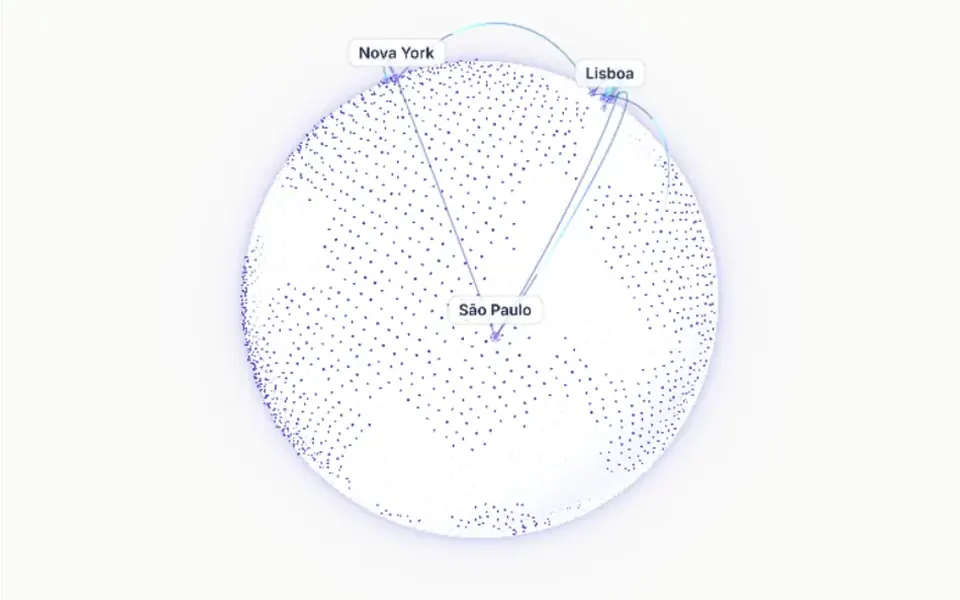
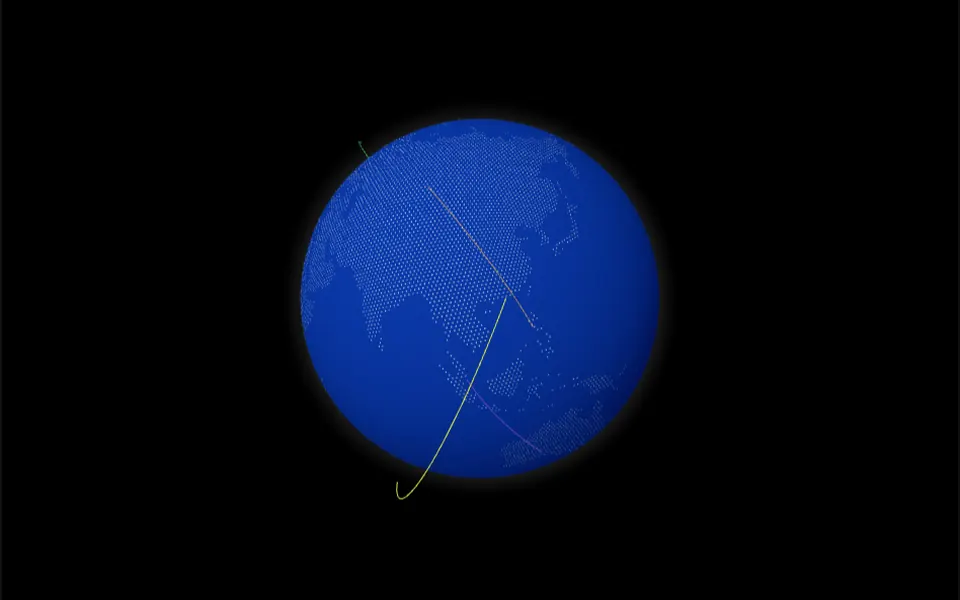
It looks like an airline route map drawn with pins. The continents are a diagonal weave of tiny dots that fade out at the top and bottom. On load, the arcs appear one by one, half a second apart, each tracing itself in one second along a curve that rises above the straight line between its two points. Each line carries the chosen color and fades only at its tips, where a light blue point marks each city. You choose the color of the lines, the map dots and the background, which can turn black in dark mode.
You may be looking for this if you asked for something like
- a world map with lines connecting the cities where we operate
- show international delivery routes on an animated map
- a dotted map marking our offices with little points
- that dotted world map you see on startup sites
- a global reach section with arcs between countries
- a nice map to show international presence without an interactive map
Also known as
- world map
- dotted world map
- animated route map
- connection map
- global reach map
When to use
- A section about international presence, branches or offices
- Logistics, import or travel pages with routes between cities
- A report or dashboard showing where customers or visits come from
- A remote work page or a team spread around the world
When to avoid
- When people need to click, zoom or look up places: the map is not interactive
- Data with many routes, which turns into a tangle of arcs
How to ask your AI
Create a section with a dotted SVG world map and animated arcs between our branch cities, pulsing points at each end, my theme colors in light and dark mode, client-only loading and a static map for reduced motion.
With THM Componentes, you paste the full prompt from the catalog together with this component's code, and the AI reproduces this exact effect instead of improvising.
Questions about Ponte aérea
How do I add my cities to Ponte aérea?
Ponte aérea takes a list of routes, each with start and end latitude and longitude. The component projects the coordinates onto the map, draws the arc between the two points and marks both ends. The labels allowed in the data type are not shown on screen; to show city names, ask your AI to add them.
Will Ponte aérea make my page heavy?
Ponte aérea is rated Medium in THM Componentes: the dot map is generated as SVG by the component itself, and the arcs animate once, on load. It does not use WebGL. The prompt tells your AI to load it on the client only, with ClientOnly in Nuxt, and to provide a static version.
Does Ponte aérea respect reduced motion settings?
In its original version, Ponte aérea does not read that preference: the arcs draw themselves one by one every time the map loads. The THM Componentes prompt asks your AI for a static version for visitors who turn on reduced motion, which here means showing the arcs already complete from the start.