What it looks like
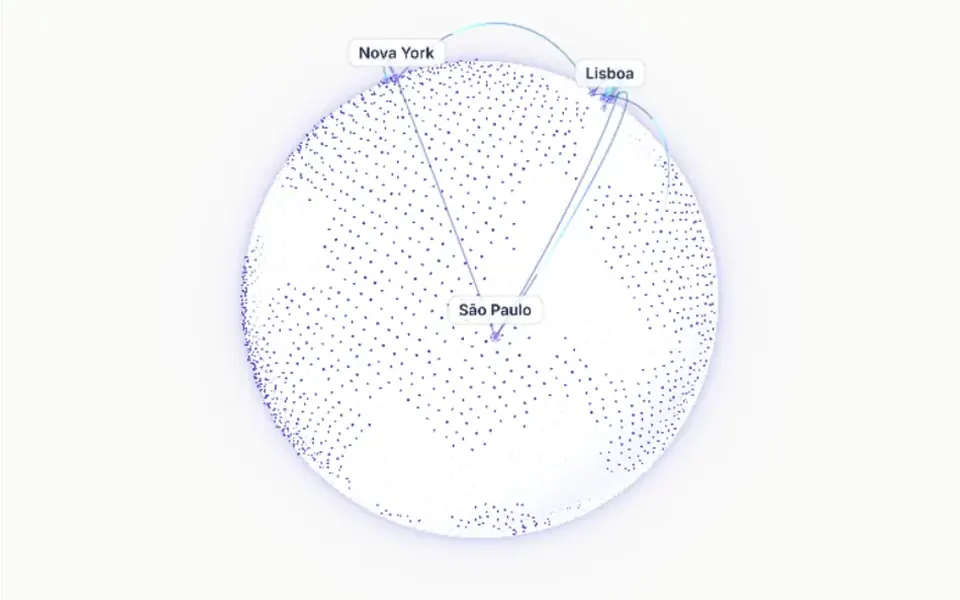
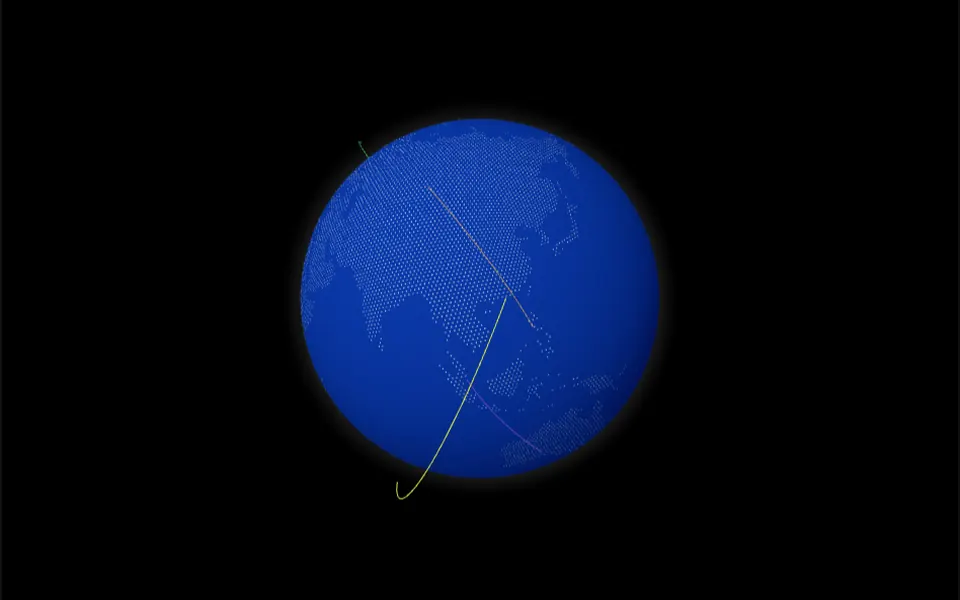
It looks like a desk globe made of tiny dots, slowly turning on its axis. The sphere is light, the continents emerge from thousands of dots and ten orange markers of different sizes mark cities such as São Paulo, New York, Mumbai and Cairo. A white glow outlines the edge. On load, the globe fades in over about a second. Drag it sideways and it follows your hand with a spring; let go and it keeps turning. In the demo, half the globe rises from the bottom edge of a card, just below a large gradient word.
You may be looking for this if you asked for something like
- a simple, lightweight spinning globe to show where we operate
- a dotted planet with markers on cities
- a globe rising from the bottom of the section, startup site style
- a round world map turning below the headline
- a 3D globe that will not slow the page down
- a planet people can drag to show our national reach
Also known as
- dotted globe
- rotating globe
- interactive globe
- lightweight WebGL globe
- world globe
- spinning earth
When to use
- National or international reach sections without weighing the page down
- SaaS or startup heroes with the headline above the globe
- Company numbers pages, such as countries or cities served
When to avoid
- When you need routes or connections between cities: it only has markers
- Dark backgrounds, unless you turn on dark mode in the globe options
How to ask your AI
Create a lightweight dotted WebGL globe for our reach section, turning slowly, with markers on the cities we serve and a springy drag. Use my brand colors, pause it when off screen and keep the globe still for people who prefer reduced motion.
With THM Componentes, you paste the full prompt from the catalog together with this component's code, and the AI reproduces this exact effect instead of improvising.
Questions about Pangeia
Can I change the markers and colors in Pangeia?
Yes. The config prop in Pangeia accepts the globe library options: a marker list with latitude, longitude and size, base, marker and glow colors, dark mode, number of dots and map brightness. The mass, tension and friction props tune the drag spring.
Is Pangeia lighter than the other globes?
It is rated Medium in THM Componentes, below Colmeia and Meridiano, which are Heavy. Pangeia uses a compact library built only for globes. It is still WebGL, so the prompt tells your AI to load it on demand with a static Nuxt fallback and to compare LCP and INP on mobile.
Does Pangeia respect reduced motion settings?
The original component always spins. The THM Componentes prompt asks your AI for a static version for people who turn on reduced motion in their system, which is simple in Pangeia: stop adding the automatic rotation each frame and keep only the drag.