What it looks like
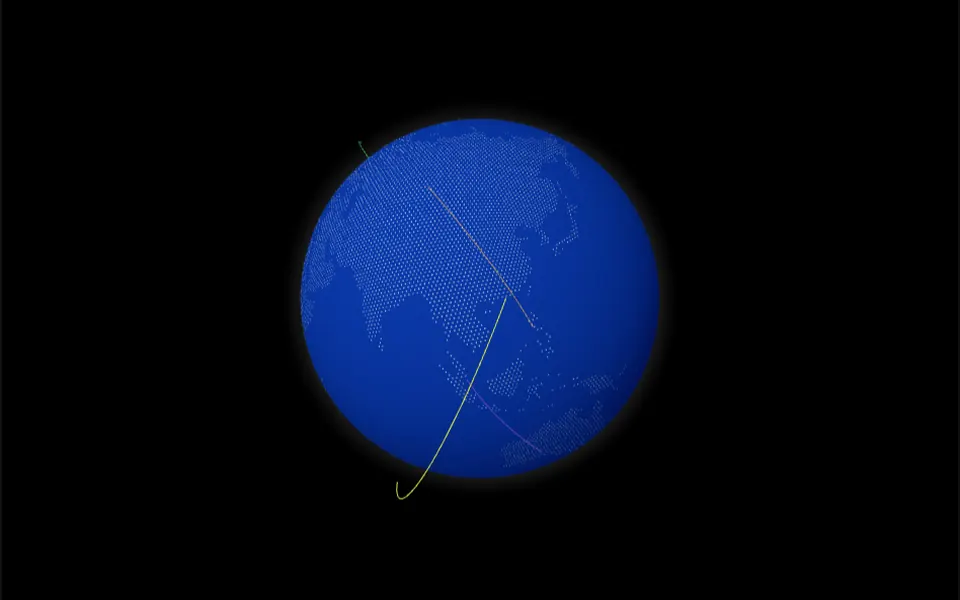
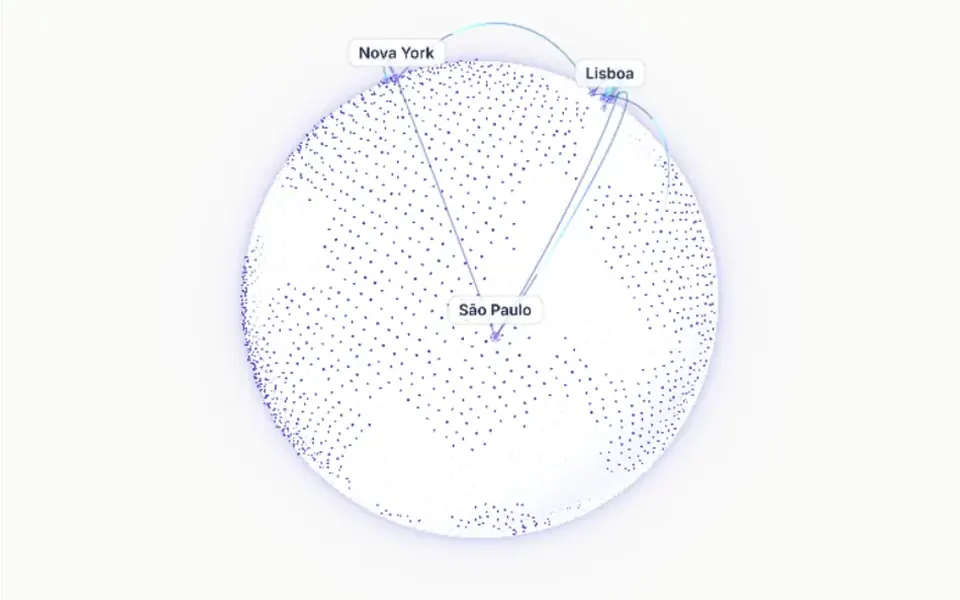
Picture a globe made of thousands of tiny dots, seen from a distance and turning slowly. Denser dots draw invented continents, plausible but not real geography, and 12 real cities show up as larger dots that pulse gently, with name labels that avoid overlapping. Thin arcs leave one city and land on another, shifting from indigo to cyan while a glow runs along the path. Hover a city and its lines thicken and brighten while the others thin out. In the light theme the globe sits on an off-white backdrop with a soft lilac halo; in the dark theme, on deep navy.
You may be looking for this if you asked for something like
- a spinning globe with lines connecting the cities where we operate
- a 3D world map with connection arcs to show our global reach
- that dotted globe with flight paths between countries
- show that my product works worldwide, like a server network
- a globe I can drag that highlights a city when I hover it
- an international partners section with a connected planet
- something for the top of the site showing offices in several countries
Also known as
- connections globe
- network globe
- interactive 3D globe
- globe with arcs
- great circle arcs
- dotted globe
- connected cities globe
When to use
- A product or service hero for a business with customers in several countries
- Infrastructure, server network or delivery coverage pages
- Partner, branch or international office sections
- Expansion pitches for investors or the press
When to avoid
- Maps that need exact borders and geography: the continents are procedural
- Pages that already run another heavy WebGL effect
- Local businesses, where a country or city map says more
How to ask your AI
Create a WebGL 3D dot globe in the page hero, with the cities where we operate linked by animated great circle arcs, drag to rotate with inertia, my brand colors, pausing when off screen and a still frame for people who prefer reduced motion.
With THM Componentes, you paste the full prompt from the catalog, which already includes this component's source code, and the AI reproduces this exact effect instead of improvising.
Questions about Meridiano
Can I change the cities in Meridiano?
Yes, by editing the code. Meridiano keeps its 12 cities and 16 links in a list with name, latitude and longitude inside the component, not in props, and the city labels are written in Portuguese. Ask your AI to replace that list with your own cities; colors, speed, dot density and label visibility are already props.
Does Meridiano work on phones?
It does. In Meridiano, dragging with a finger rotates the globe, and resolution is capped at 2x with an automatic drop if frames slow down. Because the globe captures drags, leave room outside it for scrolling. It is rated Heavy in THM Componentes, so the prompt asks your AI to load it on demand with a static Nuxt fallback.
Does Meridiano respect reduced motion settings?
Yes. When the reduced motion preference is on, Meridiano shows a still frame: automatic rotation stops, the arc pulses stay in place and the cities stop pulsing. People can still drag to turn the globe, and the component also pauses whenever it leaves the screen.