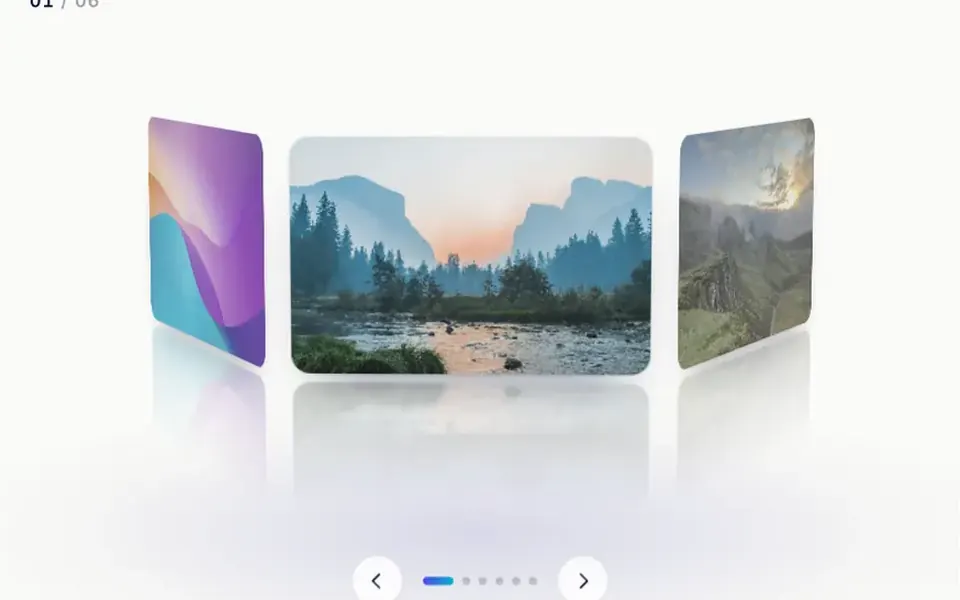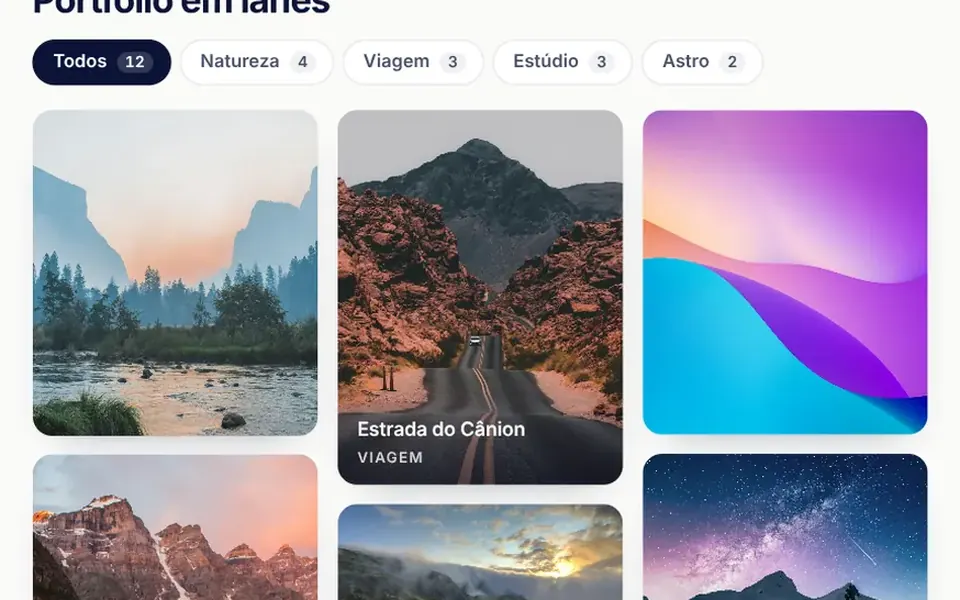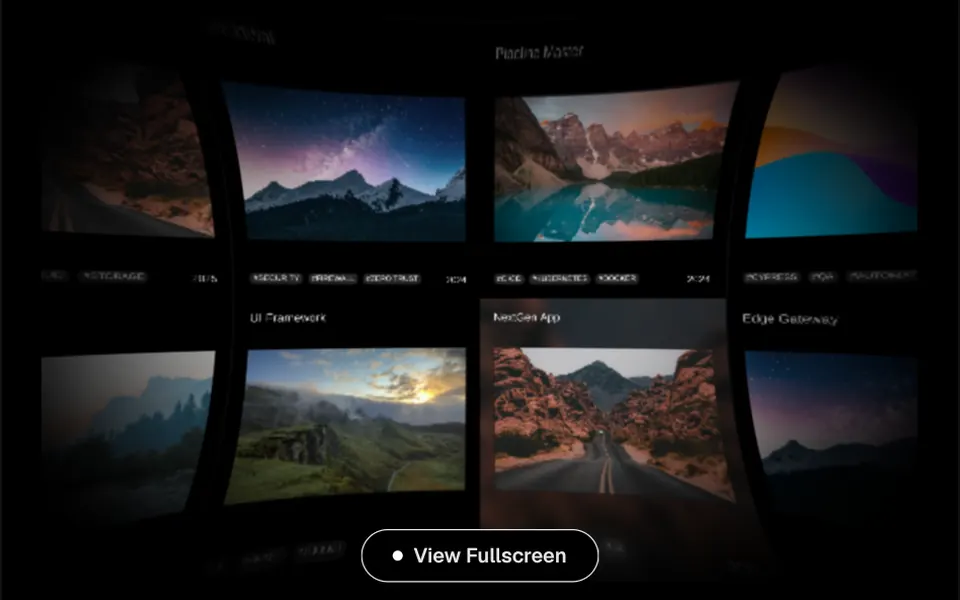
What it looks like
Picture a light table covered in photos that keeps going in every direction. On a black background, the cards form a mosaic with thin outlines: a title at the top, an image in the middle, tag pills and a date at the bottom. When you press and drag, the camera pulls back slightly and the grid slides; when you let go, it glides on with inertia until it stops. Hovering a card fades in a blurred copy of its own image behind it. The screen edges are darker and the grid shows a slight curve, as if seen through a lens.
You may be looking for this if you asked for something like
- a project gallery I can drag around in any direction without it ending
- an infinite portfolio grid that moves with the mouse, like an agency site
- a 3D wall of photos people explore by dragging
- show all my work in a grid that goes on forever
- that endless canvas effect where you pull the screen and the cards follow
- an immersive gallery for my studio case studies page
- a card grid that keeps sliding after I let go of the mouse
Also known as
- endless project wall
- infinite scroll gallery
- draggable grid
- endless canvas gallery
- WebGL gallery
- pannable portfolio grid
When to use
- A studio, agency or photographer portfolio with many projects to explore
- A case studies page where free exploration is part of the experience
- A collection, archive or showcase with strong imagery
- A full-screen feature section where the grid fills the whole area
When to avoid
- Lists that need search, filters or a clear order, such as a store catalog
- Pages that already run another heavy WebGL effect
- Keyboard-only visitors: the component responds only to mouse and touch
How to ask your AI
Build an endless WebGL 3D grid gallery on my portfolio page: image cards with title and tags that drag in any direction with inertia, pause when off screen, show a static version for reduced motion and offer a keyboard-friendly way to browse the projects.
With THM Componentes, you paste the full prompt from the catalog together with this component's code, and the AI reproduces this exact effect instead of improvising.
Questions about Tabuleiro
Does Tabuleiro work on phones?
Yes. Tabuleiro handles touch events: people drag the grid with a finger, it keeps gliding with inertia on release, and a quick tap on a card counts as a click. Because it is rated Heavy in THM Componentes, with WebGL and post-processing, test it on modest devices and compare LCP and INP before and after.
How do I open a project when someone clicks a card in Tabuleiro?
Tabuleiro emits a tileClicked event with the clicked card data, and a click only counts when the pointer barely moved, so dragging is not mistaken for a click. Listen to that event and open the project page or a modal. The cards come from a list with title, image, tags and date.
Does Tabuleiro respect reduced motion settings?
In its original code, Tabuleiro does not read that preference: the inertia and the intro animation always run, and the scene is redrawn frame after frame without stopping. The THM Componentes prompt asks your AI for a static version when reduced motion is on, for on-demand loading and for pausing the animation when the grid leaves the screen.