What it looks like
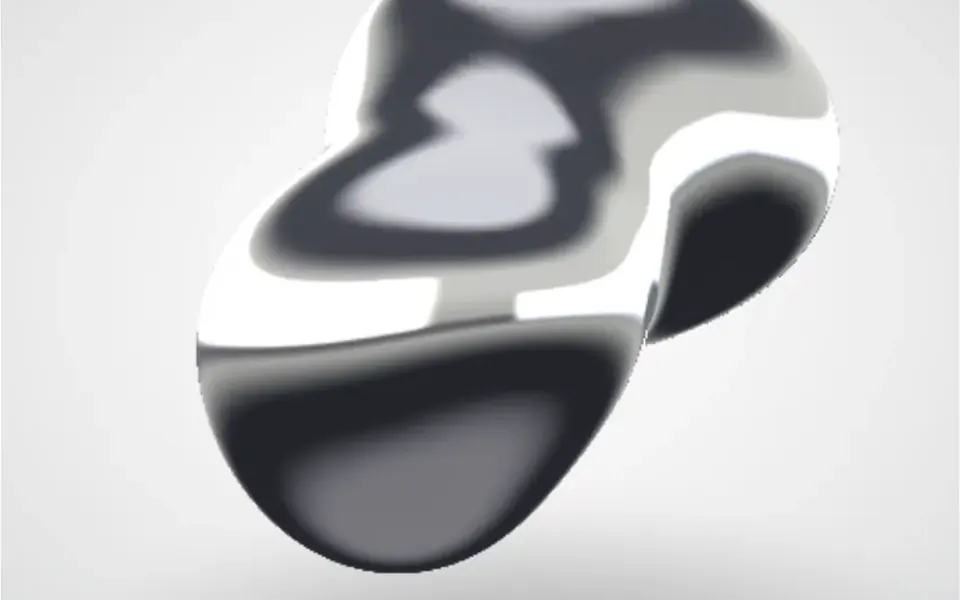
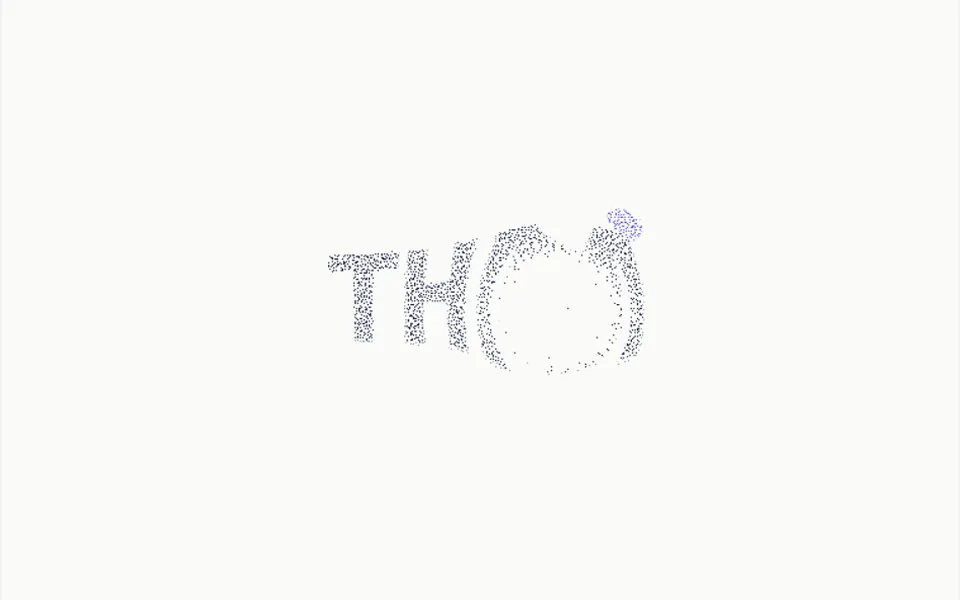
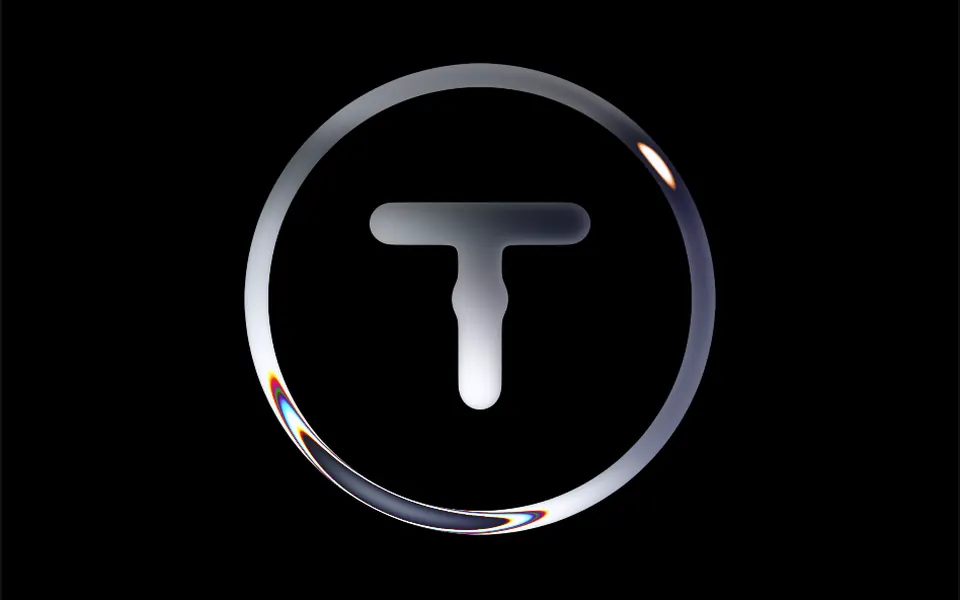
It looks like a polished chrome piece reflecting a moving sky. The logo shape gains volume, higher in the middle and thinner at the edges, and bands of white and near-black gray run across it like reflections on wet metal. The bands slide slowly and ripple gently, and the edges split the colors slightly, like thick glass. Outside the shape, the background stays transparent. While the logo is being prepared, a processing notice appears; after that, the animation loops continuously.
You may be looking for this if you asked for something like
- my logo with a moving liquid metal effect
- an animated chrome logo for the site intro
- that mirror logo effect that looks like mercury
- make my brand mark look like shiny polished metal
- a logo animation for the product launch screen
- a liquid effect over my logo without using video
Also known as
- liquid metal logo
- chrome logo effect
- mercury effect
- logo shader
- animated metallic logo
When to use
- A brand opener or launch screen with the logo front and center
- An agency, studio or premium product presentation page
- An about section where the logo is the main element
- Events and campaigns with a metallic or futuristic look
When to avoid
- Logos with fine details or small text, which get lost in the effect
- Pages that already run another WebGL effect, or audiences on old phones
- Brands that must keep the original logo colors
How to ask your AI
Create a WebGL2 liquid metal effect over my brand logo in the site intro: chrome reflections flowing slowly, adjustable metal colors, a pause when it leaves the screen and a still logo image for reduced motion and browsers without WebGL2.
With THM Componentes, you paste the full prompt from the catalog together with this component's code, and the AI reproduces this exact effect instead of improvising.
Questions about Medalha
What kind of image does Medalha accept?
Medalha reads the shape from the image: white or transparent pixels become background and everything else becomes metal. It works with single-color SVG or PNG logos with solid shapes. The original logo colors do not show in the result, because the shader paints everything in metal tones.
Will Medalha slow down my site?
It can. Medalha processes the logo shape in the browser before starting, runs a WebGL2 shader frame after frame and draws on a high-resolution canvas. It is rated Heavy in THM Componentes: use one per page, and the prompt tells your AI to load it on demand and pause the animation off screen.
Does Medalha respect reduced motion settings?
The original code of Medalha always animates and does not read that preference. The THM Componentes prompt asks your AI for a static version for visitors who turn on reduced motion, which here can be a still image of the metallic logo or the plain SVG logo instead of the canvas.