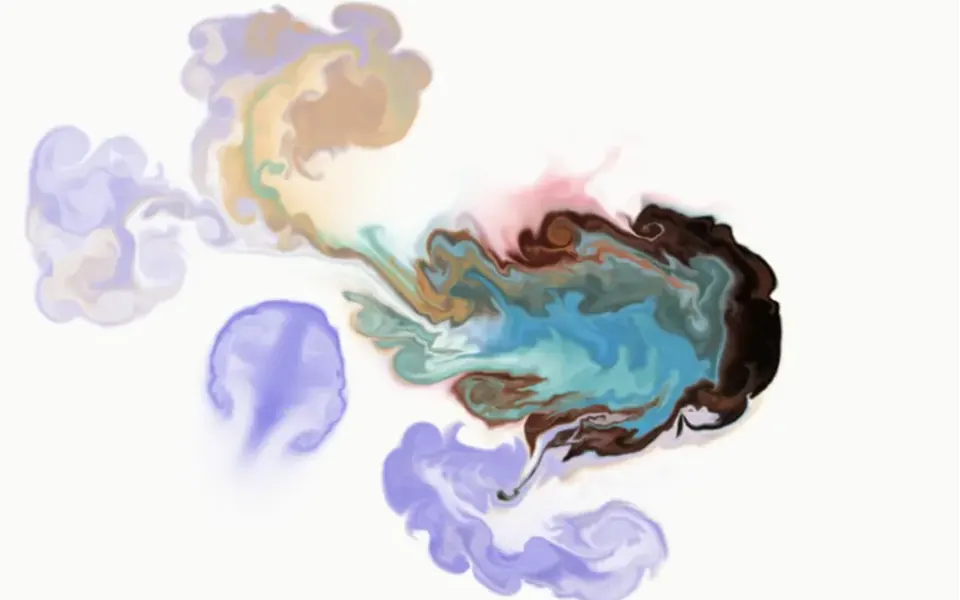
What it looks like
It looks like colored light shining through a silk curtain, out of focus. Four patches of color, indigo, cyan, lavender and an off-white, sit near the corners and wander in slow orbits, while the plane bends like water and makes the borders ripple. Transitions stay clean, without muddy tones, and a fine film grain flickers on top like an analog photo. It does not react to the mouse: it is a calm ambient background that fills its parent element and keeps your content on top.
You may be looking for this if you asked for something like
- a background with colors slowly blending, like a living gradient
- that colorful gradient with a grainy old-photo texture
- a moving gradient for the top of my site that stays light
- soft colors like a new phone wallpaper, but animated
- a gradient that changes by itself for a presentation cover
- an elegant blue and lilac background for the call-to-action section
- a fluid color blob behind the headline, very subtle
Also known as
- mesh gradient
- animated gradient background
- grainy gradient
- fluid gradient
- gradient mesh background
- OKLab gradient
When to use
- A SaaS, fintech or digital product hero that needs a refined mood
- A call-to-action section with a short headline
- Presentation, report or event page covers
- Pages where a heavy 3D effect would be overkill
When to avoid
- When you want interaction: the gradient does not react to mouse or touch
- Long text blocks over the darker areas, unless you check contrast
How to ask your AI
Create a WebGL mesh gradient background for the hero: four of my brand colors drifting slowly, OKLab blending without muddy tones, subtle film grain, paused when off screen, a still version for reduced motion and good contrast with the headline.
With THM Componentes, you paste the full prompt from the catalog, which already includes this component's source code, and the AI reproduces this exact effect instead of improvising.
Questions about Lusco-fusco
Will Lusco-fusco slow down my site?
Usually not. Lusco-fusco is rated Light in THM Componentes: it draws a single shader per frame, caps pixel density at 2 and pauses when it leaves the screen. It is a good pick when you want moving color without the cost of a simulation. Check LCP on a phone before and after.
How do I use my brand colors in Lusco-fusco?
Lusco-fusco has four color props, one per mesh point, and the THM Componentes prompt tells your AI to use your project tokens. Because blending happens in OKLab, transitions stay clean, without muddy tones. Warp, softness, speed and grain are adjustable too.
Does Lusco-fusco respect reduced motion settings?
Yes. Lusco-fusco reads the reduced motion preference on every frame: when it is on, the colors stop where they are and the film grain drops to half and stands still, leaving a static gradient. If the setting is turned off, the animation resumes without a page reload.