What it looks like
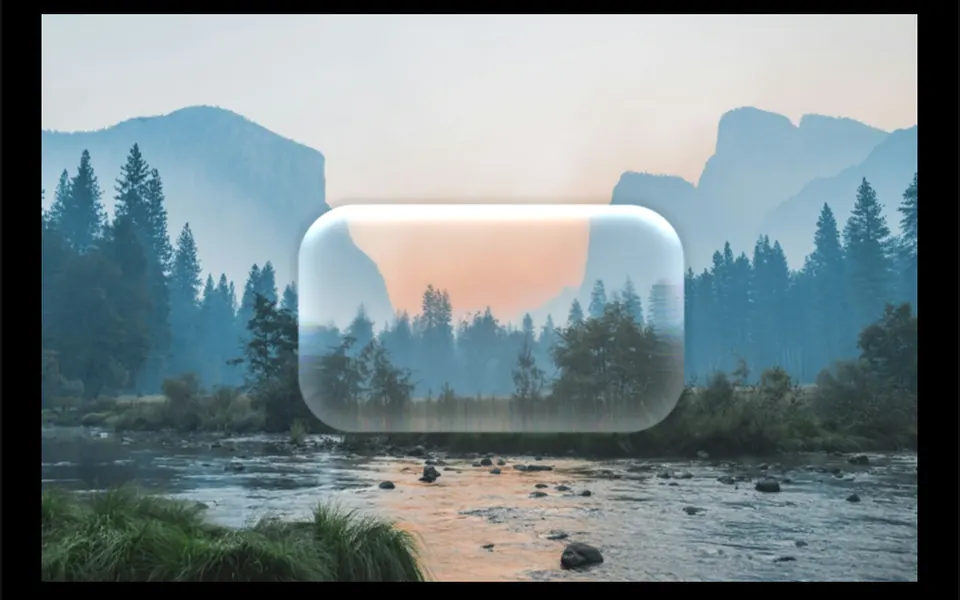
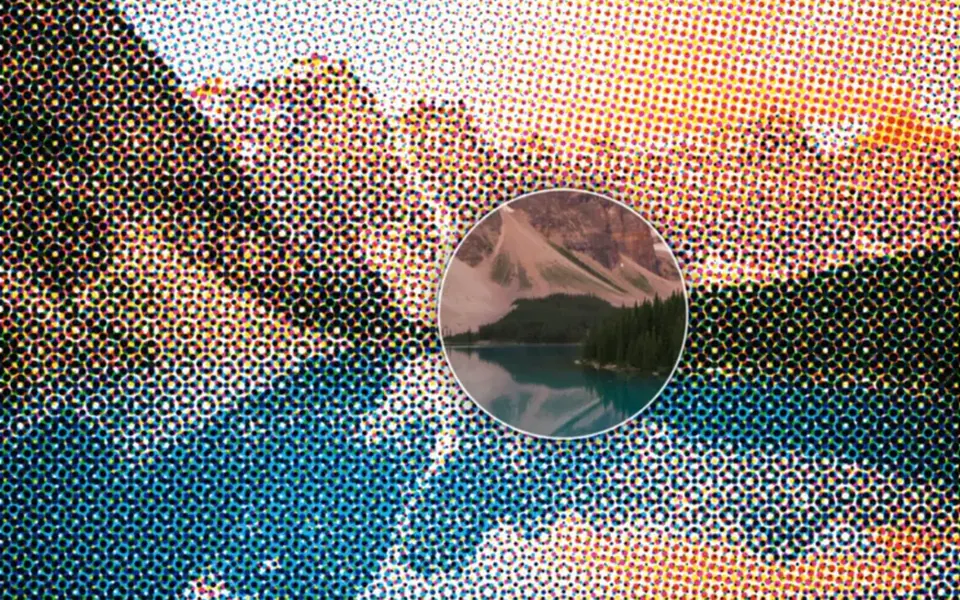
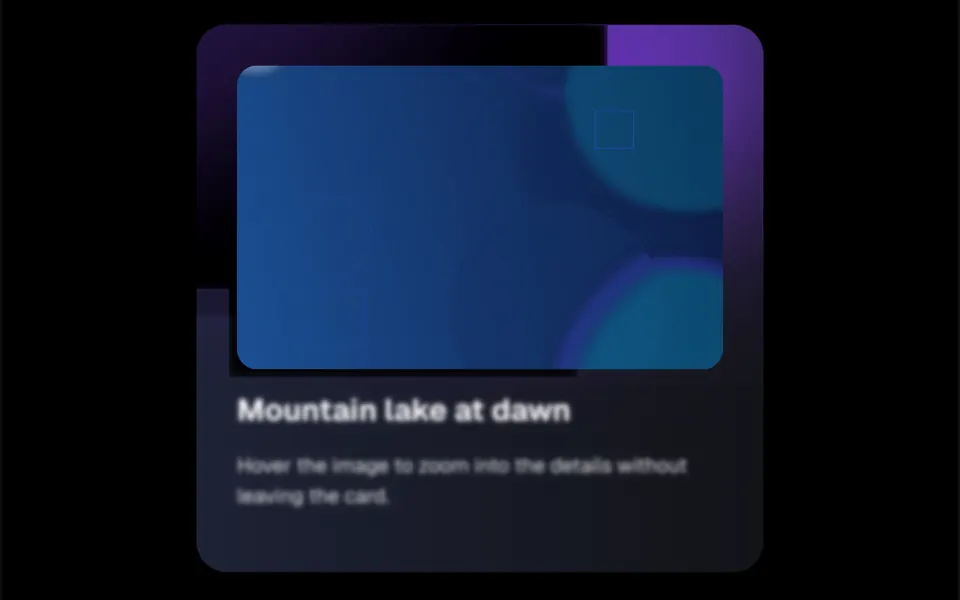
It works like a hand lens over a printed photo. When the mouse enters the area, a circle fades in, growing slightly, and follows the cursor; inside it, the same content shows up enlarged, with the point under the pointer staying put and its surroundings magnified. Outside it, the image stays as it is. When the mouse leaves, the lens disappears. Diameter and zoom default to 170 pixels and 1.5 times, and a static mode keeps the lens visible at a chosen spot. In the demo, the photo sits in a dark card with purple light rays, and the text below blurs while the lens is active.
You may be looking for this if you asked for something like
- a magnifier to see product photo details on hover
- zoom into the image when I move the cursor over it
- a magnifying circle that follows the mouse over a picture
- show the details of a floor plan without opening another page
- a magnifying glass effect on images for an online store
- enlarge part of a chart or a technical drawing with the mouse
Also known as
- image magnifier
- zoom on hover
- magnifying glass effect
- hover zoom
- loupe effect
- image zoom lens
When to use
- Product photos where texture, finish or stitching matters
- Floor plans, maps and technical images with small details
- Photography, illustration or architecture portfolios
- Exam images and visual reports that need close inspection
When to avoid
- Sites visited mostly on phones, since the lens depends on a mouse
- Small or low-resolution images, which turn blurry when enlarged
How to ask your AI
Add an image magnifier to the product photo: on hover, a circle follows the cursor and shows that area at 2x zoom, with a touch alternative on mobile, a version without animation for reduced motion and descriptive alt text.
With THM Componentes, you paste the full prompt from the catalog together with this component's code, and the AI reproduces this exact effect instead of improvising.
Questions about Monóculo
Does Monóculo work on phones?
Monóculo is built for the mouse: it reacts to the cursor entering, moving over and leaving the area, and has no touch events of its own. On phones, the result depends on how each browser translates taps. If your audience is mostly mobile, ask your AI for a touch mode or use the static mode, which keeps the lens visible in one spot.
Can Monóculo zoom into video or any other content?
Yes. Monóculo duplicates whatever you put inside it and shows the enlarged copy within the circle, so it works with a photo, a video or a block of HTML. With video, that means two video elements playing at once, which costs more; for photos, use high-resolution files so the details stay sharp.
How do I change the size and zoom of Monóculo?
Monóculo has two props for that: lensSize sets the circle diameter, 170 pixels by default, and zoomFactor sets the magnification, 1.5 by default. With isStatic, the lens stays still at the spot given in position, which helps highlight one detail without relying on the mouse.