What it looks like
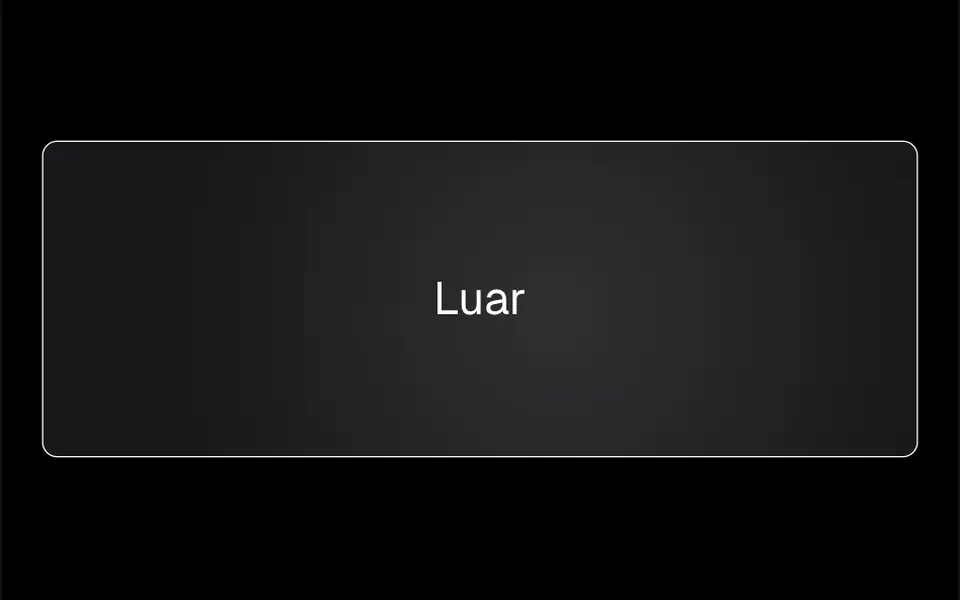
It works like a flashlight pointed at a dark wall. At rest, a message sits on a white background and a 10-pixel black dot follows the cursor. When the mouse enters the central text, the dot grows in 0.2 seconds into a 600-pixel circle, the background around it turns dark, and inside the circle the other layer appears: large white text on black. As the mouse moves, the circle travels across the sentence and shows only the lit part; when the mouse leaves the text, it shrinks back to a dot. The shape comes from an SVG image used as a mask, and the section fills the screen height.
You may be looking for this if you asked for something like
- hidden text that shows up when I move the mouse over it
- a flashlight effect that reveals another sentence in the hero
- a circle that follows the cursor and shows what is underneath
- a secret message in the hero that only appears with the mouse
- the background goes dark and a spotlight reveals text where the mouse is
- two layers of content and a hole that shows the one below
Also known as
- hidden message reveal
- flashlight effect
- spotlight reveal
- cursor reveal
- hover mask reveal
- mask reveal effect
When to use
- A campaign hero with a punchline hidden under another sentence
- A launch page that builds curiosity before revealing the product
- Portfolios and agency sites with a playful first section
- Comparing two versions of a message, such as problem and solution
When to avoid
- Sites visited mainly on phones, since the effect depends on the mouse
- Important information that should not stay hidden behind an interaction
How to ask your AI
Create a flashlight effect with an SVG mask in the hero: a circle follows the cursor and, over the headline, grows to reveal a second message underneath, in my light and dark theme colors, with both messages reachable without a mouse and a static version for reduced motion.
With THM Componentes, you paste the full prompt from the catalog together with this component's code, and the AI reproduces this exact effect instead of improvising.
Questions about Pupila
Does Pupila work on phones?
Not natively. Pupila reacts only to mouse events, such as moving the cursor and entering or leaving the text area, so with touch the second message may never appear. For mostly mobile audiences, ask your AI for an alternative, such as revealing the message on tap or showing both layers in sequence.
Can I change the colors and shape of Pupila?
Yes. Pupila's colors are hard-coded, with a white background that darkens on hover and a black layer with white text, and the THM Componentes prompt tells your AI to replace them with your project tokens. The circle shape comes from an SVG image used as a mask, and the size and revealSize props set both sizes.
Do screen readers read both messages in Pupila?
Yes, because both layers of Pupila stay in the HTML as regular text, even when one is hidden by the mask. People using a screen reader hear both sentences in a row, without the visual surprise, so order the messages so they make sense read together.