What it looks like
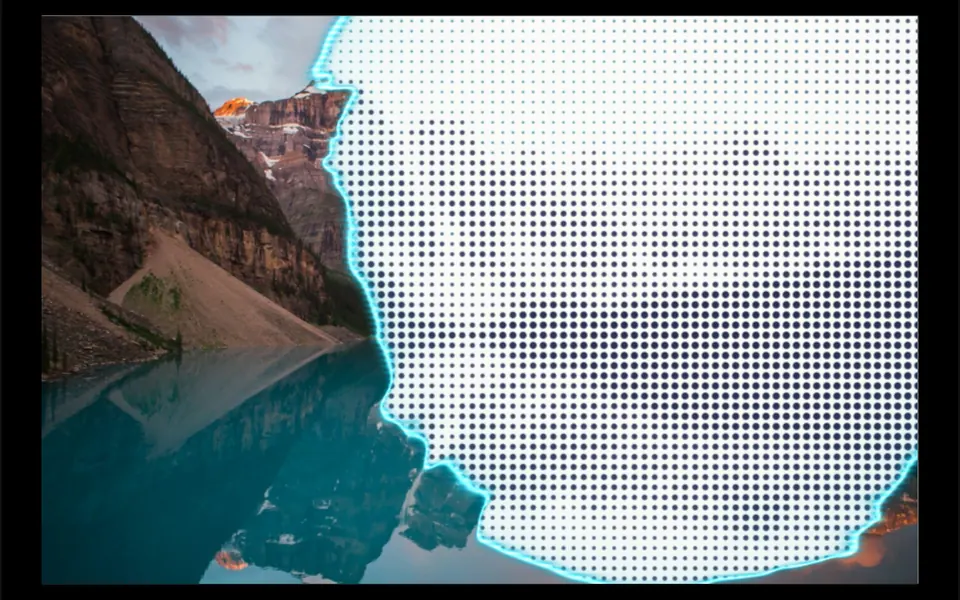
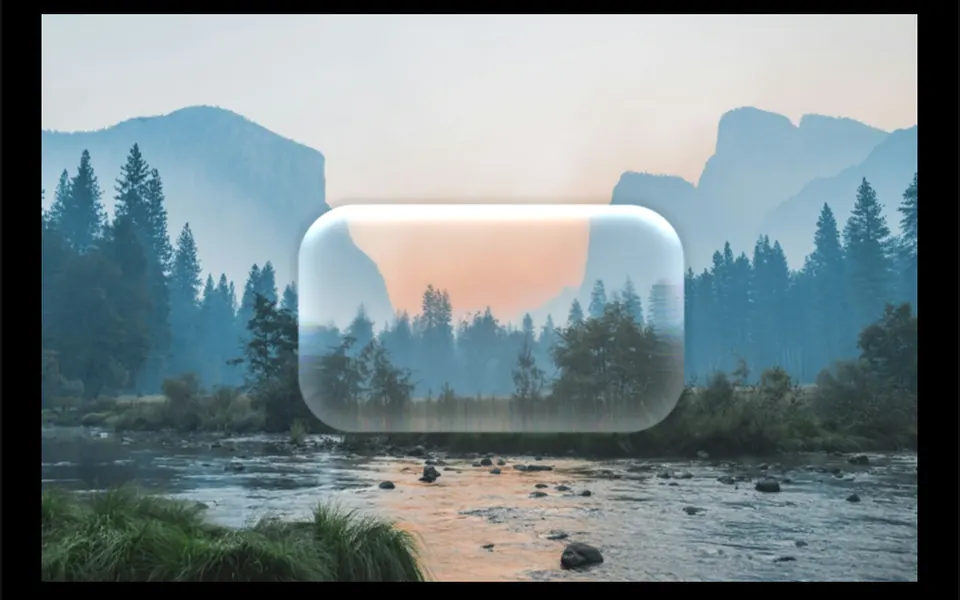
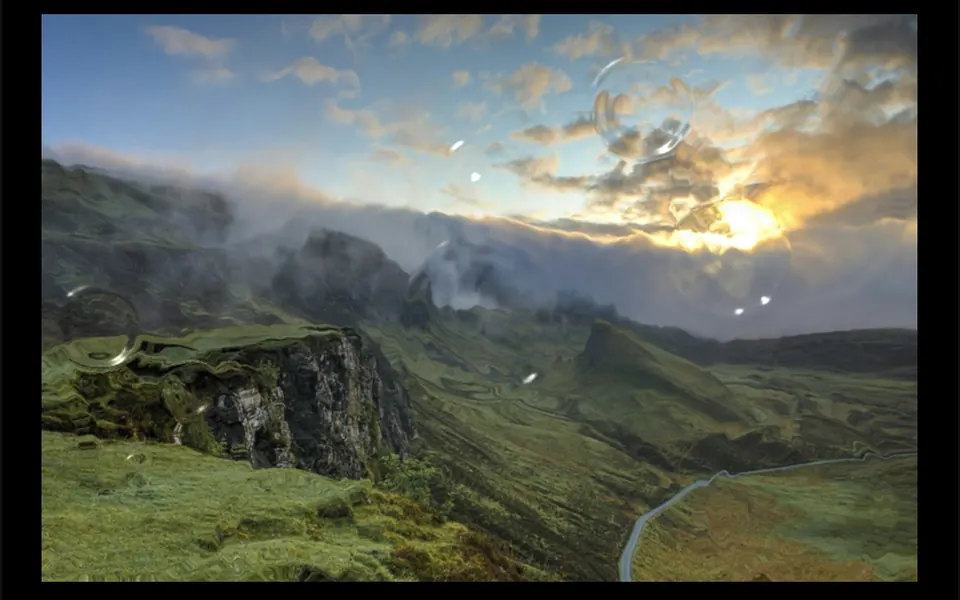
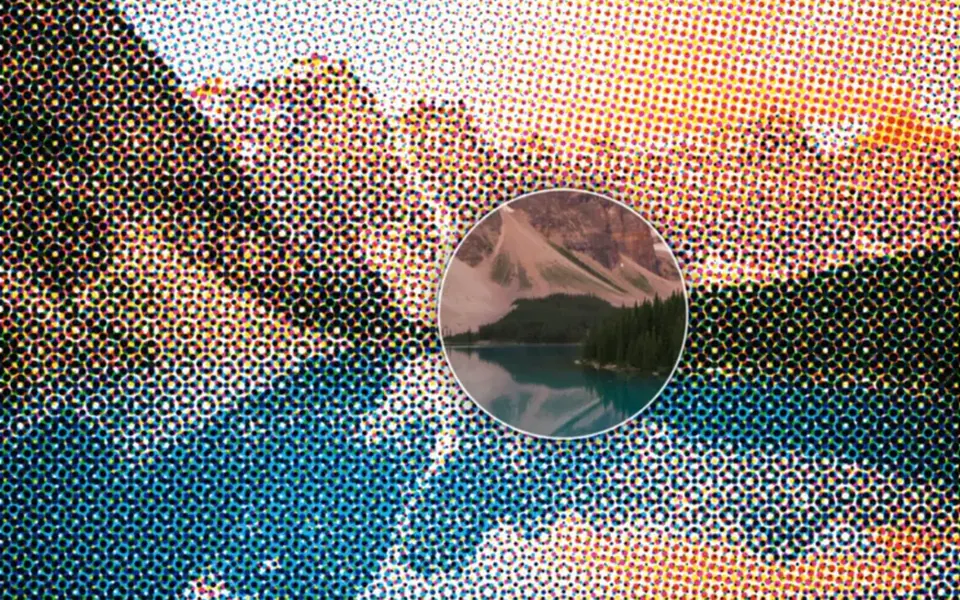
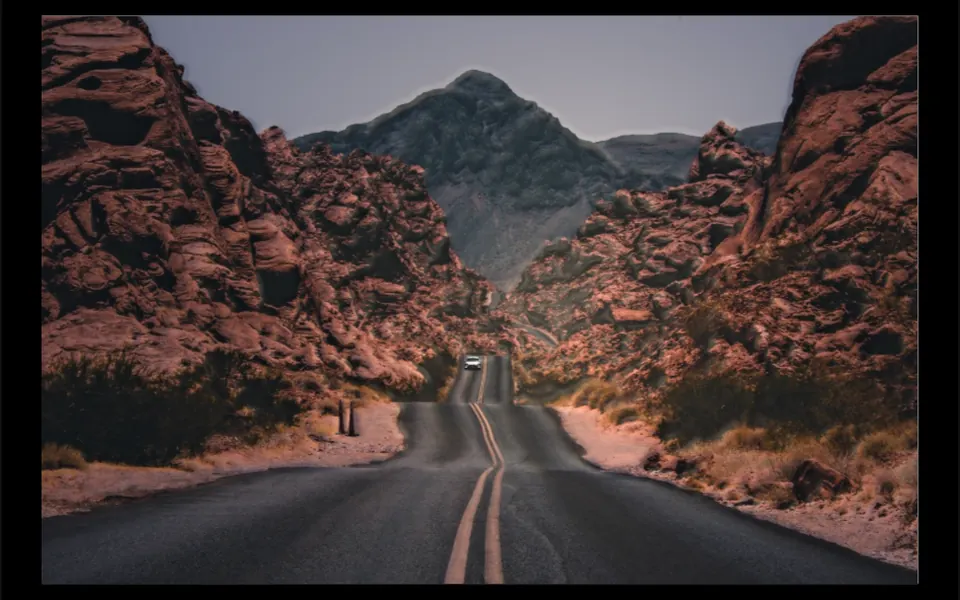
It is like sweeping a warm flashlight over a photo printed in relief, in a dim room. The image rests in a slightly bluish half-light and, where the light falls, gains color, texture and volume: bright areas seem to rise, dark ones sink, high points shine and small shadows fall away from the light. Sky and blown-out whites stay nearly flat, with no halo around outlines. The light follows the cursor smoothly and, once the cursor leaves the image, takes a slow tour of the photo. On load, the image fades in from a light background.
You may be looking for this if you asked for something like
- a photo that lights up wherever I move the mouse, like a flashlight
- a light following the cursor over the hero image
- an image with relief and shadows that change with the mouse
- give the hotel photo a cinematic mood at the top of the site
- a spotlight effect on an architecture photograph
- a dark photo that people light up with the mouse
Also known as
- mouse-following light
- relighting
- dynamic lighting
- normal map lighting
- flashlight effect
- spotlight on image
- cursor lighting
When to use
- A hotel, inn, travel or destination hero with a striking photo
- Architecture or interior design portfolios, where texture matters
- Product pages with rich surfaces such as leather, stone or wood
- Photography portfolios with a cinematic mood
When to avoid
- Photos where exact color matters, since the light changes tones and brightness
- Images from another domain without CORS enabled, which will not load as textures
How to ask your AI
Create a WebGL relighting effect on the hero photo: a relief computed from luminance and a warm point light that follows the cursor, with highlights and soft shadows. I want a still light for reduced motion, proper alt text, rendering paused off screen and the photo with a CSS vignette when WebGL is missing.
With THM Componentes, you paste the full prompt from the catalog, which already includes this component's source code, and the AI reproduces this exact effect instead of improvising.
Questions about Penumbra
Does Penumbra work without WebGL?
Yes, in a simplified form. If the browser offers neither WebGL2 nor WebGL, Penumbra shows the photo as a background and adds a dark CSS vignette that opens up around the cursor. When support exists, it uses WebGL2 and falls back to WebGL.
Does Penumbra respect reduced motion settings?
Yes. With reduced motion turned on, Penumbra's light stops wandering and stays in a fixed spot, moving only when the cursor takes it, without smoothing. The photo appears without the fade-in, and drawing stops when nothing moves. The component also stops when it leaves the screen.
Can I change the light color in Penumbra?
Yes. Penumbra has a lightColor prop, a warm cream tone by default, plus intensity, reach, relief depth, ambient light and gloss, and the THM Componentes prompt tells your AI to use your project color tokens. With relief set to zero, the photo stays flat and only the light moves.