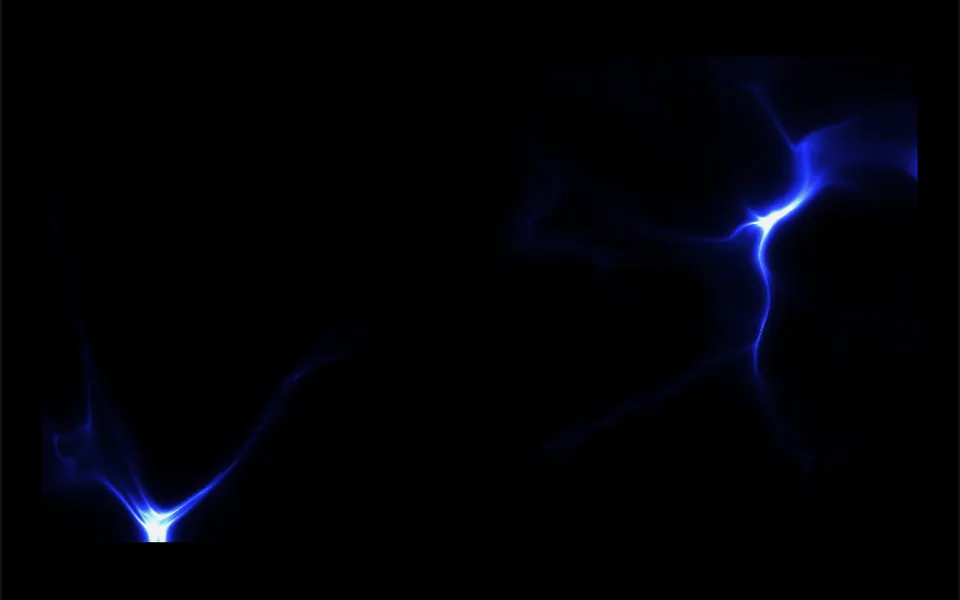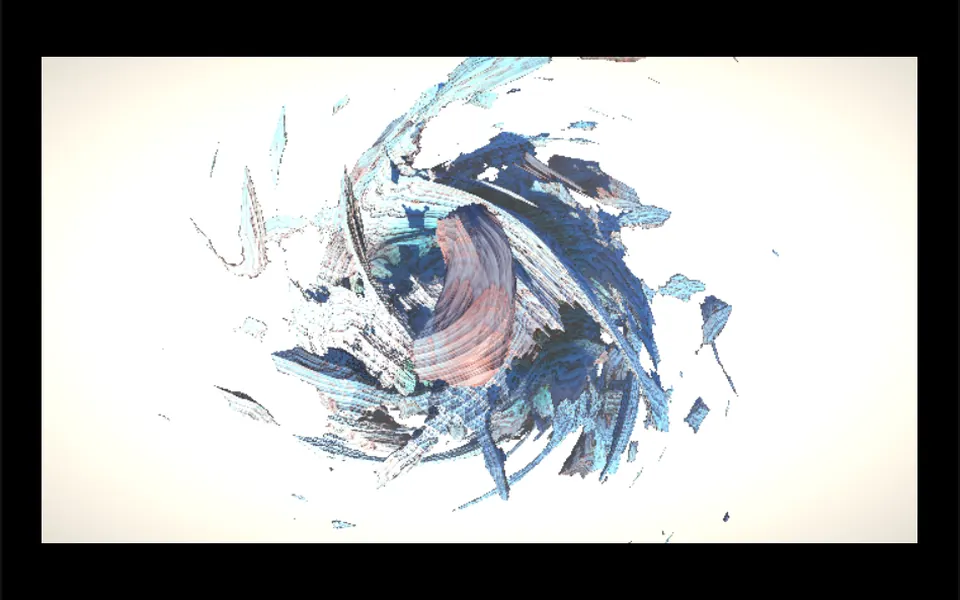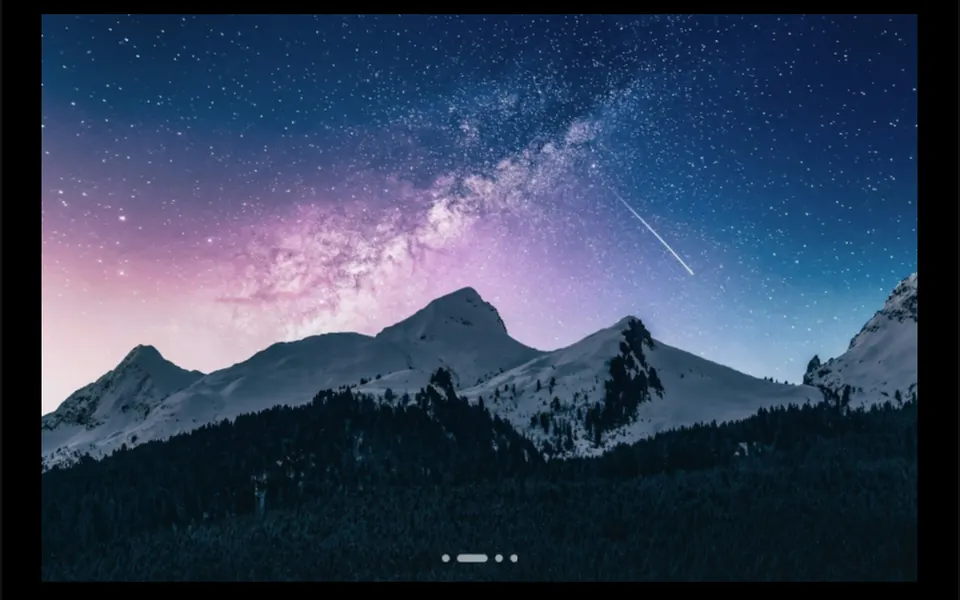
What it looks like
It is a rectangular window where the shader code itself paints every pixel on every frame. What you see depends on the shader you paste: in the demo, you can switch between a star field traveling through space, a vortex and a black hole. By default, the effect responds to mouse clicks and drags; in hover mode, it follows the cursor all the time. Hue, saturation and brightness adjust the colors of any effect, and an optional grain layer adds a film texture. When it is off screen or the tab is hidden, the animation pauses by itself.
You may be looking for this if you asked for something like
- use a ShaderToy effect as my website background
- an animated galaxy background that turns when I drag the mouse
- paste some GLSL code and see the effect running on the page
- a heavy demoscene-style visual at the top of the site
- a trippy animated background where I can change the colors
- run a fragment shader in Vue without building everything from scratch
Also known as
- GLSL shader player
- GLSL shader
- fragment shader
- WebGL shader
- shader background
- shader canvas
When to use
- A hero background with a hand-picked shader effect
- Launch, event or music pages that call for visual impact
- Prototypes to test shaders before turning them into a custom component
- Portfolios of creatives and studios working with generative art
When to avoid
- Pages that already run another WebGL effect, since the prompt allows at most one per page
- Audiences on basic devices, unless you lower resolution and frame rate
- Shaders that depend on textures or extra buffers, which this viewer does not provide
How to ask your AI
I want to run a ShaderToy-format GLSL shader as the hero background in WebGL2, with a hue shift toward my brand colors, lower resolution and frame rate on mobile, a pause when off screen, a still image for reduced motion and a fallback for browsers without WebGL2.
With THM Componentes, you paste the full prompt from the catalog together with this component's code, and the AI reproduces this exact effect instead of improvising.
Questions about Caleidoscópio
Does every ShaderToy shader work in Caleidoscópio?
Single-pass shaders that define the mainImage function and use the standard time, resolution, frame, date and mouse inputs work. Caleidoscópio does not declare texture inputs or extra buffers, so effects that depend on them need adapting. Custom uniforms can be passed through the uniforms prop.
Will Caleidoscópio slow down my site?
It can, which is why it is rated Heavy in THM Componentes: the cost depends on the shader, since it runs for every pixel on every frame. Caleidoscópio pauses by itself off screen and when the tab is hidden, and offers props to cap the frame rate and lower the resolution. The prompt asks for on-demand loading and only one such effect per page.
Does Caleidoscópio work on phones?
It works on devices with WebGL2. Caleidoscópio understands taps and finger drags, but it blocks page scrolling while the finger is on it; for a background, turn off the interactive prop so touches pass through. Without WebGL2, it emits an error event, and your code should show an image instead.