What it looks like
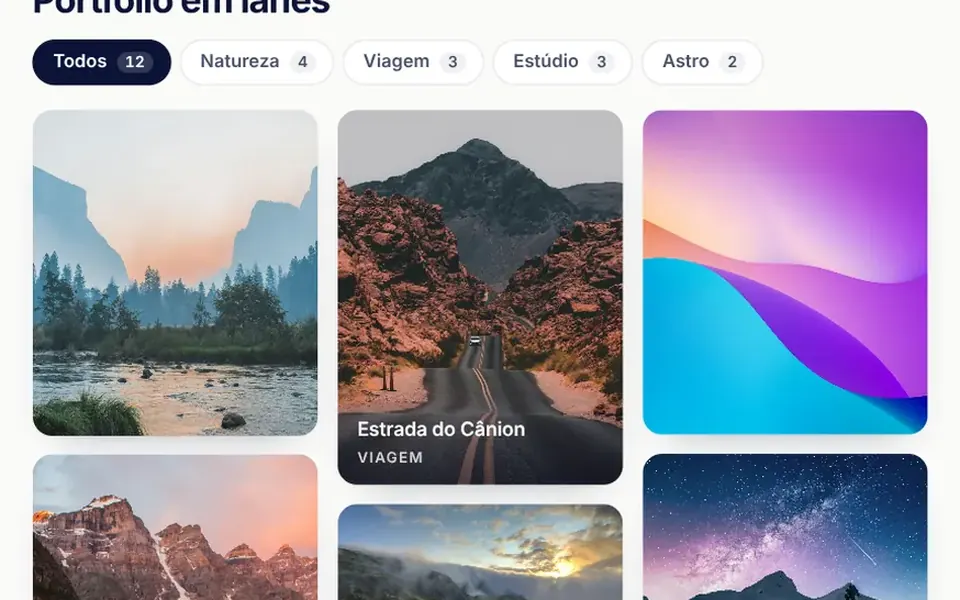
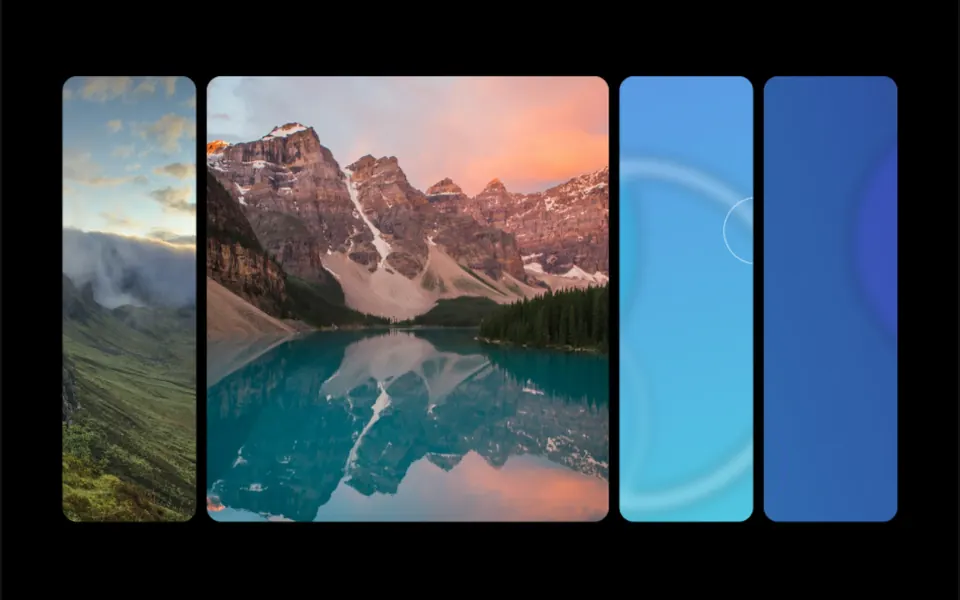
It recalls opening a photo in a phone's gallery app: instead of the screen flashing, the thumbnail grows into place. The gallery shows cards with a rounded photo, a category, a year and a title. On click, the photo stretches into the large detail image and the title travels to the heading, while the category badge, text, location, year and back button appear right after, rising slightly. Going back reverses the path and the photo shrinks into its original card. On hover, the card photo grows a little.
You may be looking for this if you asked for something like
- a card that opens into the detail page without the screen flashing
- an app-like transition between the list and the product
- a gallery photo that grows to fill the screen when I click it
- a portfolio where each project opens with a continuous animation
- a product catalog with a smooth transition to the item page
- that effect where the image travels from one spot to another
Also known as
- view transition
- View Transitions API
- shared element transition
- card expand animation
- FLIP animation
- page transition
When to use
- A portfolio with a detail page for each project
- A product catalog that opens each item's details
- A list of case studies, articles or listings with a detail view
- Galleries where keeping context between list and detail helps navigation
When to avoid
- When each detail needs its own address: the switch happens inside the component, without a route change
- Long, dense lists such as tables, where people compare items side by side
How to ask your AI
Create a card gallery that expands into a detail view with the View Transitions API: the card photo and title travel into the detail, with a FLIP fallback, Escape to go back, focus returning to the card and an instant switch for people who prefer reduced motion.
With THM Componentes, you paste the full prompt from the catalog, which already includes this component's source code, and the AI reproduces this exact effect instead of improvising.
Questions about Translado
Does Translado work without the View Transitions API?
Yes. Translado checks whether the browser has the View Transitions API; when it does not, it runs the same idea as a FLIP animation with the Web Animations API, measuring the photo and title before and after the switch. The forceFallback prop forces that mode for testing. The transition name goes only to the active card, which avoids conflicts on the page.
Can I use Translado with a keyboard?
Yes. Each card in Translado is a button: Enter or Space open the detail and focus moves to the back button. Escape or that button close it and focus returns to the original card, which keeps keyboard and screen reader users in place. With reduced motion on, the switch is instant, with no animation.
Does Translado change the URL or route in Nuxt?
No. In Translado, the gallery and the detail live inside the component itself, without changing route or address. If each item needs its own page in Nuxt, ask your AI to bring the same transition to route navigation, keeping the transition name only on the clicked card.