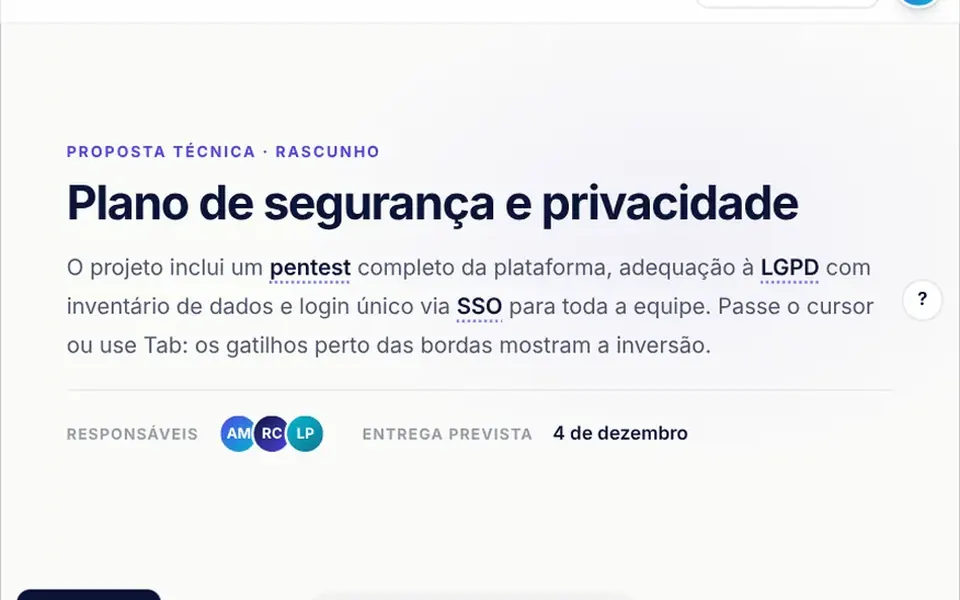
What it looks like
Imagine a card lying flat on a table that someone lifts until it faces you. When the button is clicked, the page behind dims and blurs, and the panel appears small, almost flat and slightly below center; then it tilts up, grows and settles in the middle of the screen with a gentle spring wobble. The panel has rounded corners, is up to 720 pixels wide and has an X in the top right corner that grows on hover. In light mode it is white; in dark mode, near black with a gray border. The optional footer is gray. On close, the panel shrinks and fades out.
You may be looking for this if you asked for something like
- a pop-up window that opens with a nice animation
- a box that appears in the middle of the screen with the background blurred
- a modal that flips in with a 3D effect when I click a button
- show plan details in a window without leaving the page
- a booking popup that feels like a premium app
- a window that closes when I press Esc or click outside
- a form that opens on top of the site with some motion
Also known as
- tilt-in modal
- modal dialog
- pop-up window
- dialog box
- 3D modal
- overlay dialog
When to use
- Plan or product details without taking people off the page
- A short booking, contact or sign-up form
- Confirming an important action, with Cancel and Confirm in the footer
- Launch notes or announcements that deserve a brief spotlight
When to avoid
- Long content: the panel caps at 85% of the screen height and, as is, clips anything beyond that
- Pop-ups that open by themselves on page load, which annoy visitors and get in the way
How to ask your AI
Create a modal with an animated 3D entrance for the plan details: the panel tilts up with a spring over a blurred backdrop, closes with Esc and an outside click, returns focus to the button, traps Tab inside the dialog and has a no-animation version for reduced motion.
With THM Componentes, you paste the full prompt from the catalog together with this component's code, and the AI reproduces this exact effect instead of improvising.
Questions about Postal
Does Postal work with the keyboard and screen readers?
Mostly. Postal closes with Esc, uses role dialog with aria-modal, moves focus to the panel on open and returns it to the original button on close, and the X has an accessible label. The code does not trap Tab inside the window, so ask your AI to add a focus trap and a title linked with aria-labelledby.
Can I open Postal from code, without a button?
Yes. Postal accepts v-model:open to control the window from outside, plus defaultOpen for the initial state, and exposes openModal, closeModal and toggle through its slot or the useAnimatedModal composable. That way the window can open after a form submission or at the end of a step.
Does Postal work on phones?
It does. On phones, Postal takes the screen width minus a 16-pixel margin on each side, closes when you tap outside the panel and locks page scrolling while open. Since its maximum height is 85% of the screen and overflow is clipped, long content needs an inner scroll area.